


Description
Capturra Action Drive Kit 1TB
Automated Digital Media Duplication, Evidence Offloading & Portable Case Storage
The Capturra Action Drive Kit is a portable 1TB digital media duplication and storage system designed to reduce the manual work involved in collecting, offloading and organizing photo and video content from accessible digital devices and storage media.
Rather than functioning as a general-purpose forensic imaging platform, CAPKIT focuses on a specific operational problem: finding and duplicating multimedia content from a connected source, then moving that working dataset onto portable storage for subsequent review, investigation or archiving.
PBN-TEC describes the system as an automatic processing solution for photo and video content, with particular emphasis on smartphones, surveillance storage, SD cards and other digital devices that can expose accessible directories through a Windows or Mac computer.
Technology Category
Primary Category: Digital Evidence Collection & Media Duplication
Secondary Category: Evidence Offloading & Portable Case Storage
Investigation Function: Automated Photo & Video Duplication, Media Discovery & Evidence Offloading
Evidence Source: Smartphones, Computers, SD Cards, Surveillance Storage & Accessible Digital Media
Supported Environment: Windows 7, 8, 10, 11 and macOS 10.12 or newer
What CAPKIT Actually Does
CAPKIT combines a portable 1TB storage drive with duplication software and connectivity accessories to automate a media-focused collection workflow.
Its core function is to identify accessible photo and video content within a selected source and duplicate that content onto the Capturra drive. PBN-TEC specifically describes use across standard media directories as well as multimedia directories associated with applications and cache locations.
Automated Multimedia Duplication
CAPKIT can be configured to locate and duplicate photo and video content rather than requiring an investigator to manually browse every accessible directory.
This is particularly relevant when multimedia files are distributed across:
- Standard device photo and video directories
- Application-specific multimedia directories
- Accessible cache directories
- Accessible cloud-synchronized directories exposed through the connected computer
- SD cards and removable storage
- Surveillance-device storage
- Other accessible storage locations
The software is designed around content discovery and duplication, not unrestricted access to every form of data stored on a device.
Device-Specific Organization
The system can automatically create a folder structure for processed devices, helping separate duplicated datasets when multiple sources are handled during an investigation.
This makes CAPKIT useful where investigators need to process several devices or storage sources without manually reorganizing every media file after collection.
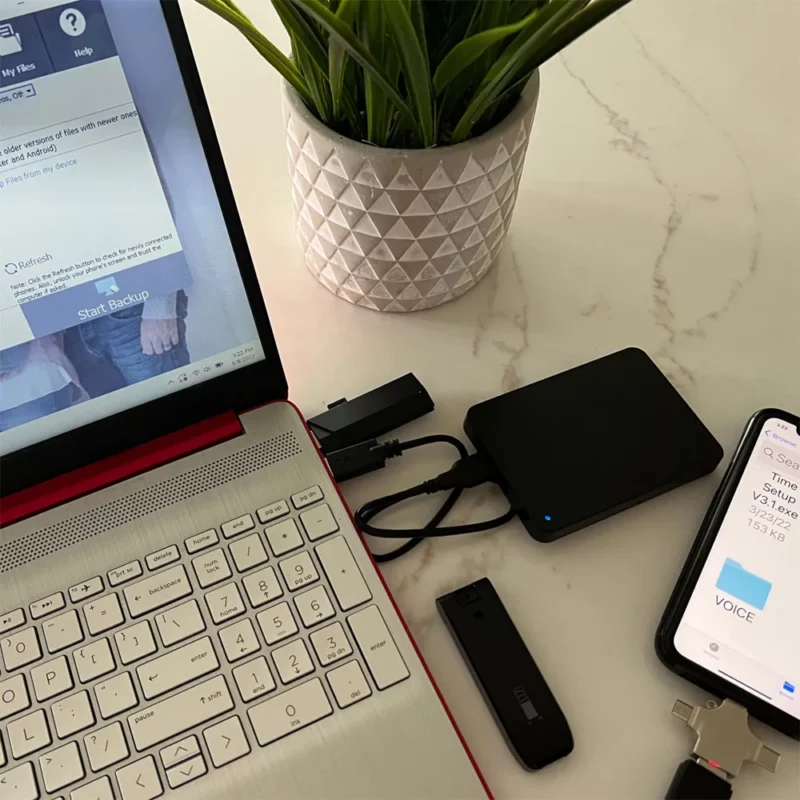
Smartphone Photo & Video Collection
Smartphones can distribute multimedia content across multiple directories and applications.
CAPKIT is designed to reduce the manual searching involved in locating accessible image and video content by scanning relevant directories exposed through the connected computer.
PBN-TEC specifically identifies iPhone and Android smartphones as supported use cases when they can be connected to a Windows or Mac computer and their accessible storage is exposed to the host system.
Important: CAPKIT should not be interpreted as a universal mobile-device extraction platform. It focuses on accessible multimedia content; other mobile artifacts may require dedicated mobile investigation tools.
Surveillance Media Offloading
CAPKIT can also function as a field-oriented offloading system for surveillance media.
The included USB 3.0 card reader is intended to accelerate transfers from removable media such as SD cards, while the 1TB drive provides portable destination storage for collected media. PBN-TEC specifically positions the system for offloading content from surveillance equipment and storage cards.
This can help investigators:
- Free storage capacity on surveillance equipment
- Transfer large photo/video datasets to portable storage
- Consolidate media from multiple sources
- Prepare datasets for subsequent examination
- Reduce repetitive manual file-transfer work
Digital Sweep & Media Discovery
CAPKIT can be used as a focused digital media sweep when the investigative objective is to identify and duplicate accessible photo/video content from a source.
The emphasis is therefore on:
Source → Accessible Directories → Multimedia Discovery → Automated Duplication → Portable Case Dataset → Examination
This is different from a full forensic acquisition workflow, where the acquisition method, hashing, documentation, verification and preservation procedures must be controlled according to the examiner’s organizational requirements.
1TB Portable Case Storage
The integrated 1TB drive provides the destination for duplicated datasets and can also be used for offline storage of collected media.
PBN-TEC states that the drive can hold more than 200,000 images when calculated using an approximately 3 MB average image size, and more than 160 hours of HD video under its stated assumptions. Actual capacity varies substantially with file size, codec, resolution, metadata and other content characteristics.
Included Connectivity & Field Accessories
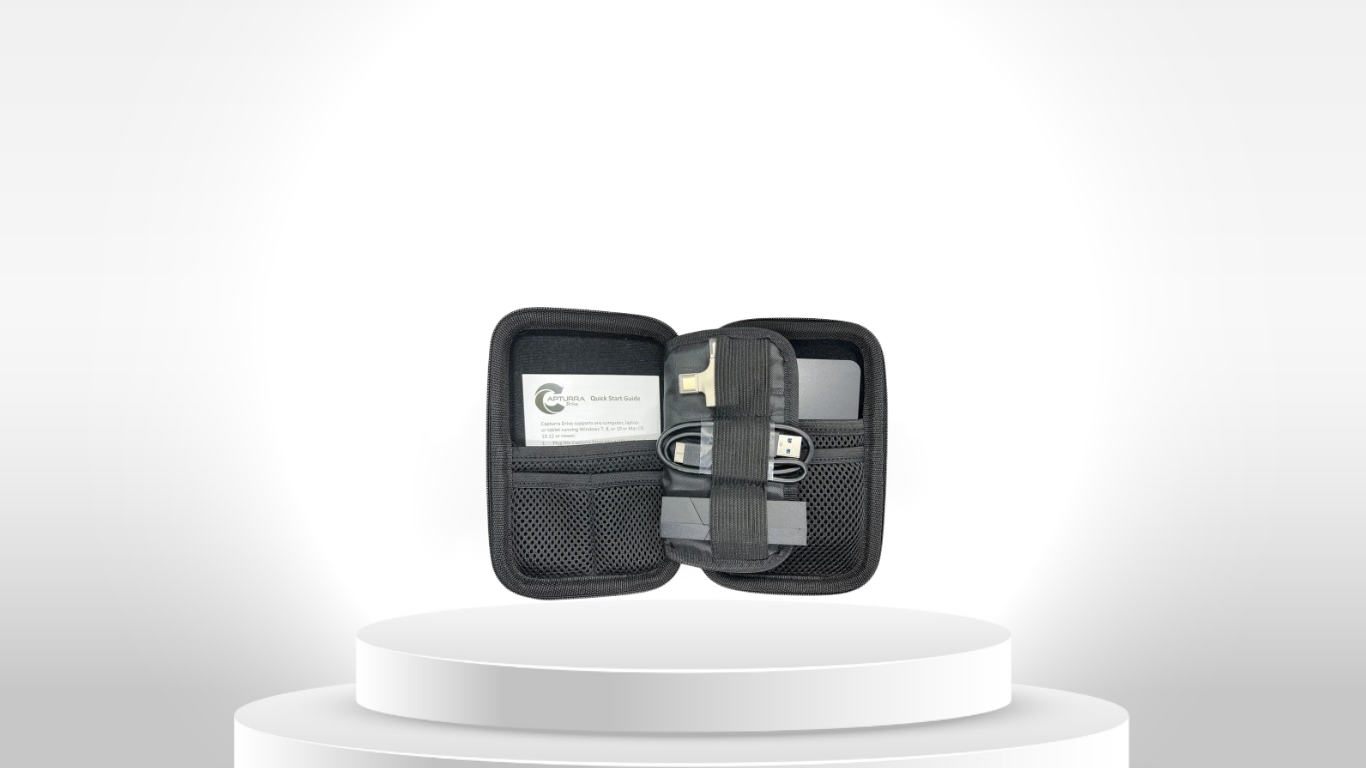
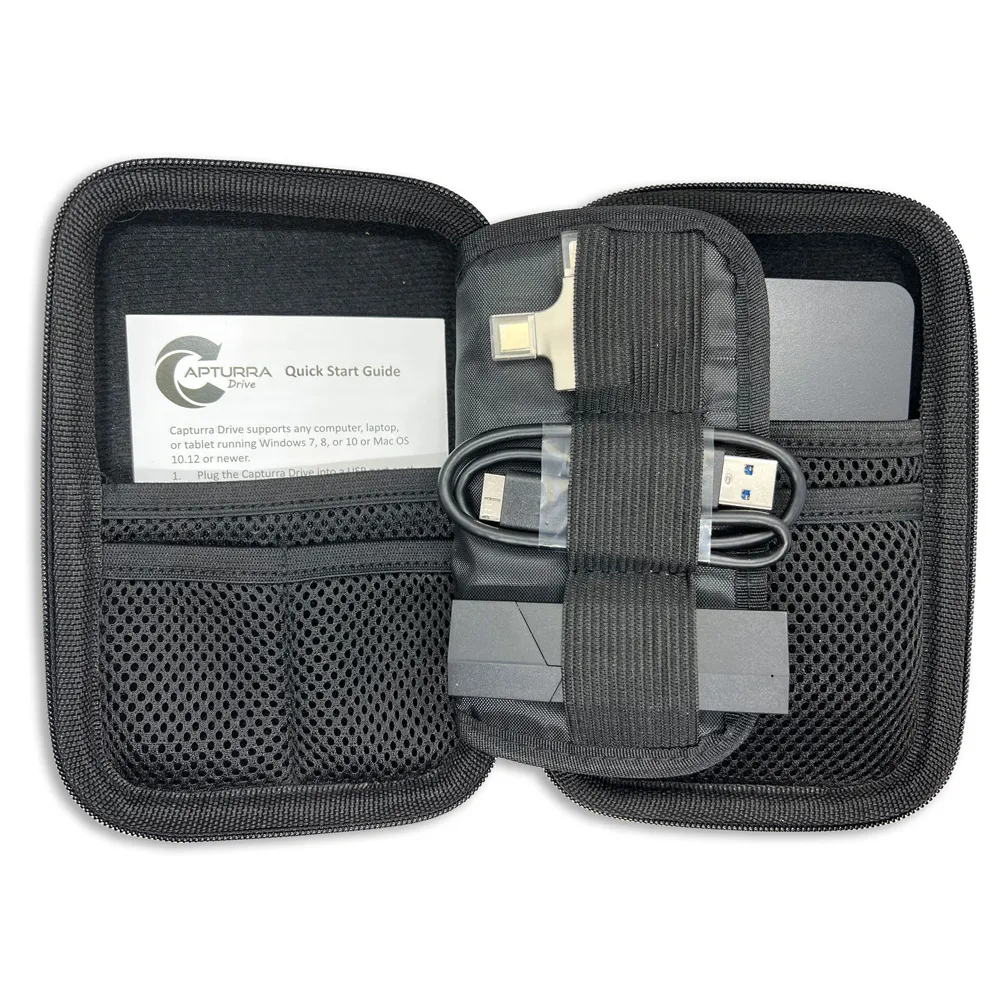
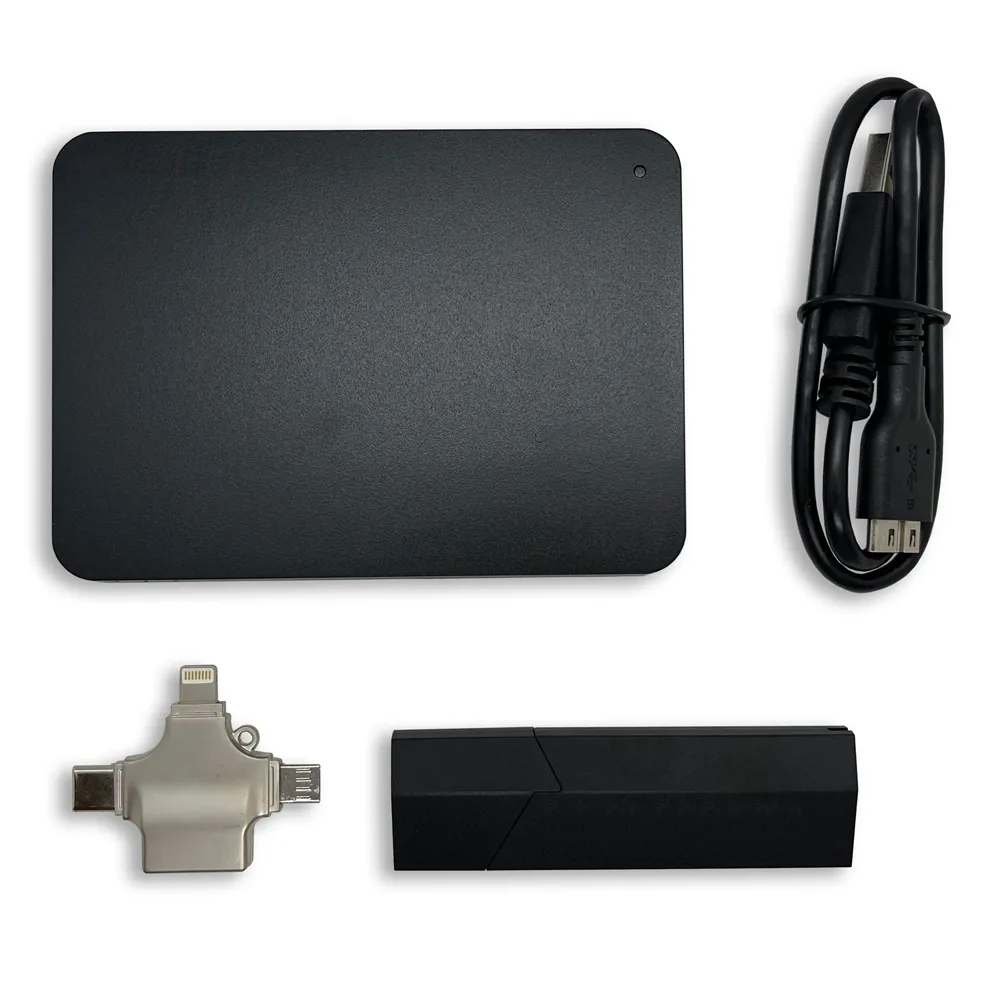
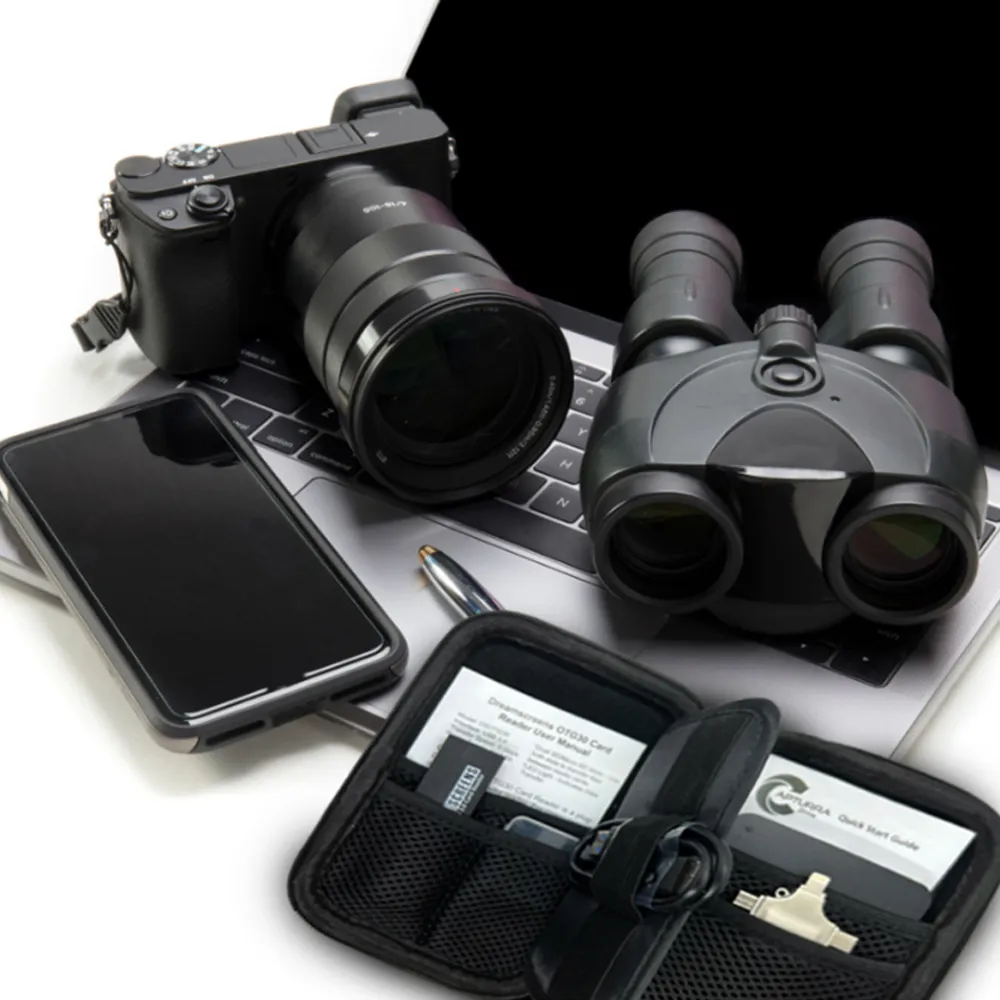
The CAPKIT includes:
- Capturra Action Drive 1TB external USB drive
- Capturra duplication software
- USB 3.0 media/card reader
- 3-in-1 OTG adapter with Apple Lightning, USB-C and Micro USB connectivity
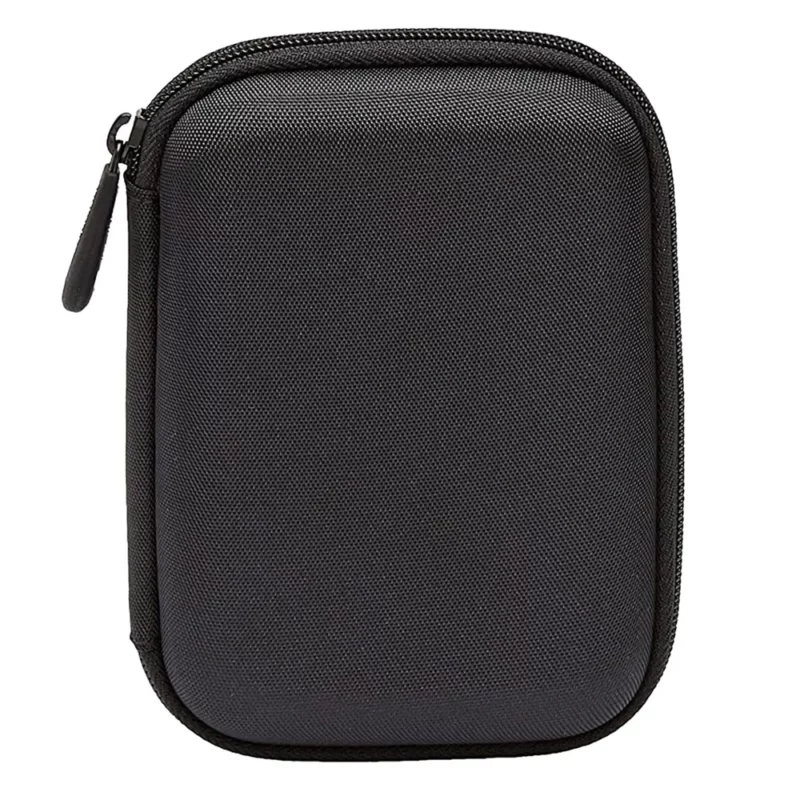
- Hard-shell carrying case
The accessory set is intended to support collection from smartphones, removable storage and other compatible digital-media sources.
Operational Workflow
1. Identify the Source
Determine the digital device, SD card, surveillance storage or other media source to be processed and establish appropriate authority for collection.
2. Connect the Source
Connect the source to a compatible Windows or Mac computer using the appropriate interface or reader.
3. Connect CAPKIT
Connect the Capturra Action Drive to the same computer and select the accessible source directory.
4. Select the Media Duplication Workflow
Use the Capturra software to identify and duplicate supported photo/video content.
5. Organize the Dataset
CAPKIT can create device-specific folders and avoid duplicating content already present on the drive according to the manufacturer’s workflow.
6. Secure the Working Dataset
Retain the resulting dataset on the Capturra drive or transfer it into the organization’s approved evidence-storage environment.
7. Examine & Analyze
Use appropriate digital investigation, multimedia examination or forensic-analysis tools for subsequent examination.
Evidence Handling Boundary
CAPKIT can support the collection, duplication and storage stages of a digital investigation, but the device itself should not be represented as automatically providing every control associated with forensic acquisition.
The published product information does not specify built-in acquisition hashing, write-blocking, forensic container creation, automated chain-of-custody documentation or forensic-image verification.
Organizations using CAPKIT for evidential material should therefore apply their own evidence-handling procedures, including documentation, hashing and chain-of-custody controls where required. SWGDE guidance treats these controls as distinct parts of digital-evidence handling.
Who Is CAPKIT Designed For?
Private Investigators & Investigation Agencies
For investigators who routinely collect large quantities of photographs and video and need a faster method of organizing accessible multimedia content.
Law Enforcement & Security Teams
For field collection and offloading of relevant multimedia from compatible devices, surveillance systems and removable media.
Corporate Investigation Teams
For authorized workplace, compliance, incident-response or internal investigation workflows involving company-owned or otherwise lawfully accessible digital media.
Digital Investigation Service Providers
For investigators who need a portable multimedia duplication layer that can feed datasets into subsequent examination workflows.
Surveillance & Security Operations
For transferring large volumes of surveillance footage from compatible storage media without relying on third-party cloud storage.
Technical FAQ
Is CAPKIT a forensic imaging system?
No. CAPKIT is primarily a multimedia duplication, offloading and storage system. It is designed to locate and duplicate accessible photo/video content rather than create a complete forensic image of an entire storage device.
Can CAPKIT copy data from an iPhone or Android device?
It can process accessible photo and video directories from supported smartphones when the device is connected to a Windows or Mac computer and exposes the relevant storage to the host system. It should not be treated as a universal mobile forensic extraction solution.
Can CAPKIT search application directories?
According to PBN-TEC, the software can search multimedia directories associated with applications and accessible cache locations when those directories are exposed to the connected computer.
Can CAPKIT process surveillance footage?
Yes, CAPKIT is designed to offload large photo/video datasets from compatible surveillance storage and removable media. The included USB 3.0 reader is intended to facilitate faster transfer from compatible SD cards.
Does CAPKIT recover deleted files?
CAPKIT is positioned for duplication of accessible content. It should not be marketed as a deleted-file recovery tool. Deleted-data recovery requires a separate recovery or forensic examination workflow.
Does CAPKIT create a complete copy of a smartphone?
No. The product is focused on accessible multimedia content. A complete logical, filesystem or physical mobile acquisition requires appropriate mobile forensic tooling and procedures.
Does CAPKIT automatically create forensic hashes?
No such built-in hashing capability is specified in the published product documentation reviewed for this product.
Does CAPKIT automatically establish chain of custody?
No. Chain-of-custody documentation remains an organizational evidence-handling responsibility and is not identified as an automated CAPKIT function.
Is CAPKIT cloud-based?
No. PBN-TEC positions the 1TB drive as an offline/cold-storage destination, reducing reliance on third-party cloud storage for the duplicated dataset.
How long does the software license last?
PBN-TEC states that use is unlimited with free lifetime updates.

Reviews
There are no reviews yet.