


Description
Phone Recovery Stick for Android OS | Mobile Data Extraction
Android OS Mobile Data Extraction & Artefact Discovery
The Phone Recovery Stick for Android is a dedicated mobile investigation utility designed to access, collect, and review available digital information from supported Android smartphones and tablets where lawful access and valid device credentials are available.
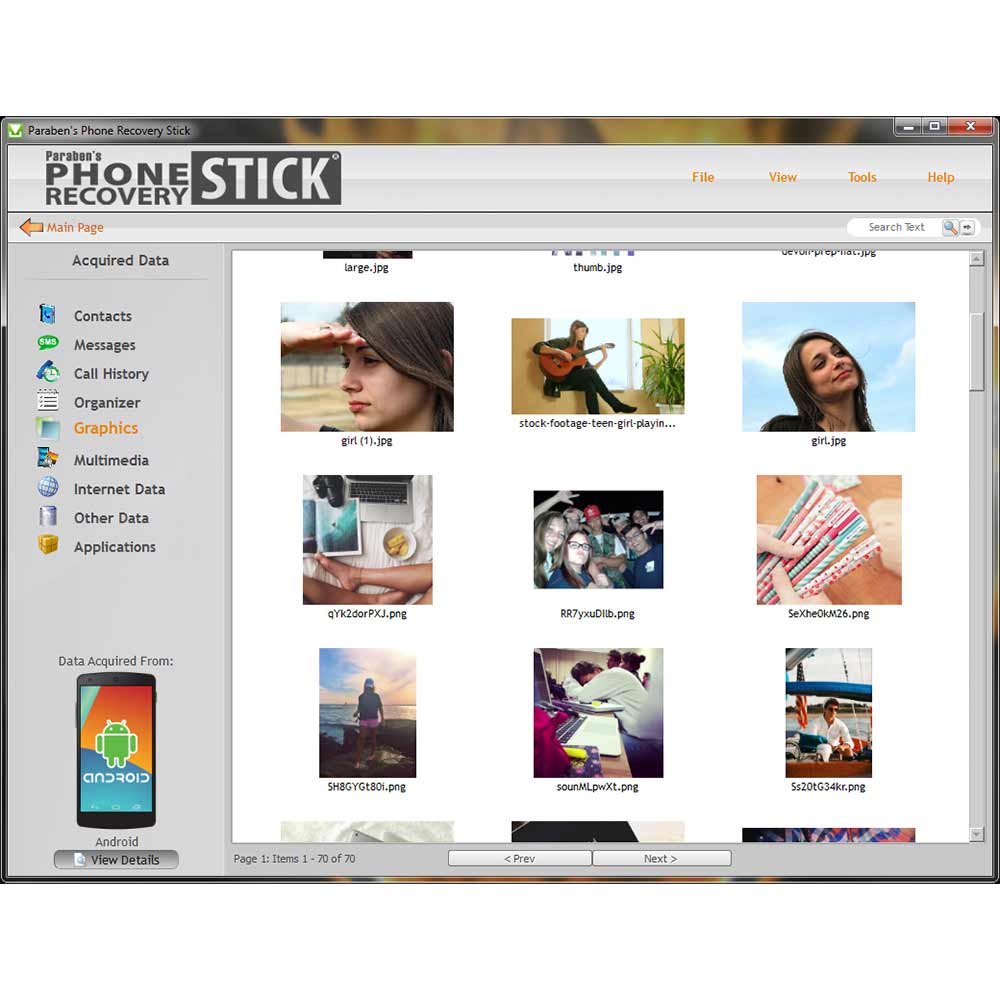
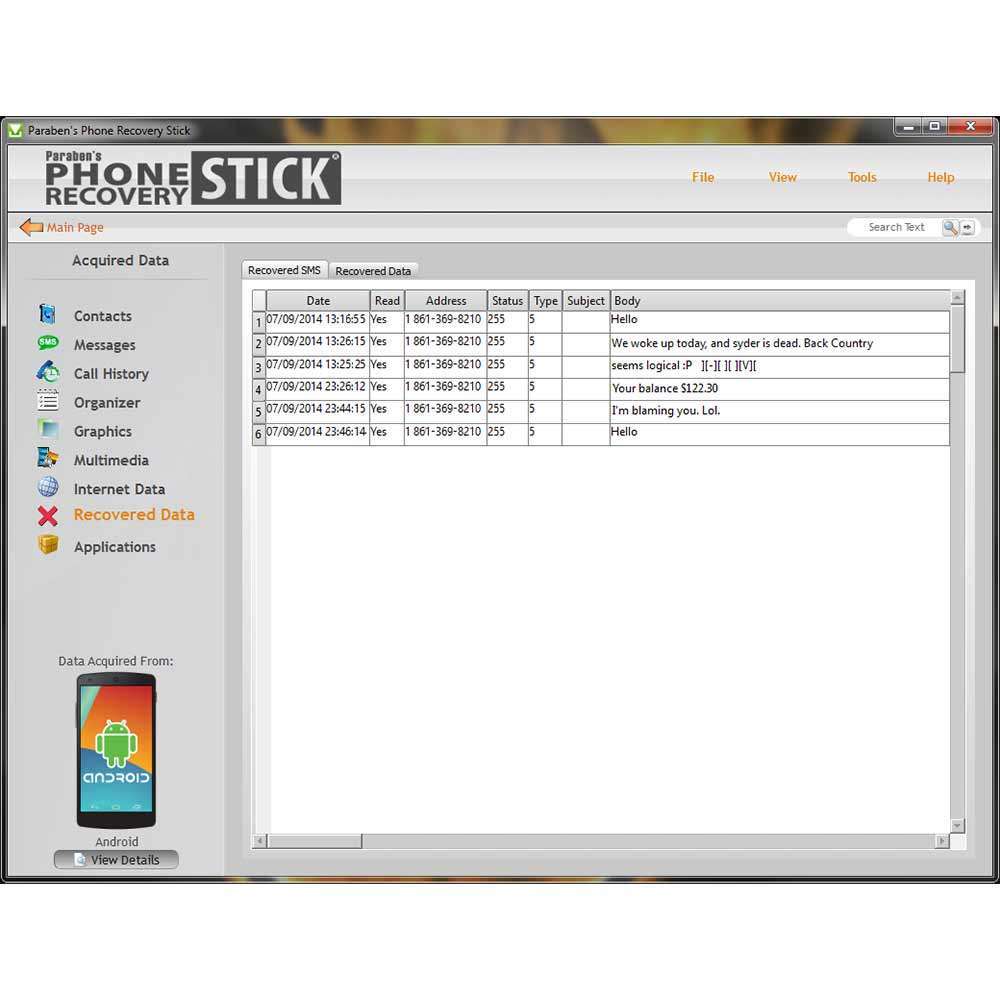
Rather than treating a mobile phone simply as a storage device, the workflow focuses on extracting a reviewable dataset from the device and examining the resulting digital artefacts, including messages, call records, contacts, media, browser history, supported application data, timestamps, metadata, and other available information.
This makes the Phone Recovery Stick suitable for targeted Android data extraction, mobile artefact discovery, corroborative investigation, and digital evidence review workflows.
Android Data Extraction & Investigation Workflow
1. Identify the Android Evidence Source
Determine the device model, Android environment, available data, and the investigative scope before beginning extraction.
2. Establish Authorized Device Access
The Phone Recovery Stick requires lawful access to the device and appropriate credentials or permissions. Results depend on the access state and capabilities available on the specific Android device.
3. Perform Supported Data Extraction
The tool interacts with the Android device to collect available user data and create a working dataset for subsequent examination.
4. Create a Reviewable Working Dataset
Once extraction is completed, investigators can work from the captured dataset rather than continually interacting with the original handset.
5. Examine Digital Artefacts
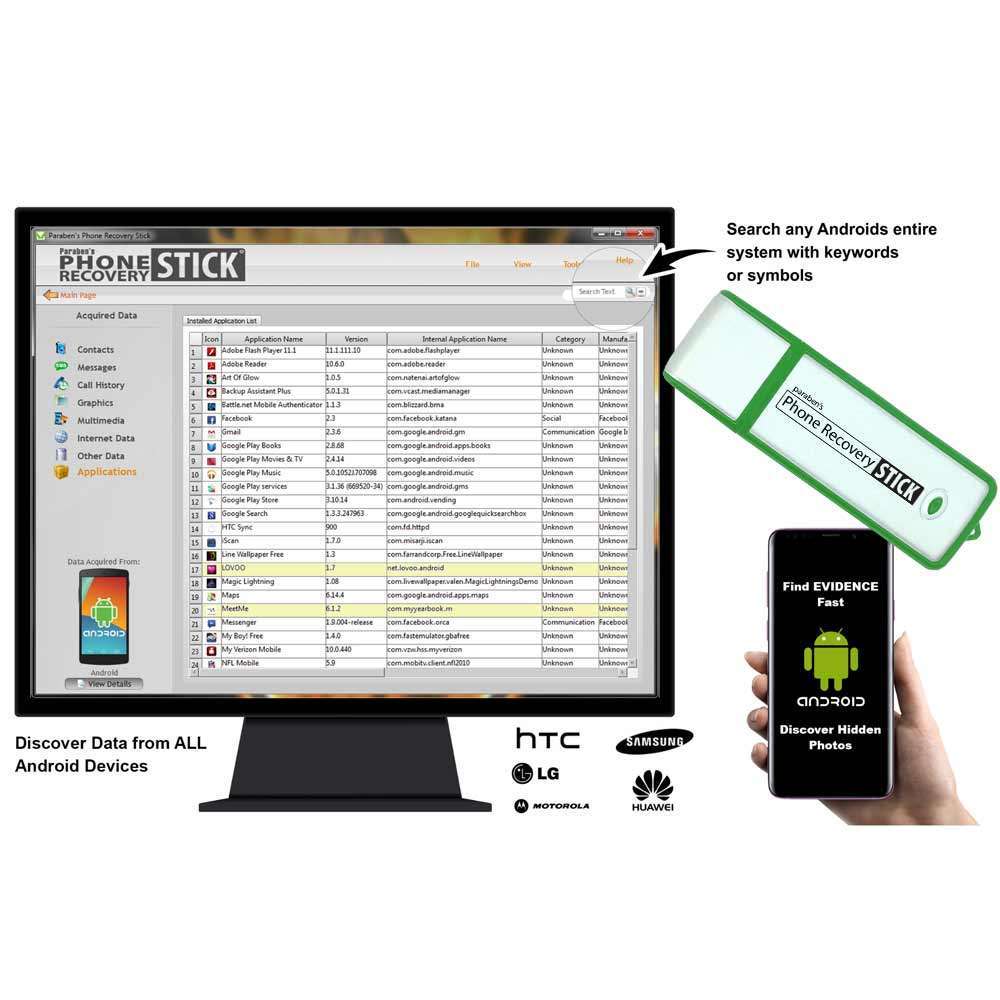
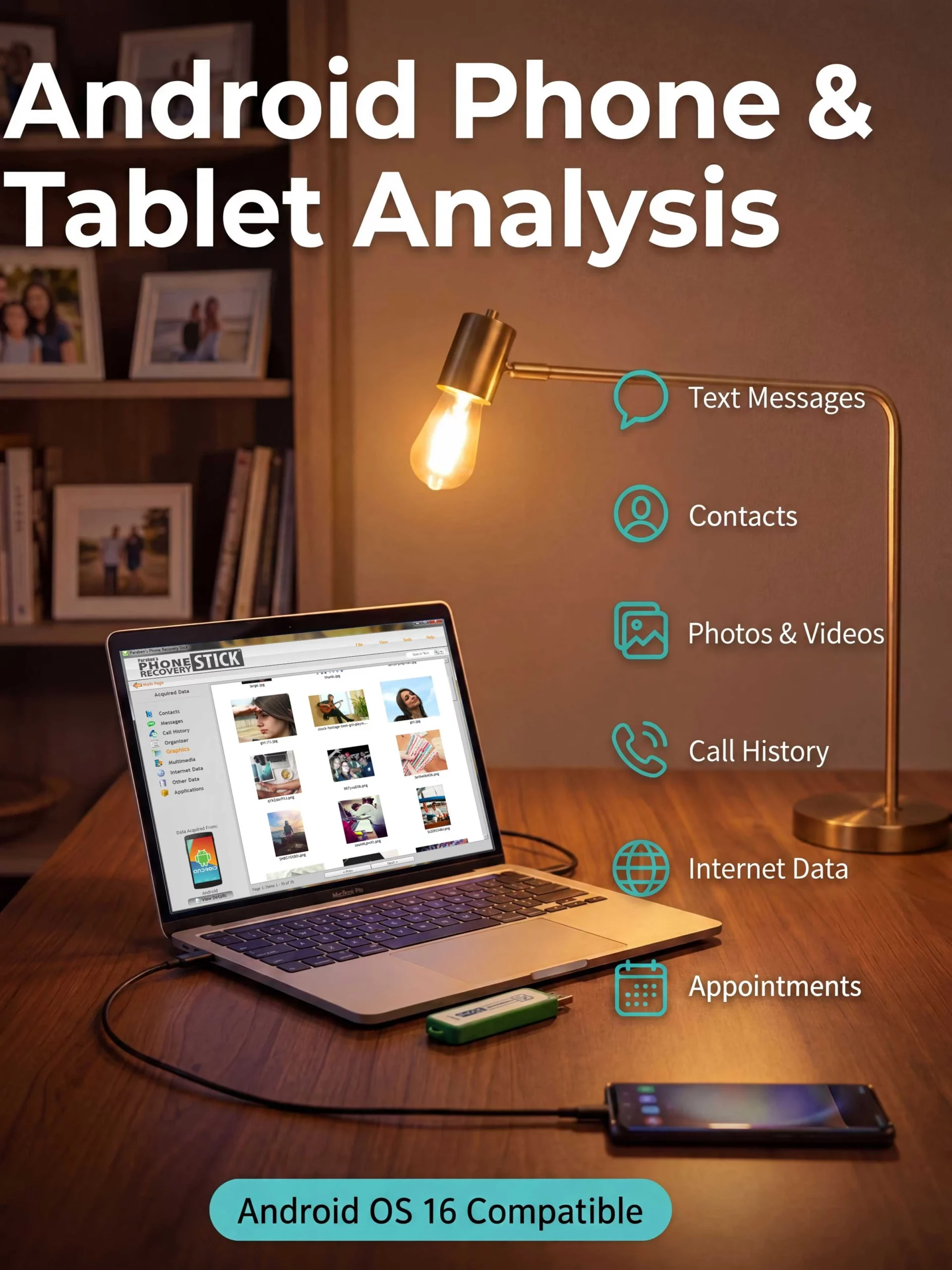
Available information may include text messages, call logs, contacts, photographs, videos, browser history, voice recordings, supported application data, file structures, metadata, timestamps, and other device artefacts.
6. Search, Filter & Bookmark Relevant Information
Investigators can use keyword-oriented searching and structured review to identify information relevant to an investigation, timeline, dispute, incident, or internal inquiry.
7. Export & Document Findings
Extracted information can be organized into structured outputs for further review, documentation, correlation, or integration into a broader investigation workflow.
Key Digital Investigation Capabilities
Android Data Extraction
Supports structured extraction of available data from supported Android smartphones and tablets where authorized access has been established.
Mobile Artefact Discovery
Can surface available artefacts such as messages, contacts, call records, media, browsing information, application data, timestamps, and metadata.
Deleted Data Recovery
The manufacturer identifies deleted-data recovery as a capability of the product. Actual recovery depends on the Android device, operating environment, access conditions, and the state of the underlying data.
Hidden Content Discovery
Supports discovery of certain content that may not be immediately visible through a standard device interface, subject to the supported device and application environment.
Keyword & Symbol Search
Allows investigators to search extracted information for relevant keywords or symbols, helping narrow large datasets during examination.
Working Data Capture
Creates a reviewable dataset so analysis can continue without continuous interaction with the original handset.
Artefact Review & Bookmarking
Supports examination and marking of information relevant to investigative timelines, activity reconstruction, and contextual analysis.
Structured Reporting
Extracted information can be exported into structured formats for further documentation and analysis.
Digital Evidence Sources
Android Smartphones
Designed primarily for investigation and data extraction from supported Android smartphones.
Android Tablets
The product also supports Android tablet environments where the required access and compatibility conditions are satisfied.
Mobile Application Data
Depending on the device and supported application environment, extracted information may include application-related records, conversations, media, and other available artefacts.
Mobile Communications Data
Potential evidence sources include available SMS messages, call records, contact information, and related communication artefacts.
Mobile Media
Available photographs, videos, audio recordings, and associated metadata can form part of the extracted dataset.
Investigation Use Cases
Corporate Device Investigation
Supports authorized examination of company-managed Android devices during internal investigations, compliance reviews, incident response, or data-retrieval activities.
Private Investigation
Can assist investigators in examining relevant Android device data during authorized fraud, dispute, workplace, or other investigative matters.
Incident & Security Review
Extracted device information can help establish timelines, correlate activity, and identify relevant digital artefacts during incident investigations.
Claims & Dispute Assessment
Mobile artefacts may assist insurers, assessors, and professional reviewers in examining device activity and reconstructing relevant timelines.
Digital Evidence Review
Provides a focused extraction and artefact-review layer that can feed into broader digital investigation and evidence-handling workflows.
AI-Ready Digital Evidence Analysis
The extracted dataset can also support downstream data analysis workflows.
Once mobile information has been exported into structured data, investigators may use filtering, keyword analysis, spreadsheet processing, or authorized AI-assisted analysis to identify patterns, anomalies, relationships, or potentially relevant information.
AI should therefore be considered an analysis layer applied to extracted data, rather than a claim that the Phone Recovery Stick itself is an autonomous forensic AI platform.
Product Position Within a Digital Investigation Workflow
The Phone Recovery Stick is best understood as a focused Android mobile data extraction and artefact-discovery utility, rather than a universal mobile forensic platform.
A broader investigation may require additional capabilities such as:
- Cross-device correlation
- Advanced application artefact analysis
- Comprehensive forensic acquisition
- Evidence integrity verification
- Hash-based verification
- Formal chain-of-custody procedures
- Advanced reporting
- Specialized forensic examination platforms
The appropriate technology therefore depends on the investigation scope, device condition, operating environment, access level, and required evidential standard.
Technical Requirements
Supported Operating Environment
The manufacturer lists compatibility with:
- Windows Vista
- Windows 7
- Windows 8
- Windows 10
- Windows 11
Minimum Computer Requirements
- Processor: 1.33 GHz
- RAM: 1 GB
- Storage: 200 MB
- Compatible Android data cable required
Product Package
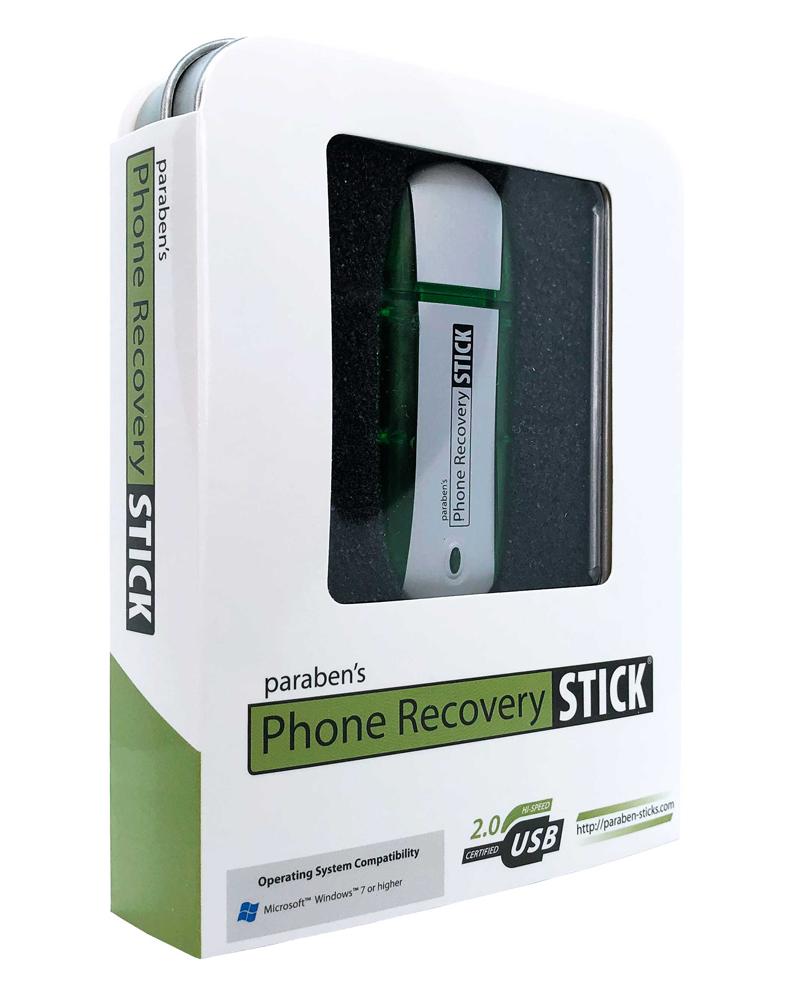
- Phone Recovery Stick USB device
- User manual
- Free lifetime updates
Technical Limitations & Evidence Considerations
Device Compatibility
Android devices vary significantly by manufacturer, operating-system version, security configuration, application architecture, and data-storage behavior. Extraction results can therefore vary between devices.
Access Requirements
The product is intended for authorized use. Successful extraction depends on having appropriate access to the Android device and the ability to perform the supported interaction required by the software.
Deleted Data Is Not Guaranteed
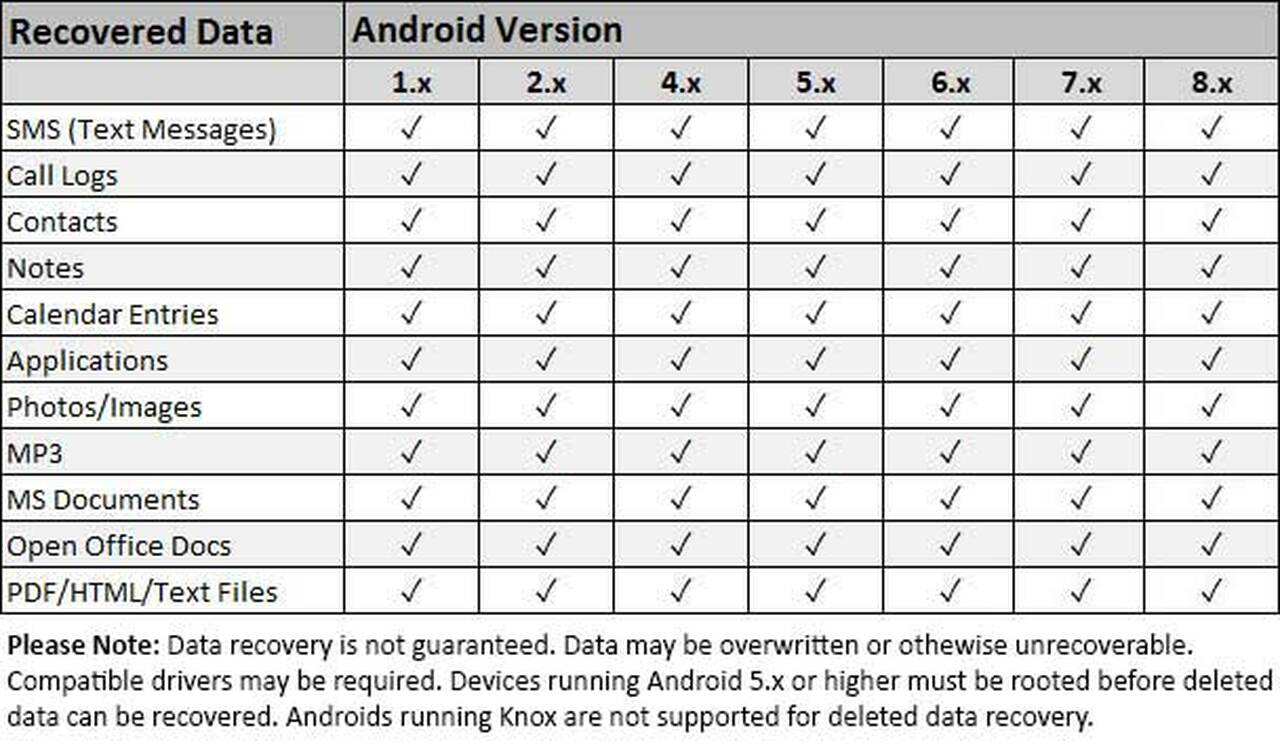
Deleted-data recovery is dependent on the condition and availability of the underlying information. Previous deletion, overwriting, encryption, storage behavior, device configuration, and other technical factors can affect recovery results.
Not a Universal Forensic Platform
The Phone Recovery Stick should not be represented as a replacement for a comprehensive mobile forensic platform where an investigation requires advanced acquisition, validation, cross-device correlation, or formal evidential handling.
Evidential Handling
Extraction capability does not by itself establish forensic admissibility. Organizations should apply their own evidence-preservation, documentation, validation, hashing, chain-of-custody, and reporting procedures where required.
Frequently Asked Questions
What is the Phone Recovery Stick used for in Android investigations?
It is used for authorized Android mobile data extraction, digital artefact discovery, recovery-oriented review, keyword searching, and examination of available device information.
What types of Android data can the Phone Recovery Stick extract?
Depending on device compatibility and access conditions, available data may include SMS messages, call logs, contacts, photographs, videos, browser history, voice recordings, supported application data, timestamps, metadata, and other device artefacts.
Can the Phone Recovery Stick recover deleted Android data?
Deleted-data recovery is supported as a product capability, but recovery is not guaranteed. Results depend on the specific Android device, operating environment, access conditions, and whether the underlying data remains recoverable.
Can it extract Android application data?
It may extract data from supported applications where the required information is accessible on the device. Application coverage and results can vary by device, Android version, application, and access state.
Does Android device compatibility vary?
Yes. Android is a highly fragmented ecosystem, and extraction capabilities can vary according to manufacturer, device model, Android version, security configuration, application environment, and available access.
Is the Phone Recovery Stick a complete mobile forensic platform?
No. It is better classified as a focused Android mobile data extraction and artefact-discovery utility. More advanced investigations may require a comprehensive mobile forensic platform with broader acquisition, validation, analysis, and reporting capabilities.
Can extracted Android data be analyzed after the phone is disconnected?
Yes. The product’s workflow creates a working dataset that can be reviewed after extraction, allowing investigators to continue examination without continuous interaction with the original handset.
Can investigators search extracted Android data for specific information?
Yes. Keyword and symbol searching can be used to narrow extracted information and identify potentially relevant artefacts during examination.
Can extracted Android data support timeline analysis?
Potentially. Available timestamps, metadata, file information, communication records, and other artefacts can contribute to timeline reconstruction, subject to the quality and availability of the extracted data.
Can extracted mobile data be used with AI-assisted analysis?
Yes, as a downstream workflow. Structured extracted data can be filtered or processed using authorized AI tools to assist with pattern identification, anomaly detection, correlation, and information prioritization. The AI analysis layer should not be confused with the extraction capability itself.
Is the Phone Recovery Stick suitable for digital evidence collection?
It can support the collection and examination stages of an authorized mobile investigation. However, organizations requiring evidential-grade workflows should apply appropriate preservation, validation, documentation, hashing, chain-of-custody, and reporting procedures independently.
What is the difference between Android data extraction and digital forensic acquisition?
Android data extraction focuses on obtaining available information and artefacts from a mobile device. Digital forensic acquisition is a broader evidence-preservation process that may involve validated acquisition methods, integrity verification, forensic imaging, documentation, and chain-of-custody procedures.
What happens when an investigation requires more than Android artefact extraction?
When requirements expand to advanced mobile acquisition, cross-device correlation, application-level artefact analysis, validation, or formal evidential handling, a broader mobile forensic platform may be more appropriate.
Video demonstration to use Android Data Recovery Stick –
Please be advised this tutorial is based on an older version of Androids but the process is still relevant today with all Android OS.


Reviews
There are no reviews yet.