


Description
Data Recovery Stick for Windows | Deleted File Recovery
Windows Deleted Data Recovery & Digital Investigation Technology
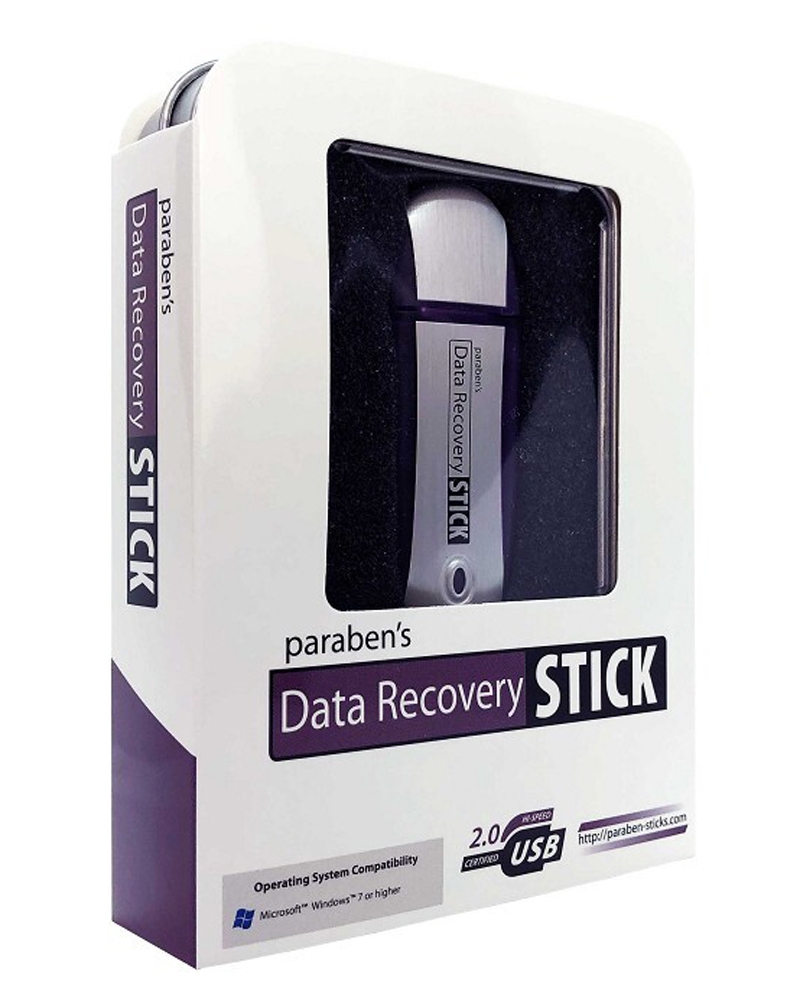
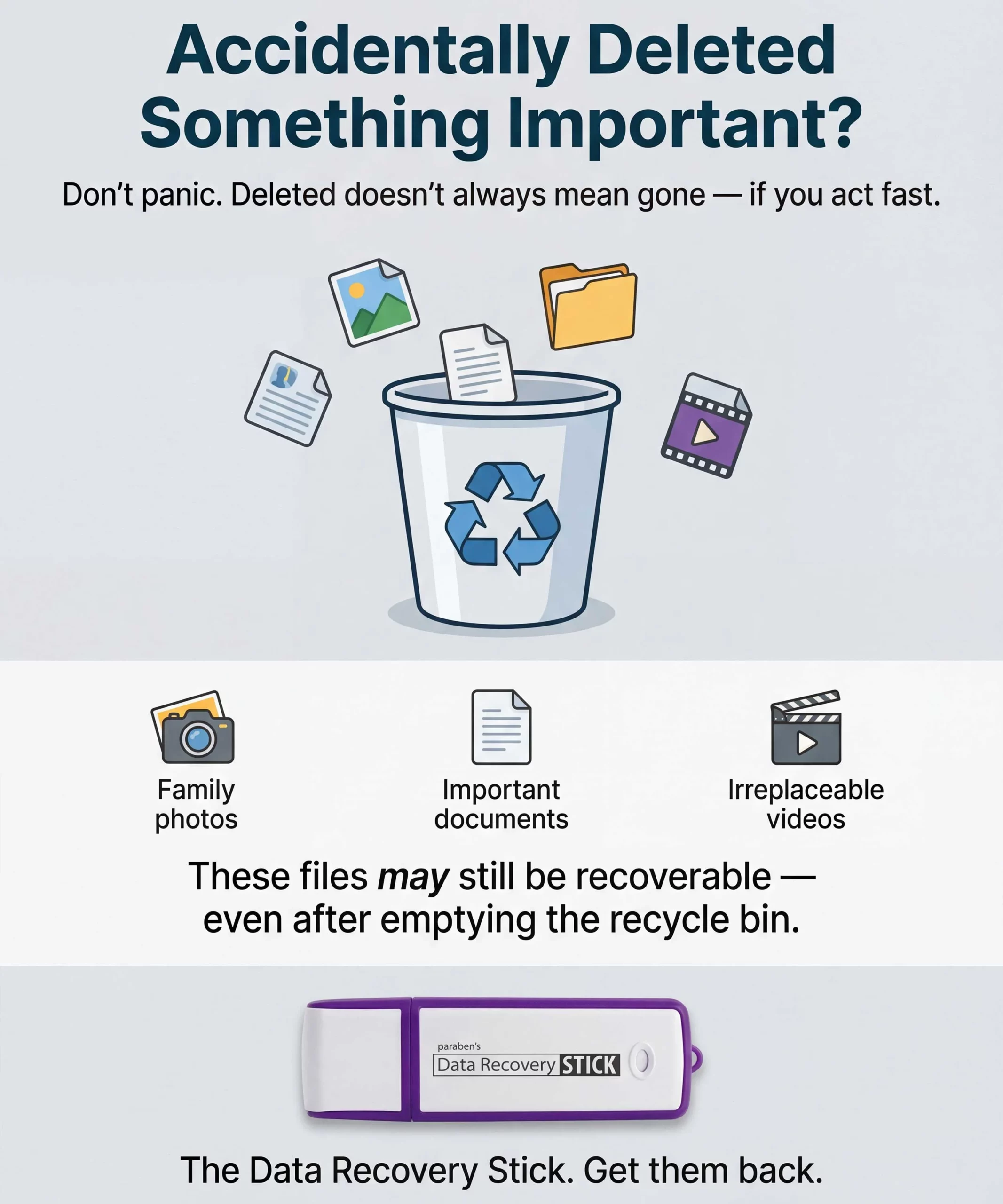
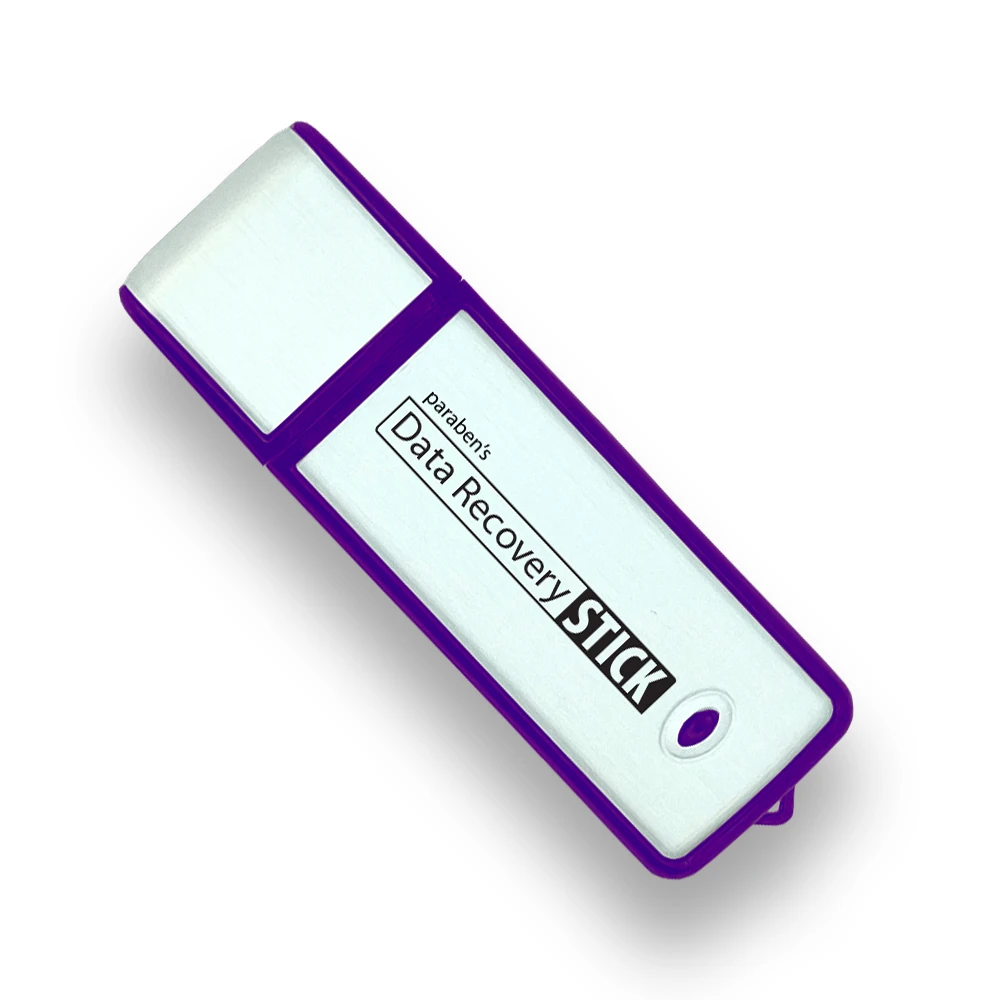
Data Recovery Stick for Windows is a portable Windows-based data recovery utility designed to retrieve deleted or inaccessible files from Windows computers and compatible storage media.
It provides a practical recovery layer for situations where files have been accidentally deleted, lost through formatting or file-system issues, or become otherwise inaccessible. The tool operates directly from USB without requiring permanent software installation, making it suitable for rapid recovery tasks across multiple Windows-compatible systems.
Core Data Recovery Capabilities
Deleted File Recovery
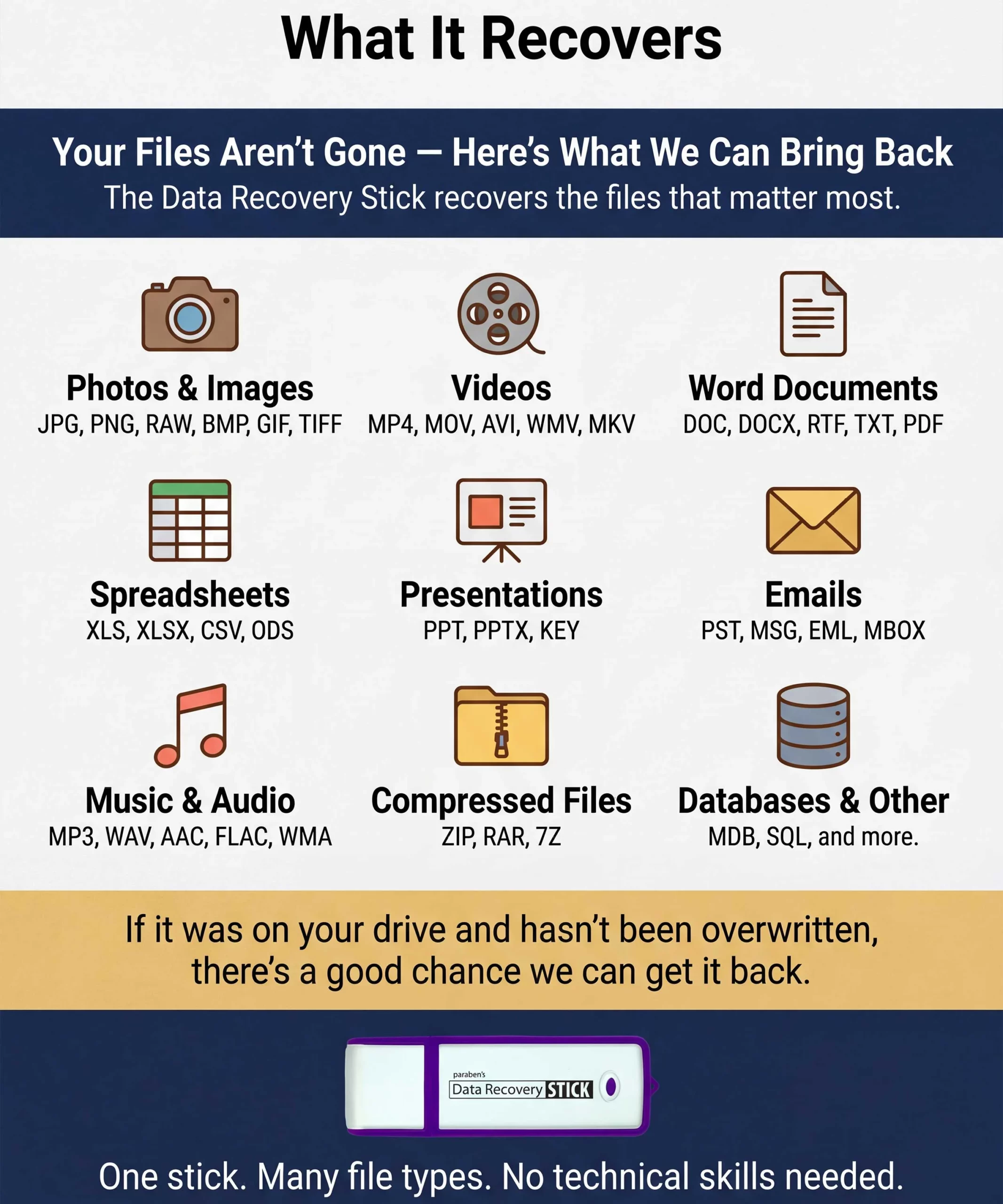
Recover supported deleted files from Windows-based systems and compatible storage media, including:
- Documents
- PDF files
- Word and other office documents
- Excel spreadsheets
- Presentations
- Photos and images
- Videos
- Music and audio files
- Archives
- Other supported file formats
Recovery success depends on whether the underlying data remains recoverable and has not been overwritten or significantly damaged.
Windows Storage Recovery
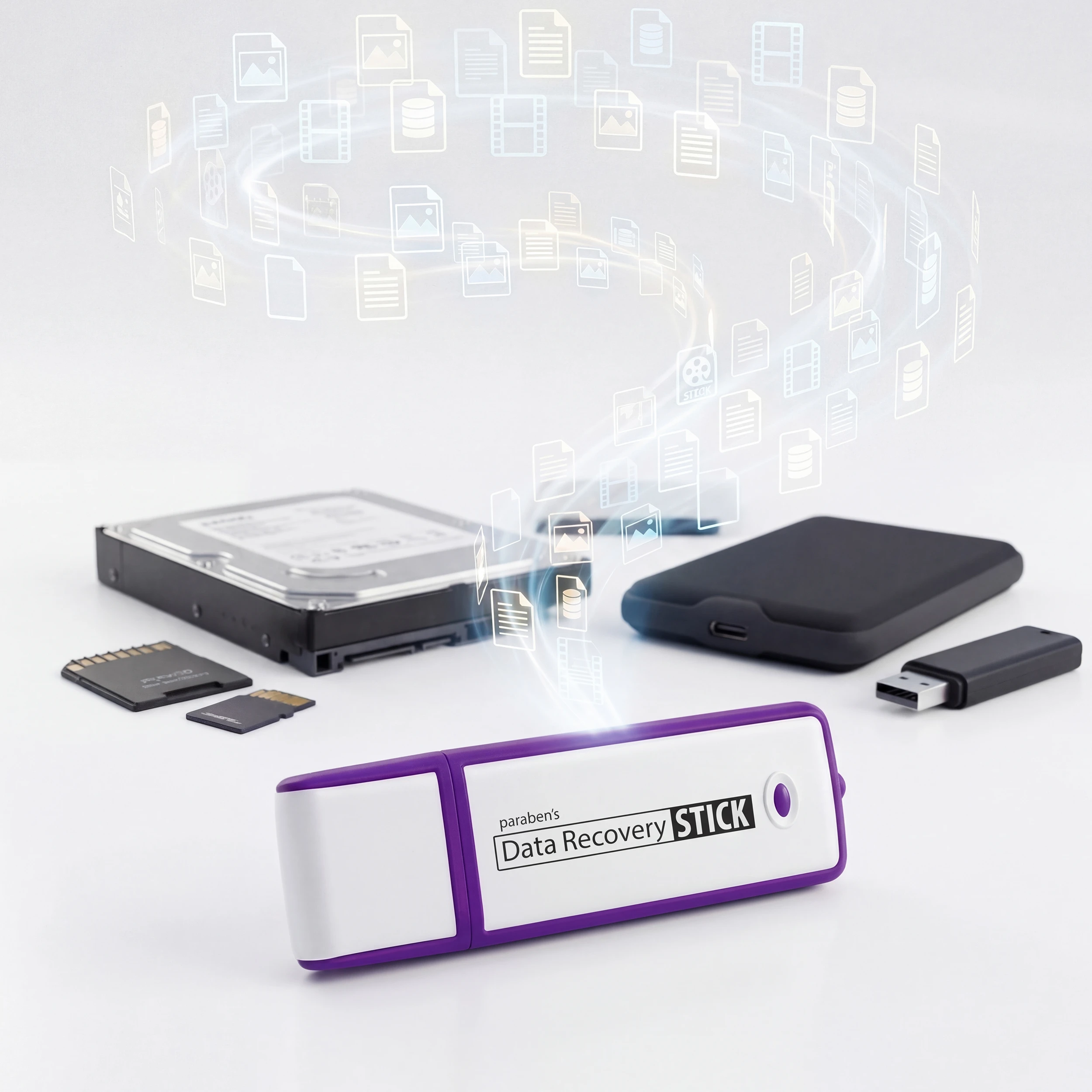
The Data Recovery Stick can be used with supported storage media connected to a Windows system, including:
- Internal hard drives
- External hard drives
- USB storage devices
- SD cards
- microSD cards
- Other compatible removable media
File-System Support
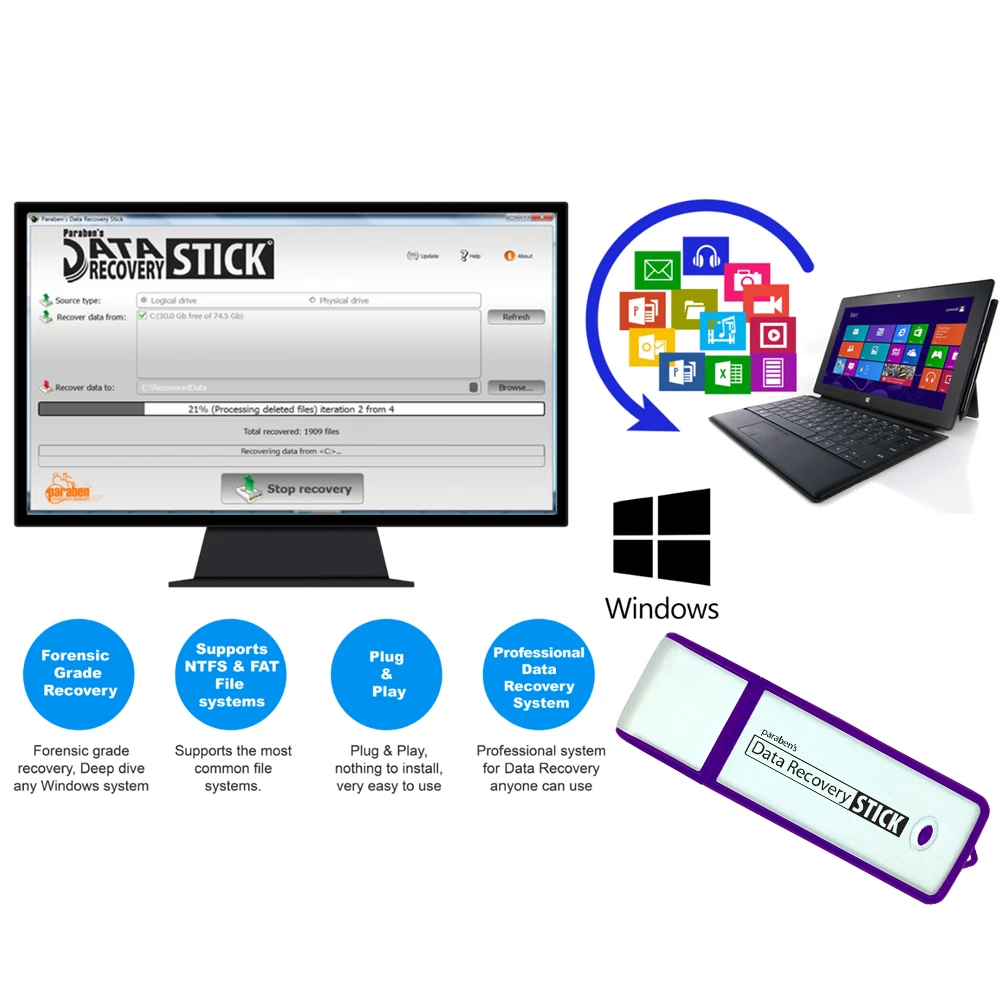
The manufacturer identifies support for common Windows-compatible file systems including:
- FAT
- FAT32
- exFAT
- NTFS
Plug-and-Play USB Operation
The recovery utility runs directly from the USB device and does not require conventional permanent software installation on the target Windows system.
This makes it useful when a portable recovery workflow is preferred across multiple systems.
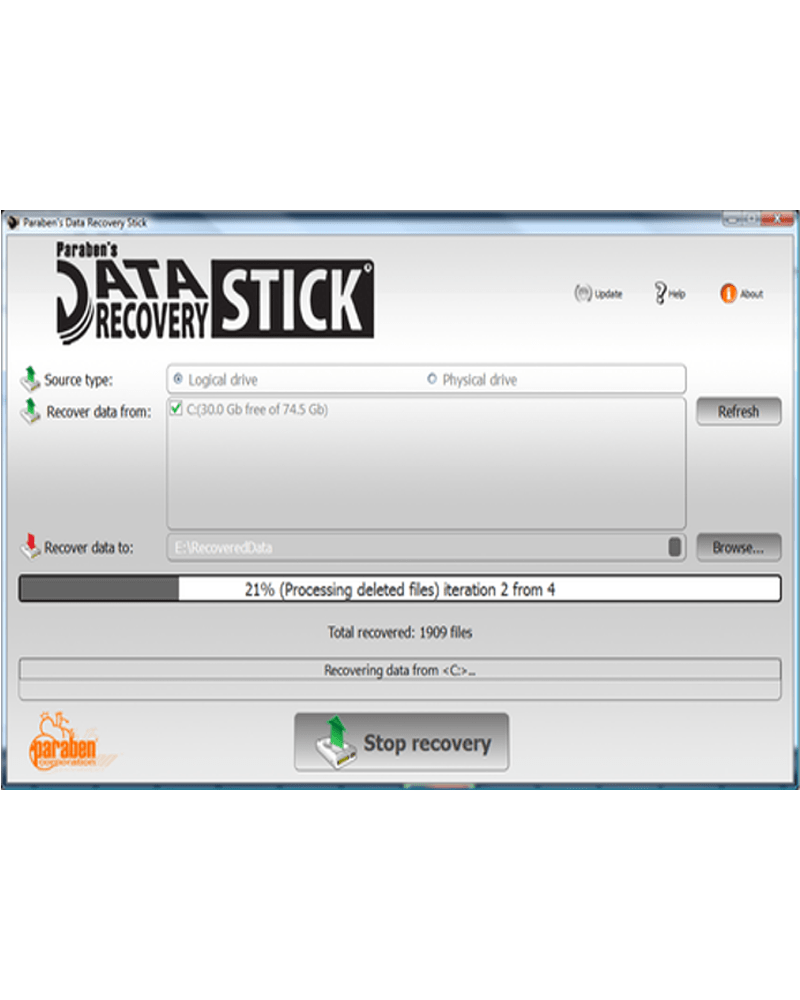
Automated Recovery Workflow
1. Identify the Windows Storage Source
Determine which supported Windows storage device contains the lost or deleted data.
2. Connect the Storage Media
Connect the supported storage media through a compatible Windows system and media reader where required.
3. Launch the Recovery Utility
Run the Data Recovery Stick directly from the USB device.
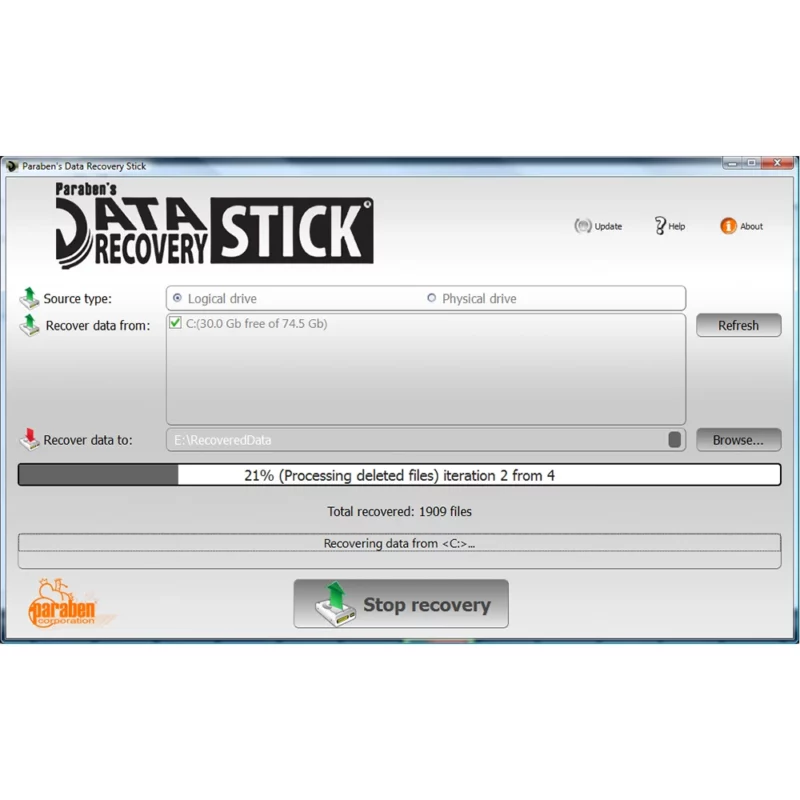
4. Scan for Recoverable Data
The utility searches supported storage for recoverable deleted or inaccessible files.
5. Review Recoverable Results
Review the available recovery results and identify the files relevant to the recovery task.
6. Recover & Save
Save recovered data to an appropriate destination, including supported USB or computer storage.
Why Choose Data Recovery Stick?
Portable Recovery Capability
Keep a dedicated recovery utility available on USB rather than installing a permanent recovery application on every Windows system.
Fast Access to Deleted Data
Designed for straightforward recovery scenarios where rapid access to deleted or inaccessible files is more important than deploying a full forensic platform.
Broad File-Type Coverage
Supports common business, personal and multimedia file types, making it useful across different data-loss situations.
Multi-Device Use
The manufacturer states that the tool can be used across multiple Windows-compatible computers and storage devices without a usage limitation.
Lifetime Updates
Includes lifetime updates intended to maintain compatibility with newer Windows environments and supported file types.
Digital Investigation Applications
IT & Technical Recovery
Useful for recovering accidentally deleted business files, documents, media and other operational data.
Internal Investigations
Can assist authorized investigators with initial examination of deleted files that may provide useful investigative leads.
Incident Response & Post-Incident Review
Can support targeted recovery where deleted files may help establish what information was previously present on a Windows system.
Data-Loss Recovery
Suitable for personal and professional recovery scenarios involving accidental deletion, formatting or supported file-system problems.
Technical Boundaries
Data Recovery Stick should be positioned as a targeted data recovery utility, not as a complete digital forensic platform.
It does not replace a dedicated forensic acquisition, forensic imaging, evidence-management or full forensic-analysis system where those capabilities are required.
Recovered files may be incomplete, corrupted or unrecoverable when the underlying storage sectors have been overwritten, damaged or fragmented.
For investigations requiring evidential integrity, repeatable forensic acquisition, hashing, detailed audit trails, validated forensic workflows or formal chain-of-custody procedures, a dedicated forensic acquisition and analysis platform should be considered.
Technical Requirements
- Windows Vista
- Windows 7
- Windows 8
- Windows 10
- Windows 11
- 1.33 GHz processor
- 1 GB RAM
- 200 MB available storage
- Compatible media reader where required
- Supported FAT, FAT32, exFAT or NTFS storage media
FAQ
What is a Windows data recovery tool?
A Windows data recovery tool is designed to locate and recover deleted, lost or inaccessible files from supported Windows storage media. Data Recovery Stick provides a portable recovery workflow through a USB device.
Can Data Recovery Stick recover deleted files?
Yes. It is designed to recover supported deleted files from Windows computers and compatible storage media. Recovery results depend on whether the underlying data remains available and has not been overwritten.
Can it recover deleted photos and videos?
Yes. The manufacturer identifies photos, videos and other common multimedia files among the supported recovery targets.
Can it recover deleted Word, Excel and PDF files?
Yes. Common office documents, spreadsheets and PDF files are among the supported file types.
Does it support NTFS and FAT file systems?
Yes. The manufacturer identifies FAT, FAT32, exFAT and NTFS among the supported Windows-compatible file systems.
Can it recover data from USB drives and SD cards?
Yes. Supported removable storage such as USB drives, SD cards and microSD cards can be processed when connected through a compatible Windows environment and media reader.
Does Data Recovery Stick require software installation?
No conventional permanent installation is required. The utility is designed to run directly from its USB device.
Can the Data Recovery Stick be used on multiple computers?
Yes. The manufacturer states that it supports unlimited use across Windows-compatible systems.
Can recovered files be corrupted?
Yes. Recovery does not guarantee that every recovered file will be fully usable. Files can become partially recoverable or corrupted when portions of their underlying data have been overwritten or damaged.
Is Data Recovery Stick a complete forensic imaging solution?
No. It is a targeted data recovery utility. It should not be represented as a complete forensic imaging, acquisition, evidence-management or forensic-analysis platform.
Is recovered data automatically forensic evidence?
No. Recovering a file does not by itself establish forensic admissibility, evidential integrity or chain of custody. Formal investigations may require additional acquisition, preservation, hashing, documentation and evidence-handling procedures.
Who can benefit from a portable Windows data recovery tool?
IT professionals, technical support teams, authorized investigators, incident-response personnel, businesses and individuals can benefit when they need a portable solution for recovering supported deleted or inaccessible Windows data.


Reviews
There are no reviews yet.