


Description
EX-1 Investigation Suite
Controlled Offline Mobile Investigation Workstation
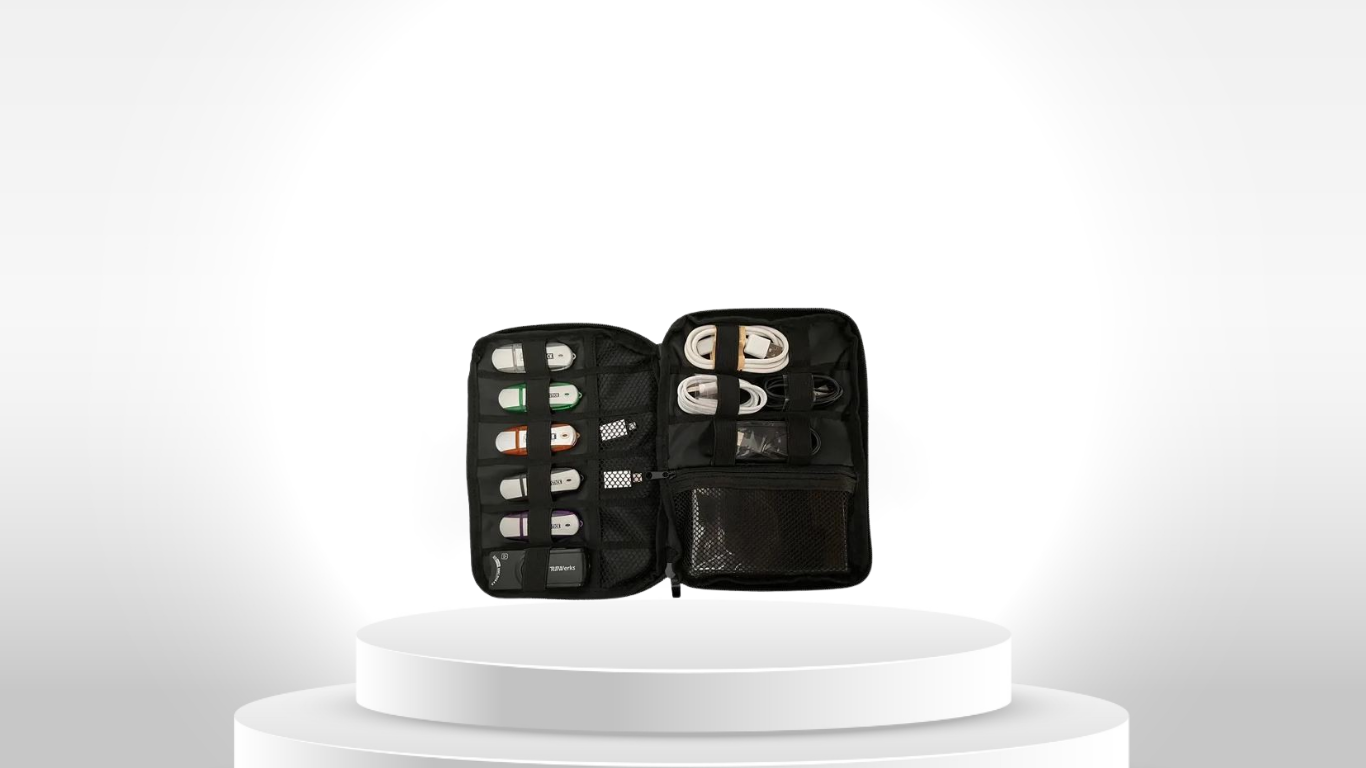
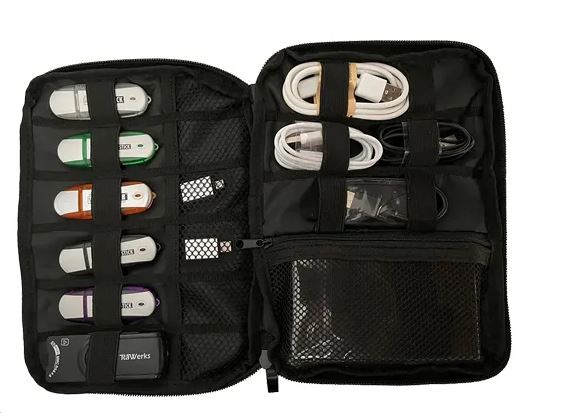
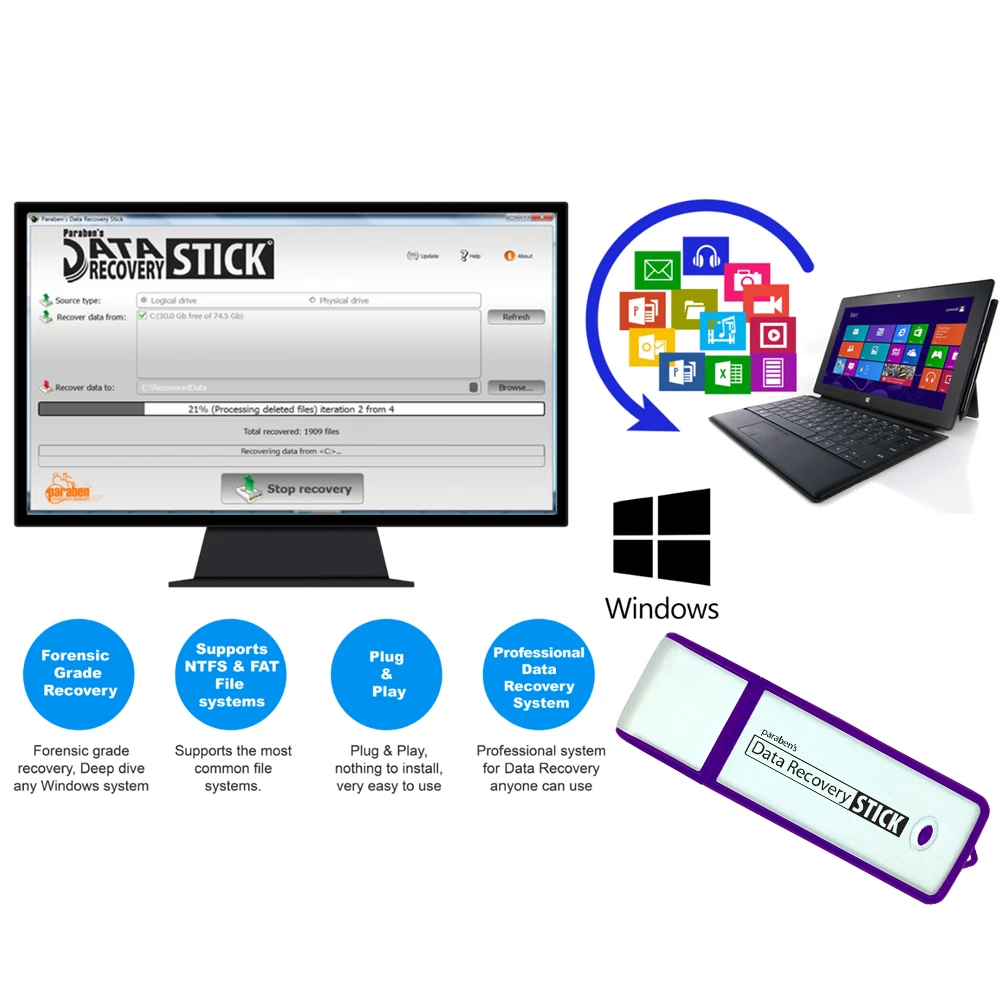
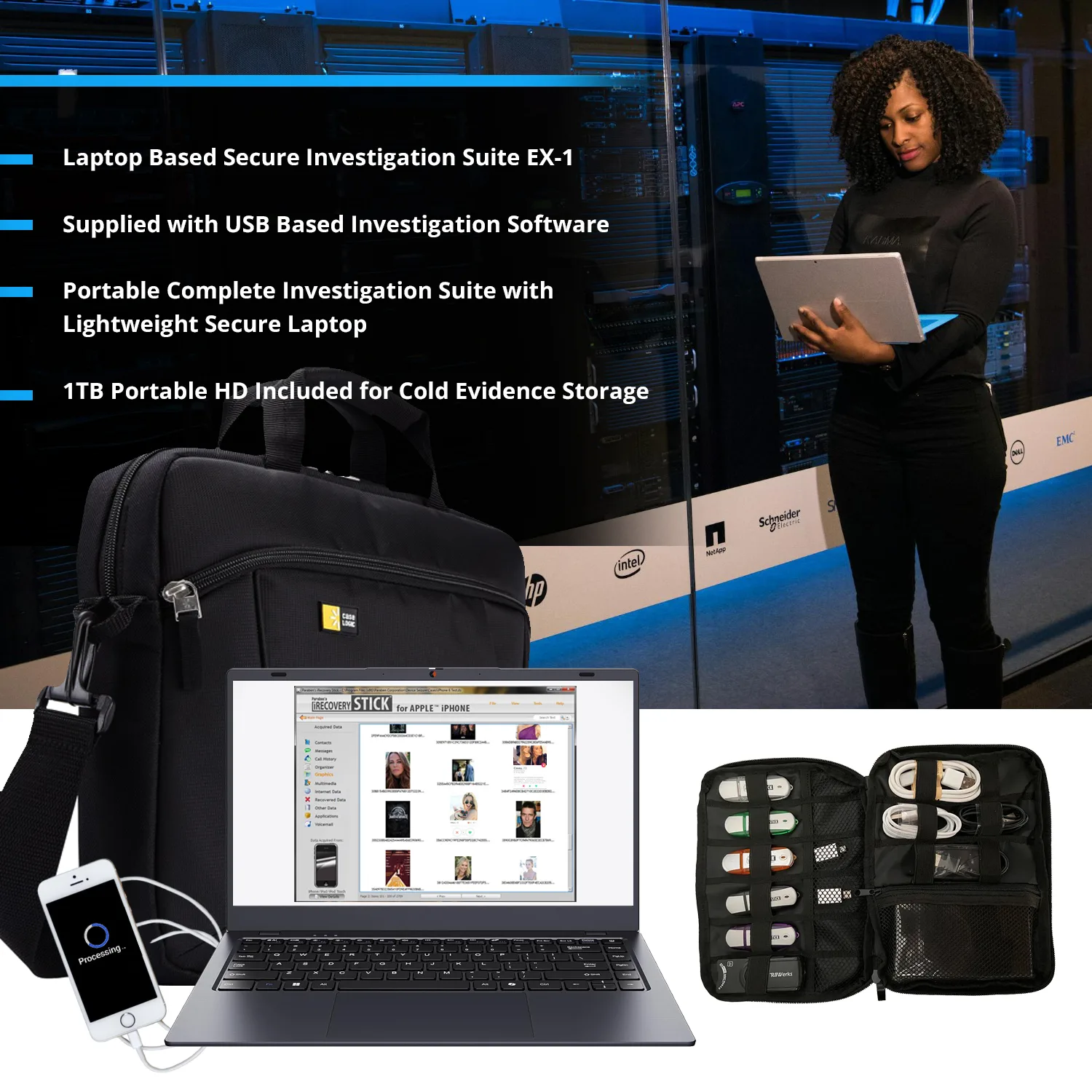
EX-1 Investigation Suite is a dedicated, portable digital investigation workstation built around a controlled Windows environment and a collection of USB-based investigation tools for mobile data extraction, multimedia collection, content review, privacy-oriented browsing and selected supporting investigation tasks.
Rather than functioning as a single universal forensic application, EX-1 combines a field-ready computer, external case-data storage and multiple focused investigation utilities into one controlled processing environment.
The architecture is particularly suited to investigators who need to move extracted or collected datasets away from source devices and process them in a dedicated workstation rather than on an everyday computer. PBN-TEC specifically describes EX-1 as a mobile-device-focused investigation environment rather than a general-purpose computer.
Why EX-1 Exists
A digital investigation often involves more than obtaining data from a device.
Investigators may need to:
- Extract data from supported mobile devices
- Consolidate photographs and videos
- Review extracted datasets
- Screen media for specific content
- Process CSV or structured outputs
- Keep case data separate from an everyday workstation
- Work without continuous cloud connectivity
- Move the investigation between field and laboratory environments
EX-1 brings these functions together around a dedicated processing computer and external storage architecture.
The result is not a claim that every investigation can be completed with one kit. Instead, EX-1 provides a controlled workstation layer for combining multiple focused investigation tools within one repeatable environment.
Controlled Offline Processing Environment
EX-1 is configured for offline-first operation.
The manufacturer states that the system operates without antivirus, cloud synchronization or unnecessary background services, with investigation utilities delivered through USB rather than installed directly into the internal operating environment.
This architecture can be useful when investigators want to minimize unnecessary network exposure or avoid mixing case processing with ordinary personal or corporate computing activity.
External Case Storage
A dedicated 1TB external USB hard drive is included for case data.
The manufacturer recommends storing extracted case data on this external drive rather than using the laptop’s internal storage. This creates a practical separation between the workstation operating environment and the datasets being processed.
This should be understood as a workflow and data-separation design, not as an automatic guarantee of forensic evidence integrity.
Core Investigation Toolset
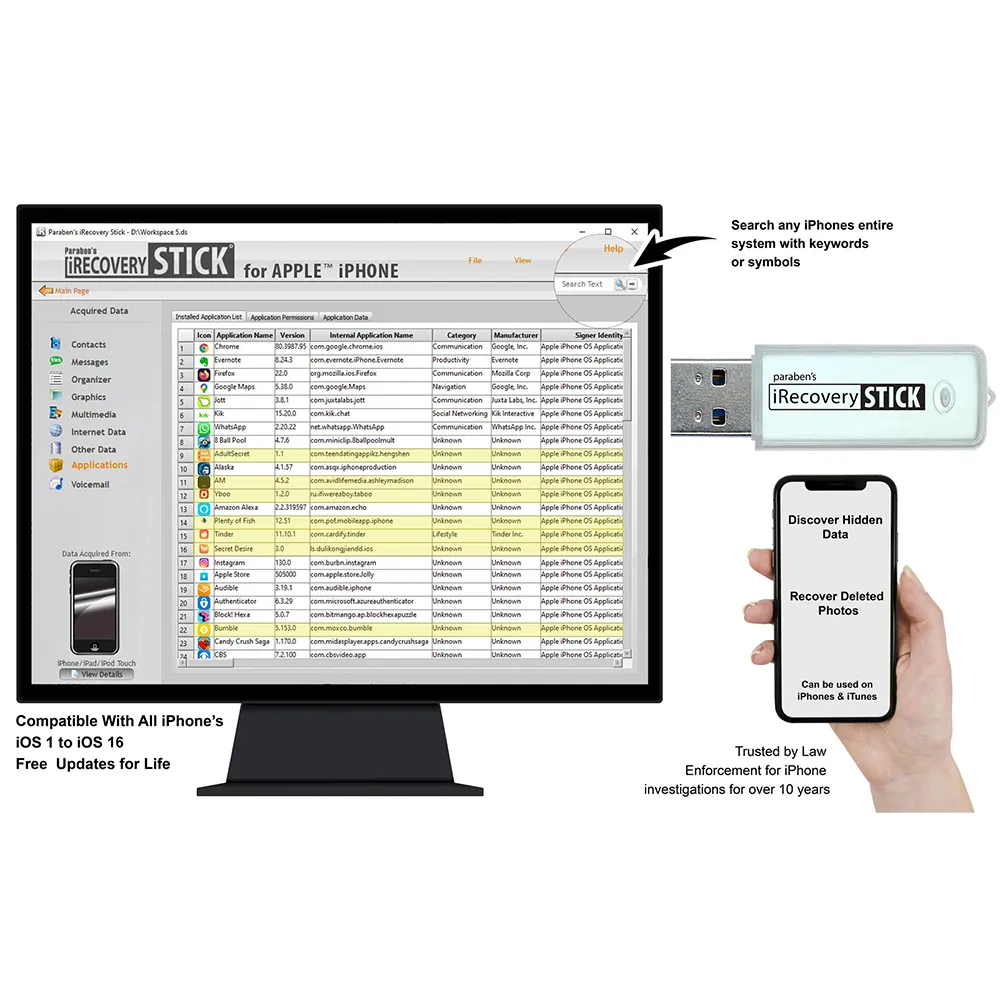
iPhone Data Extraction
The included iPhone extraction utility is intended for obtaining supported data from compatible Apple mobile devices.
Its role within EX-1 is focused on mobile-data collection rather than representing the workstation itself as a universal Apple forensic acquisition platform.
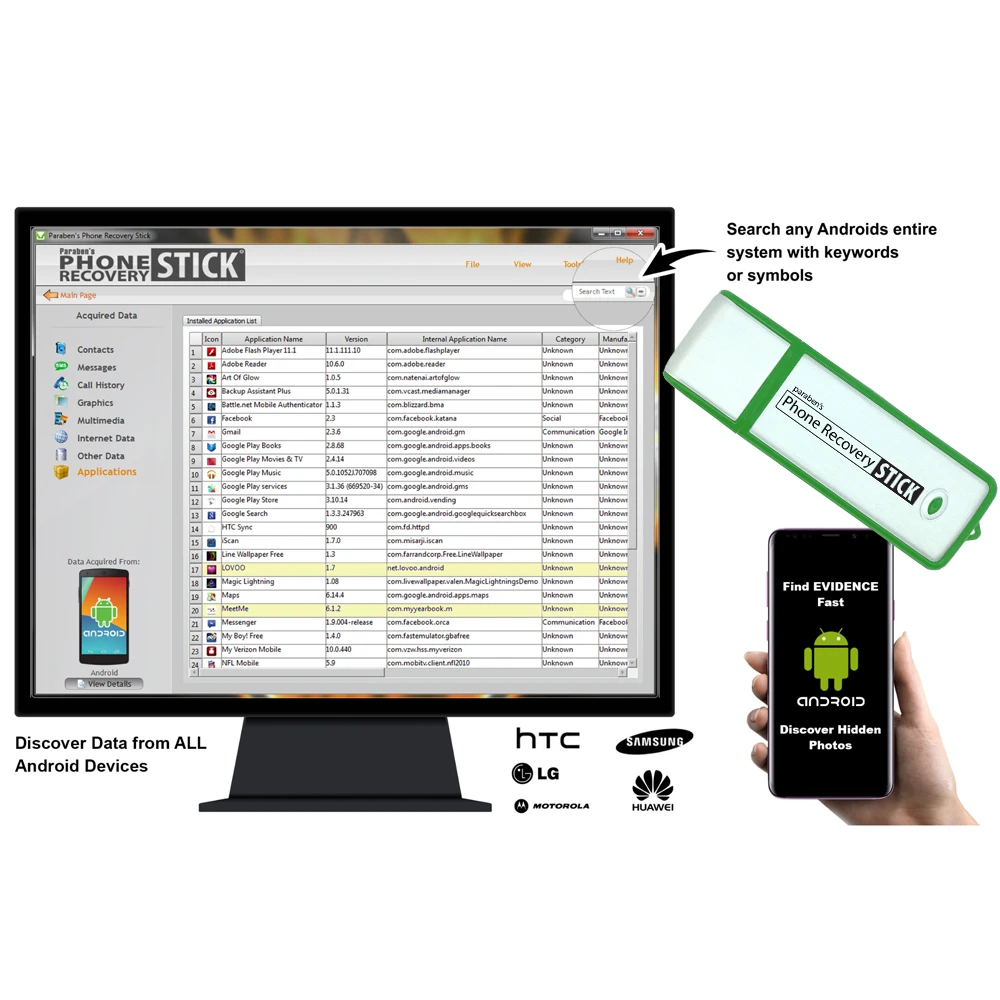
Android Data Extraction
The Android extraction utility provides a corresponding mobile-data collection function for supported Android smartphones and tablets.
Compatibility and accessible data depend on the device, operating-system version, access conditions and capabilities of the specific extraction tool.
Photo & Video Backup
The included media tool provides a dedicated method for collecting and consolidating accessible photographs and videos from supported digital sources.
This is particularly useful where an investigation involves large multimedia datasets that need to be moved away from the original device and reviewed independently.
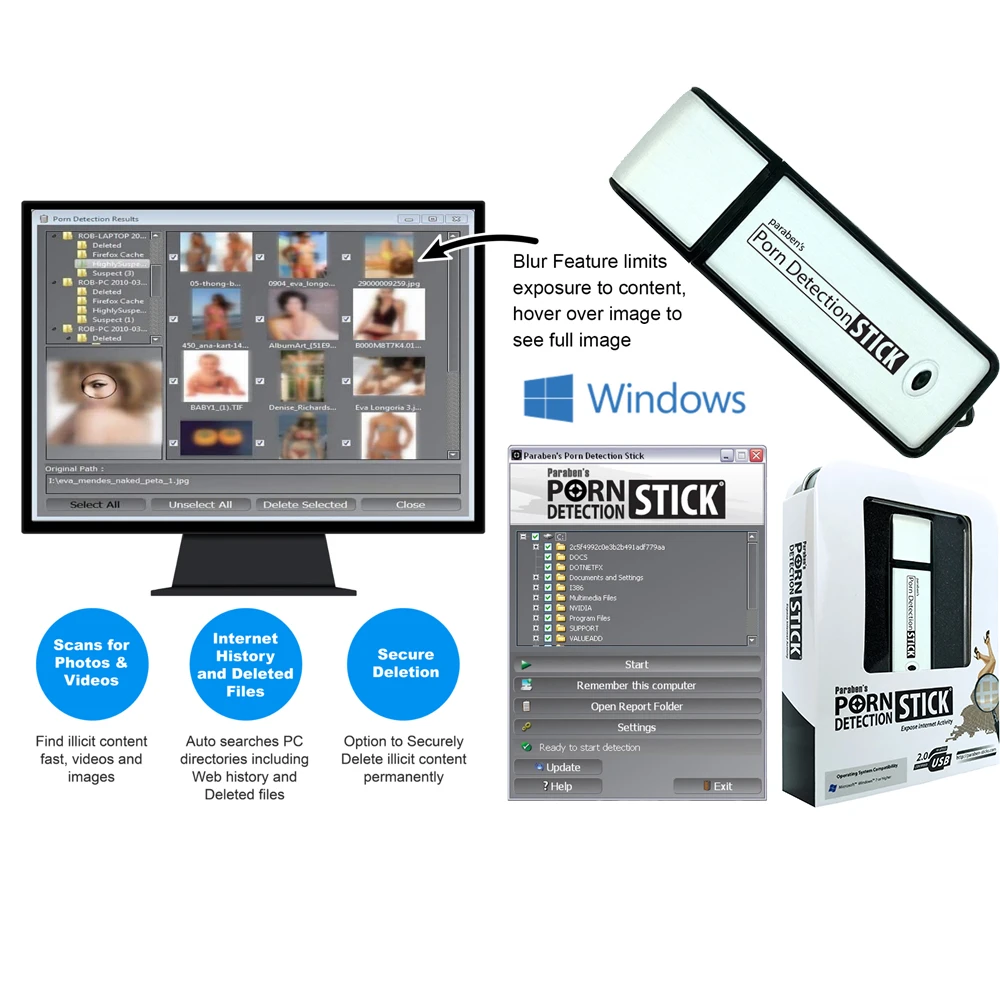
Explicit Content Scanner
The included Explicit Content Scanner provides automated screening of image/video content for potentially explicit material.
Its role is best understood as investigative media triage, not as a definitive legal classification system.
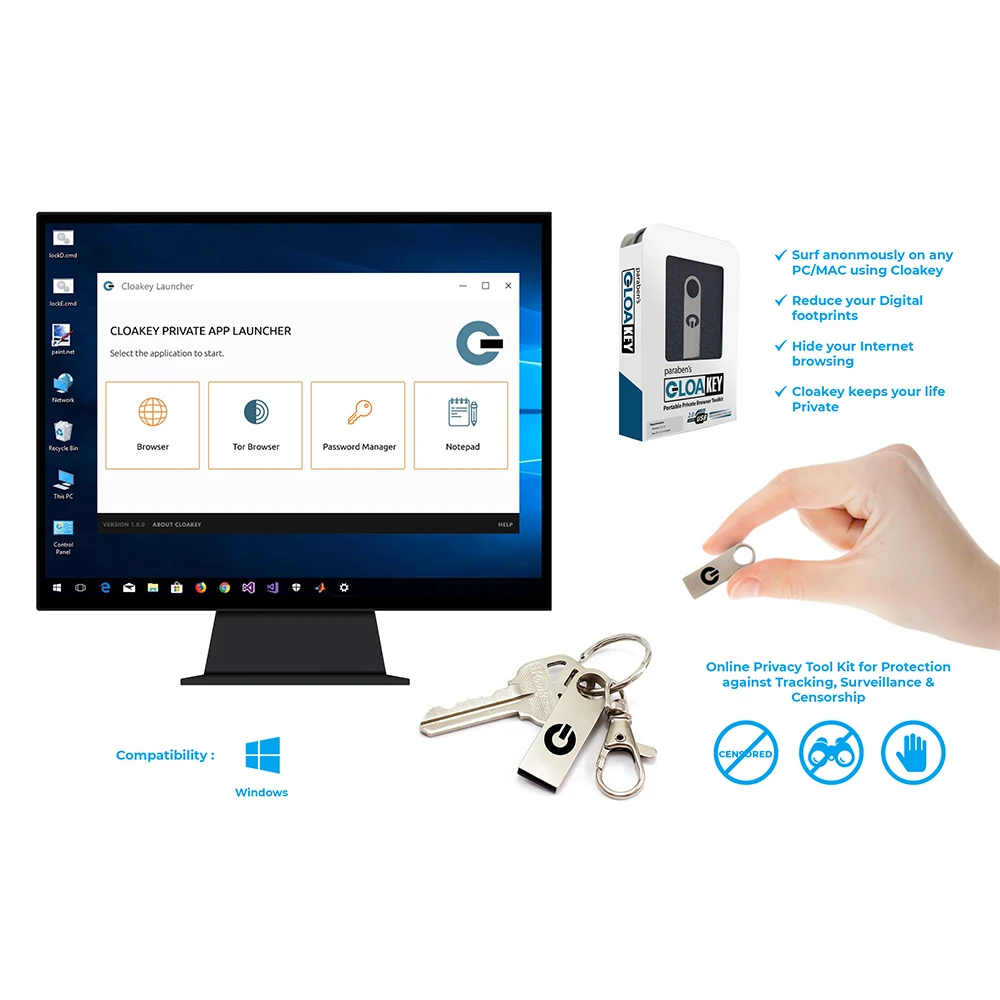
Cloakey Privacy Tool
Cloakey provides a portable privacy-oriented browsing and storage environment.
Within EX-1, this represents a supporting privacy/research function rather than a mobile-forensic acquisition function.
Data Shredder
The included Data Shredder provides a destructive file-deletion capability for supported Windows environments.
Because secure deletion changes or destroys data, it belongs to a separate operational stage from evidence preservation and should only be used where authorized and appropriate.
Legacy & Supplementary Tools
EX-1 also includes tools that are not central to the primary mobile investigation workflow.
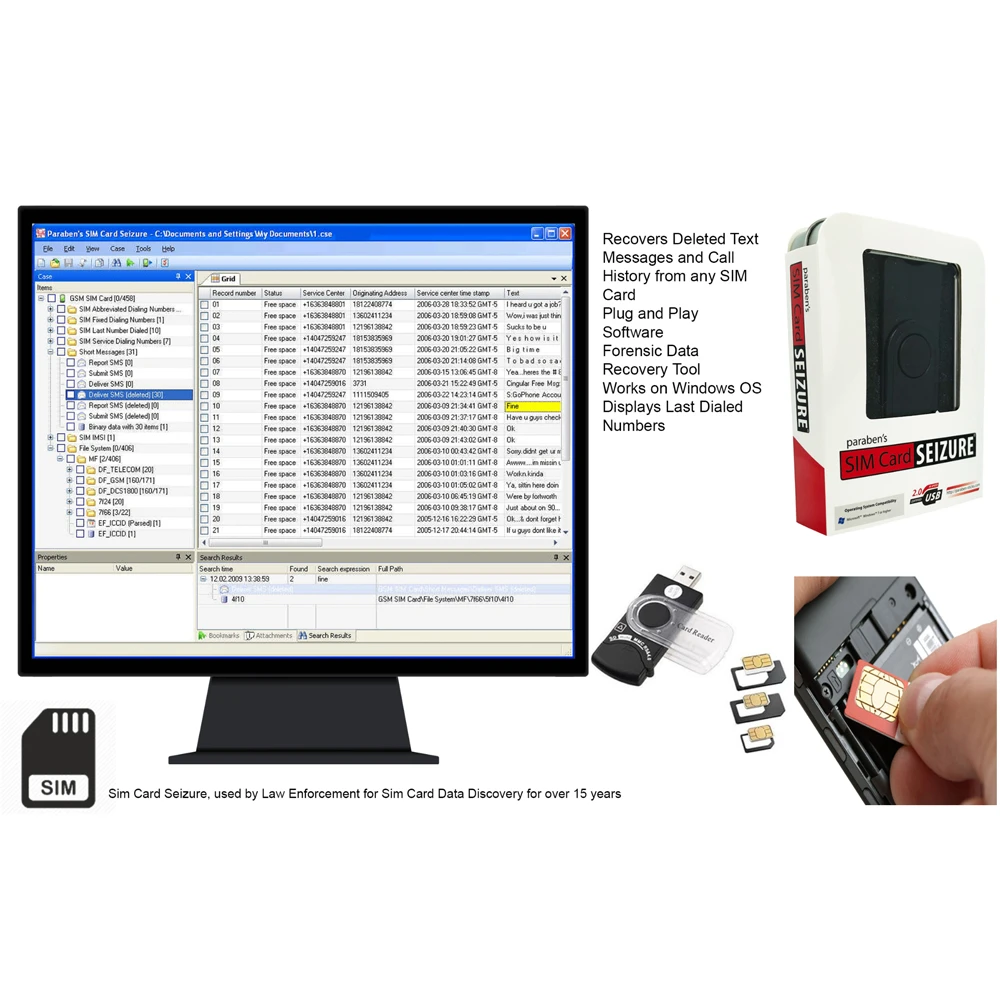
SIM Card Seizure
The SIM Card Seizure utility is retained for specialized or legacy SIM-level investigations.
It should not be interpreted as a substitute for complete handset acquisition because SIM data represents only one potential evidence source within a mobile device ecosystem.
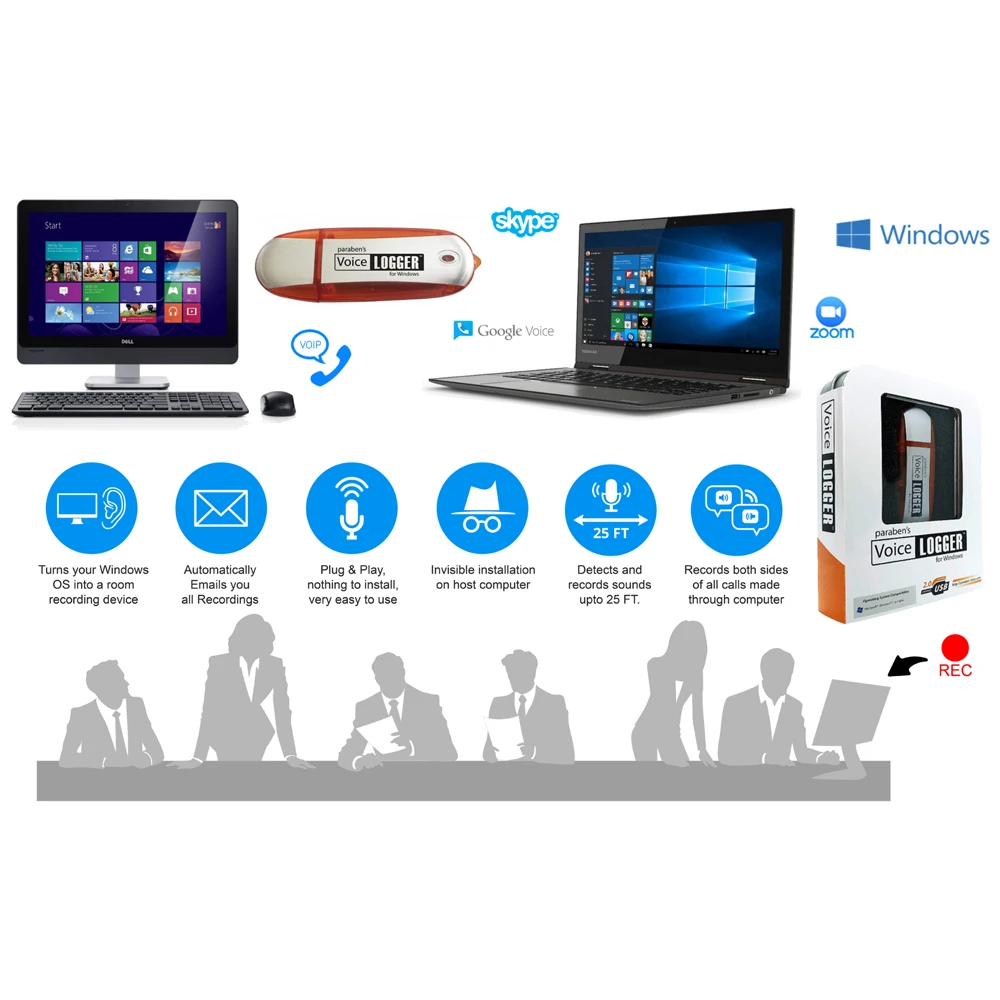
Voicelogger
Voicelogger is included as a supplementary audio-monitoring utility.
It is not a core component of the mobile data extraction workflow and should be treated as a separate capability with its own authorization and operational requirements.
Structured Data Processing
EX-1 supports optional Python-based CSV processing.
This creates an additional path for investigators who need to manipulate structured extraction outputs, perform data triage or prepare datasets for downstream analytical workflows.
Python processing is described as optional/manual rather than an integrated automated forensic-analysis engine.
EX-1 Investigation Workflow
1. Prepare the Environment
Operate the EX-1 workstation in its intended controlled configuration and establish the case-handling procedure before connecting evidence sources.
2. Identify the Evidence Source
Determine whether the investigation involves an iPhone/iPad, Android device, multimedia dataset, SIM card or another supported source.
3. Select the Appropriate Tool
Use the focused USB utility corresponding to the investigation requirement rather than treating the entire suite as one extraction engine.
4. Collect or Extract Data
Perform the supported extraction or collection operation according to the capabilities and limitations of the selected tool.
5. Store the Working Dataset Externally
Use the included 1TB external drive for case data as recommended by the manufacturer.
6. Process & Triage
Review extracted information, organize multimedia, process supported CSV data or conduct other appropriate investigation tasks.
7. Move Into the Appropriate Examination Workflow
Where formal forensic examination, validation, hashing, reporting or evidential preservation is required, apply the organization’s established procedures and appropriate forensic tools.
Who Is EX-1 Designed For?
Law Enforcement & Digital Investigators
For field or laboratory workflows requiring a dedicated environment for supported mobile-data extraction and evidence processing.
Corporate Security & Internal Investigation Teams
For authorized investigations involving company-owned or otherwise lawfully accessible devices and digital information.
Compliance & Audit Teams
For controlled device-data review where separating investigative work from normal corporate computing is operationally useful.
Digital Forensic Consultants
For investigators who require a portable workstation capable of hosting multiple focused investigation utilities rather than carrying several independent computers.
Legal & eDiscovery Workflows
For authorized collection and processing activities where mobile data and multimedia need to be moved into a controlled working environment.
Technical FAQ
Is EX-1 a complete forensic workstation?
EX-1 is a dedicated digital investigation workstation, but it should not be represented as a universal forensic platform. It combines a controlled computer with multiple specialized USB investigation tools, each with its own capabilities and limitations.
Is EX-1 completely offline?
It is designed for offline-first operation. The manufacturer recommends keeping internet access disabled unless a defined task requires it. Therefore, “offline by default” is more accurate than claiming that the system can never use a network.
Does EX-1 extract all data from every phone?
No. The included mobile extraction utilities operate according to their individual device, operating-system and access compatibility. EX-1 should not be marketed as a universal extraction solution.
Does EX-1 create a forensic image?
The published EX-1 documentation describes mobile data extraction and structured processing, but does not establish the workstation as a universal physical or filesystem forensic-imaging platform.
Does EX-1 automatically establish chain of custody?
No. A controlled workstation can support disciplined evidence handling, but chain-of-custody documentation and evidential procedures remain organizational responsibilities.
Why is the 1TB external drive important?
It provides a dedicated destination for extracted case data and helps keep investigation datasets separate from the workstation’s internal operating environment.
Can EX-1 process extracted CSV data?
Yes. The manufacturer specifically identifies optional/manual Python-based CSV processing as a supported workflow.
Are all included tools part of the core mobile-forensics workflow?
No. The iPhone, Android and media tools are central to the primary investigation workflow. SIM Card Seizure and Voicelogger are identified by the manufacturer as legacy or supplementary tools.
Is the Data Shredder an evidence-preservation tool?
No. Data shredding is destructive. It should be considered a separate data-management/security function and never confused with evidence preservation.
Can EX-1 be used with offline AI?
Its isolated architecture can provide a suitable environment for locally deployed analytical tools, and the manufacturer specifically discusses offline AI as a future-facing use case. However, EX-1 itself should not be represented as containing a specific offline AI model or as automatically performing AI-based forensic analysis.


Reviews
There are no reviews yet.