


Description
Explicit Content Detection Scanner | Windows Media Review Tool
Windows Explicit Content Detection, Media Review & Digital Investigation Technology
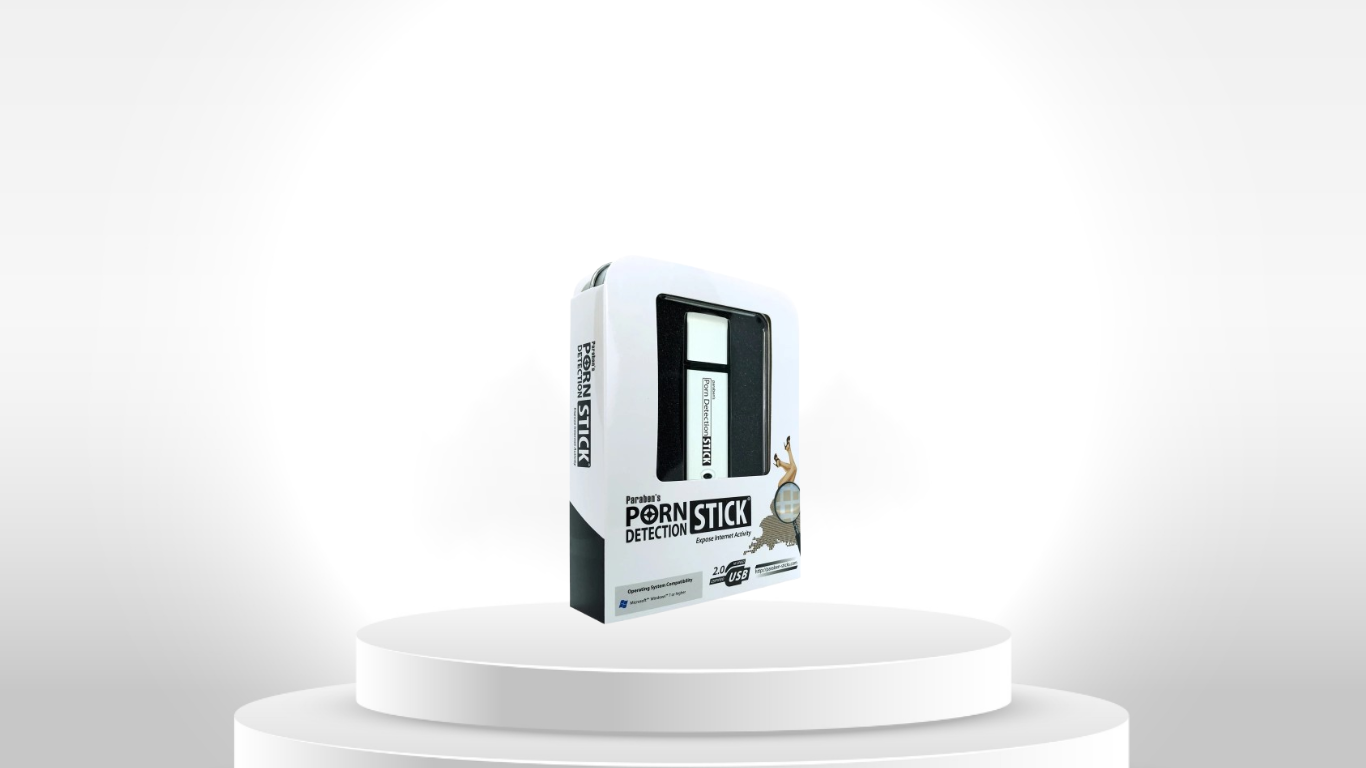
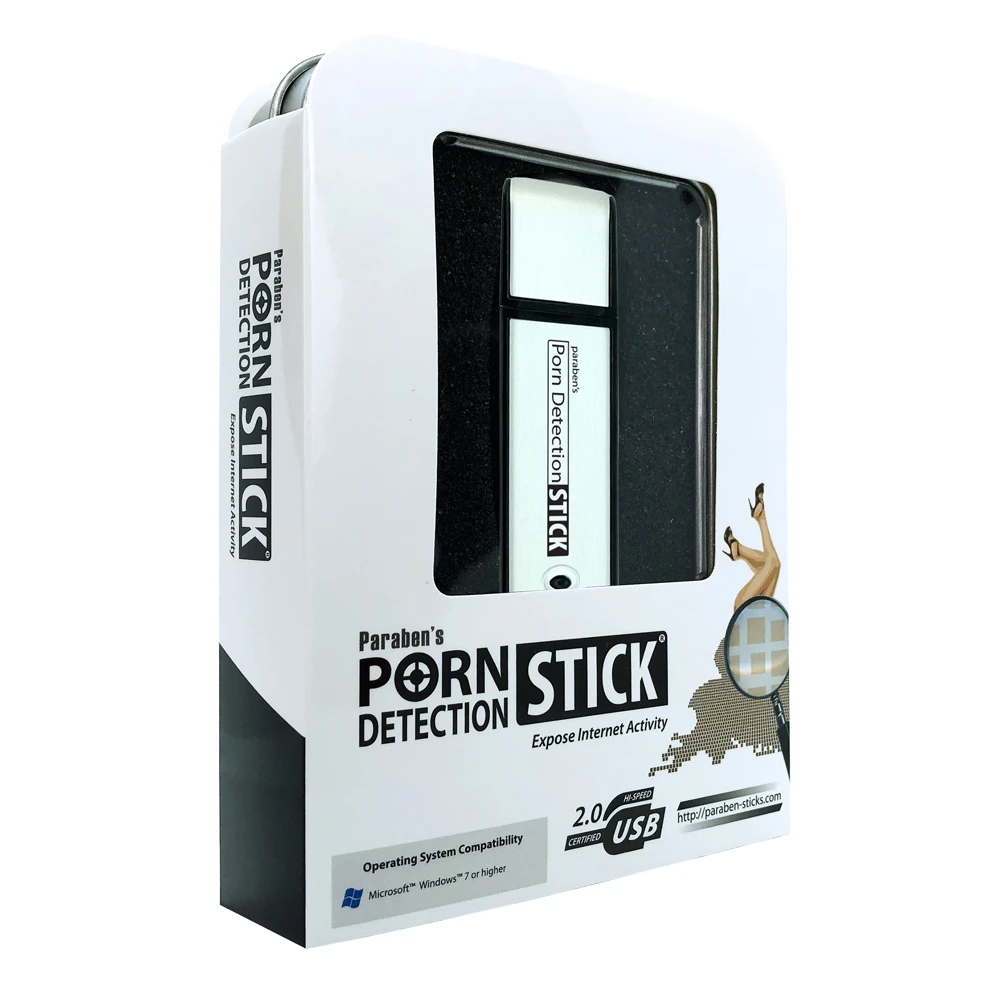
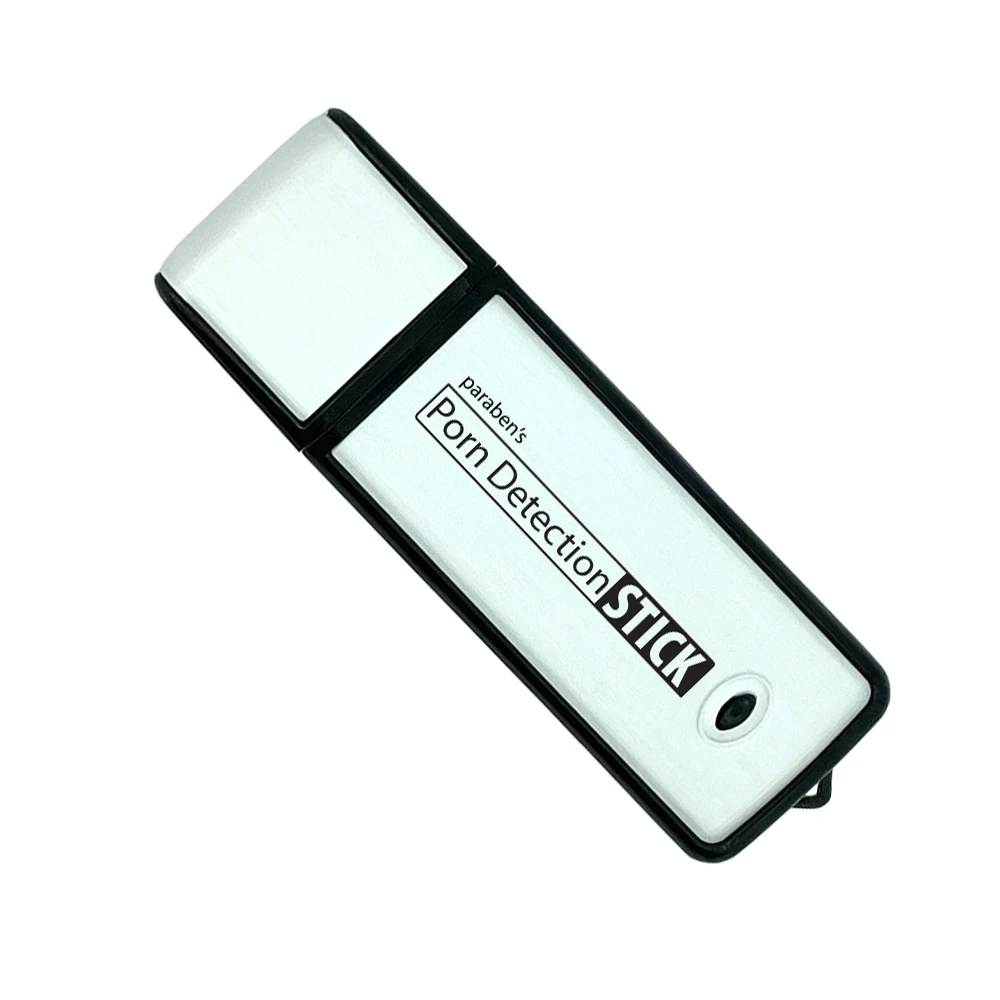
The Explicit Content Detection Scanner is a Windows-based digital media review utility designed to identify potentially explicit image and video content across computers and connected storage devices.
Rather than requiring investigators or administrators to manually review large volumes of media, the scanner uses automated visual analysis to identify content that may require further examination.
The tool is particularly useful for initial content discovery, digital-media triage, organizational compliance checks, device screening, and preliminary investigative review where large numbers of image and video files need to be assessed efficiently.
Explicit Content Detection
Automated Image & Video Screening
The scanner analyzes supported image and video content to identify media that may contain explicit material.
This allows users to prioritize potentially relevant files instead of manually opening and reviewing every image or video on a storage device.
Visual Content Analysis
The detection process evaluates visual characteristics associated with explicit content.
This makes the tool particularly useful for large-scale preliminary review where manual inspection would otherwise consume significant time.
Altered File Extensions
The manufacturer states that the scanner can identify images and videos even when file extensions have been changed to disguise the underlying content.
This can be particularly relevant during investigations where files may have been renamed or deliberately presented as another file type.
Multi-Storage Scanning
Internal Windows Drives
The scanner can examine supported media stored on Windows computers, allowing administrators and investigators to assess local image and video content.
USB & External Storage
The scanner can also work with supported removable and externally connected storage, including:
- USB drives
- External hard drives
- SD cards
- Camera storage
- Other devices that mount as supported Windows storage
Connected Device Review
Any compatible storage device that mounts to the Windows environment can potentially become part of the scanning workflow, subject to its file system and accessibility.
Real-Time / Connection-Based Scanning
The current product page describes scanning of connected USB devices upon connection, providing an immediate screening workflow for removable media.
This can be useful in environments where removable storage needs to be checked consistently rather than only during scheduled investigations.
Deleted Explicit Media Recovery
The manufacturer’s earlier product material states that the scanner can also recover deleted pornographic images and videos.
This capability should be understood as targeted recovery of potentially explicit media, rather than a universal deleted-file recovery or forensic recovery platform.
Recovery success depends on the underlying storage condition and whether the original data remains recoverable.
Controlled Media Review
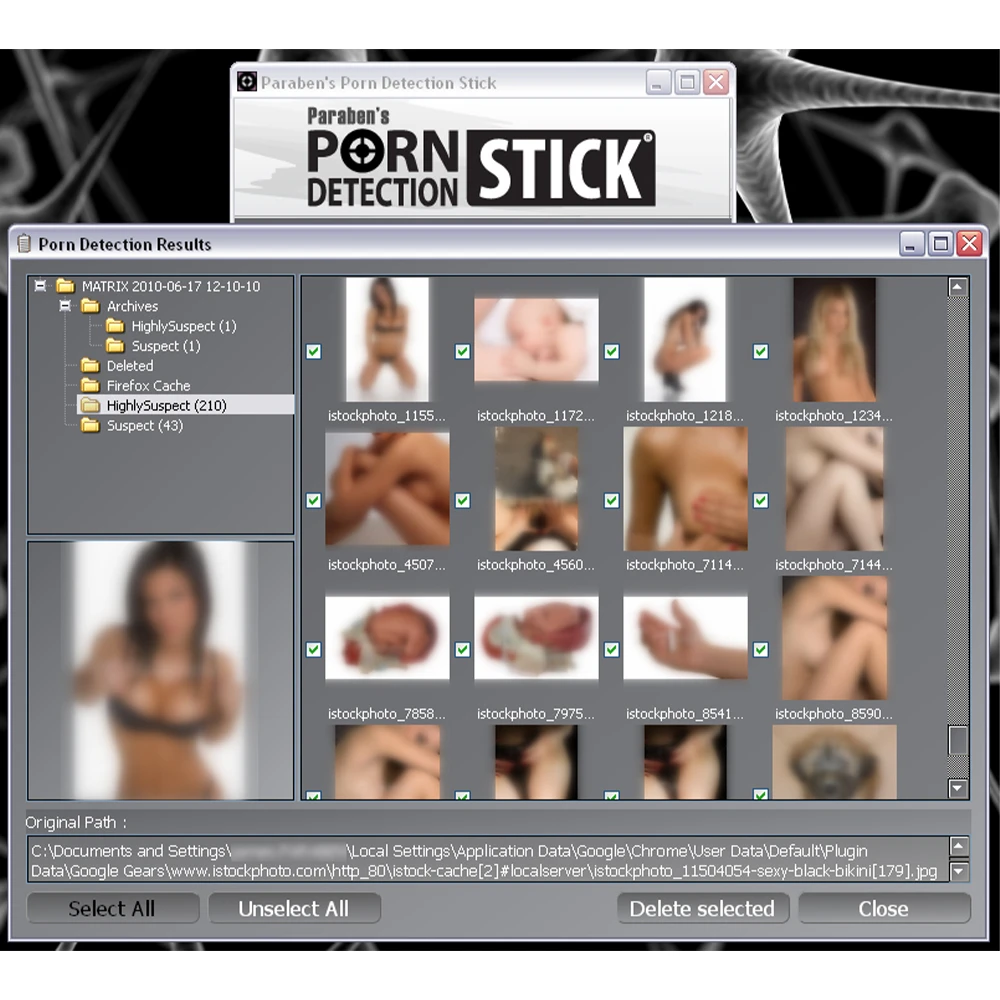
Blurred Image Viewer
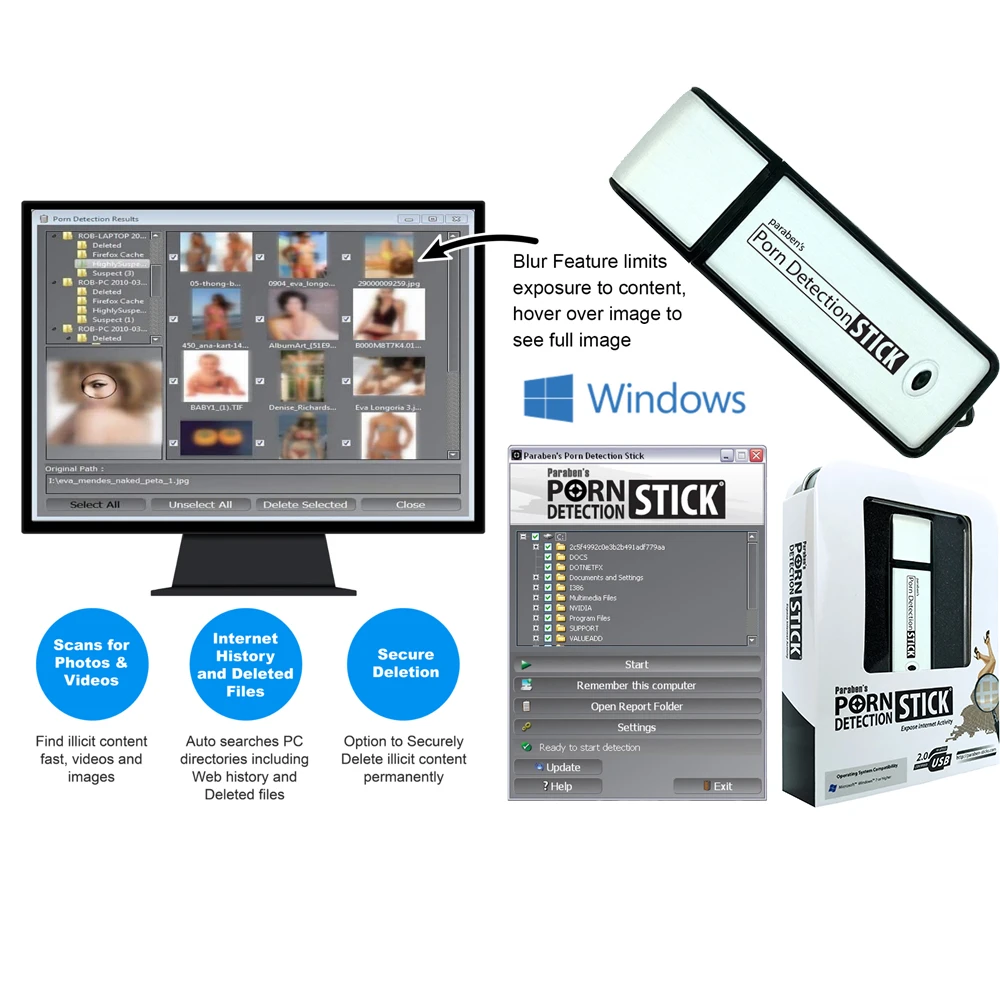
The product includes a blurred-picture viewing mode intended to reduce unnecessary exposure to potentially explicit imagery during the review process.
This can be particularly useful for investigators, IT administrators and compliance personnel who need to determine whether flagged material requires further action without immediately displaying the full image.
Review Before Action
Detected files can be reviewed before removal or other administrative action is taken.
This helps distinguish automated detection from the human decision required for policy enforcement, investigation or evidence handling.
Reporting & Documentation
Detection Reports
The scanner can generate reports containing information associated with detected content.
Reported information can include file paths and associated metadata, supporting follow-up review and documentation.
Reports can help operators identify:
- Where detected content was located
- Which files require further review
- Which storage source was examined
- Relevant file information for subsequent investigation
Secure Deletion
Controlled Removal
Detected files can be securely deleted after the operator has determined that removal is appropriate.
This can support organizational policy enforcement and controlled removal of prohibited material from managed systems.
Important: Secure deletion is a destructive action. It should not be performed on potential evidence before appropriate preservation, authorization and evidence-handling requirements have been satisfied.
Digital Investigation Workflow
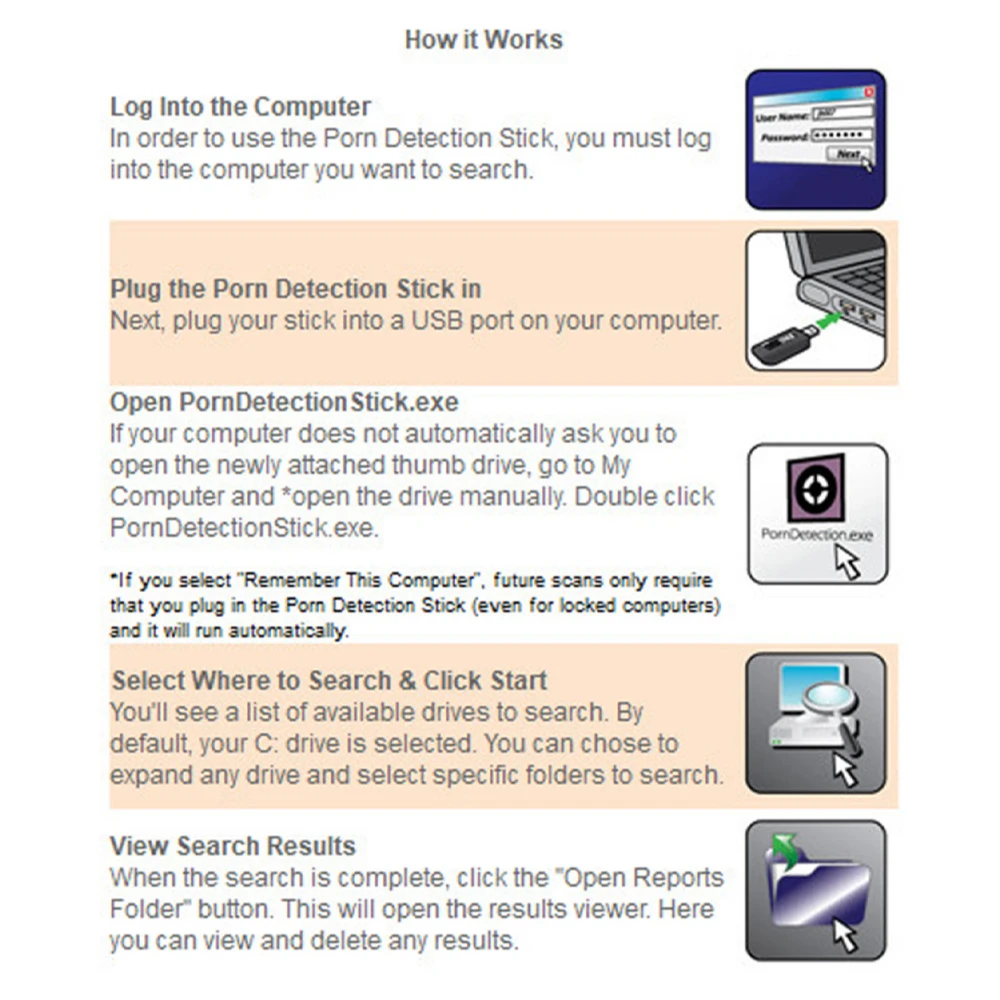
1. Identify the System or Storage Source
Determine the authorized Windows computer or connected storage device to be examined.
2. Connect the Storage
Attach supported USB, external or removable media where applicable.
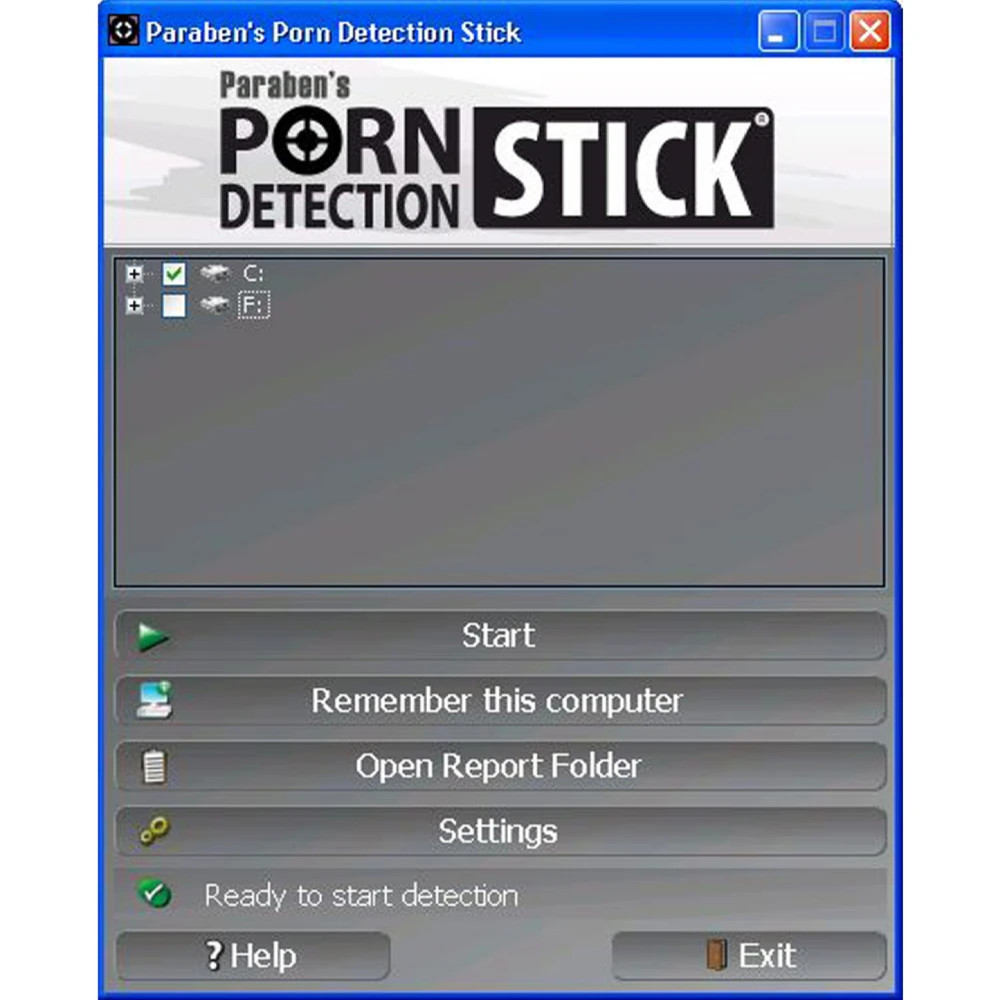
3. Launch the Scanner
Run the scanner from its USB-based environment.
4. Perform Content Screening
Allow the system to analyze supported image and video content.
5. Review Detection Results
Use the results and blurred viewer to determine which files require human examination.
6. Generate Documentation
Use available reporting information to document detected files and their locations.
7. Preserve or Remove
Where investigative relevance exists, preserve and handle the material according to the applicable evidence workflow. Where authorized policy enforcement requires removal, the secure-deletion capability can be used.
Why Choose Explicit Content Detection Scanner?
Reduce Manual Media Review
Automated screening can dramatically narrow the volume of images and videos that require direct human attention.
Screen Multiple Storage Sources
Instead of limiting the review to a computer’s internal drive, the scanner can be used across compatible removable and external storage.
Identify Disguised Media
Detection of content despite changed file extensions can provide an additional layer of screening where files have been renamed or disguised.
Support Preliminary Digital Investigation
The scanner can act as an early-stage content triage layer before more comprehensive forensic examination.
Reduce Unnecessary Exposure
The blurred viewer provides a more controlled way to review flagged material without immediately displaying potentially disturbing content.
Document Findings
Reporting capability provides a practical record of detected files and their locations for follow-up investigation or compliance review.
Professional Applications
Law Enforcement & Digital Investigation
Support preliminary screening of computers and storage media for potentially explicit or illicit visual material during authorized investigations.
Corporate Compliance
Identify potentially prohibited media on company-managed computers and removable storage where organizational policy permits such review.
IT Administration
Perform recurring content checks on managed Windows systems and connected storage.
Educational Institutions
Support controlled review of school-owned or managed computers where content-screening policies are in place.
Child-Safety & Family Device Review
Provide a scanning capability for authorized review of personal or family-managed Windows devices.
Technical Boundaries
The scanner should be positioned as a content-detection and media-triage technology, not as a complete forensic examination platform.
Automated detection identifies material for review; it does not independently establish the legal classification, context, ownership or evidential significance of a file.
Detection accuracy can vary according to image quality, file condition, content characteristics, file format and other technical factors.
Deleted-media recovery is not guaranteed, particularly where underlying storage data has been overwritten or damaged.
Secure deletion is destructive and should not be used on potential evidence before preservation requirements have been addressed.
For formal forensic workflows requiring validated acquisition, cryptographic hashing, comprehensive chain-of-custody documentation, case management and evidential preservation, additional forensic technologies are required.
Technical Requirements
- Windows Vista
- Windows 7
- Windows 8
- Windows 10
- Windows 11
- 1.33 GHz processor
- 1 GB RAM
- 200 MB available storage
- Supported storage formatted as FAT or NTFS
- USB port for portable operation
FAQ
What is an explicit content detection scanner?
It is a digital-media screening tool that automatically analyzes supported image and video files to identify potentially explicit content for human review.
What can the Explicit Content Detection Scanner detect?
It is designed to identify potentially explicit image and video content across supported Windows storage media.
Can it scan an entire Windows computer?
Yes. The manufacturer describes scanning Windows computers and their supported storage for explicit image and video content.
Can it scan USB drives and external hard drives?
Yes. It is designed to scan compatible removable and external storage connected to a Windows system.
Can it scan SD cards and camera storage?
Yes, where the storage mounts to the Windows system in a supported manner.
Can it detect files with changed extensions?
The manufacturer states that the scanner can identify images and videos even when file extensions have been changed to disguise the content.
Can it recover deleted explicit images and videos?
The manufacturer states that the product can recover deleted pornographic images and videos. Recovery depends on whether the underlying data remains recoverable.
Does it use AI to detect explicit content?
PBN-TEC’s reseller material describes the product as having AI-powered detection, while the current product description uses more conservative language around algorithmic analysis. It is therefore best described as automated visual content analysis rather than making a specific AI-model or accuracy claim.
Can detected files be viewed safely?
The product includes a blurred-picture viewer designed to reduce unnecessary exposure to potentially explicit imagery during review.
Can the scanner generate reports?
Yes. The product provides reporting information associated with detected content, including file paths and relevant metadata.
Can detected content be deleted?
Yes. The product supports secure deletion of detected files. Because deletion is destructive, appropriate preservation and authorization procedures should be followed first when the material may have evidential value.
Is this a complete forensic investigation platform?
No. It is a specialized content-detection and media-triage tool. It does not replace comprehensive forensic acquisition, preservation and analysis platforms.
Does detection prove that a file is illegal?
No. Automated detection is a screening function. Human review and appropriate investigative, legal and contextual assessment are still required.
Who can use an explicit content scanner?
Authorized investigators, law-enforcement personnel, compliance teams, IT administrators, educational institutions and other organizations with legitimate authority to examine managed systems can use the technology for appropriate content-screening purposes.


Reviews
There are no reviews yet.