Digital Investigation & Evidence Technology

Digital Investigation Capabilities & Solutions

Archthetic brings together specialized digital investigation tools for law enforcement, government agencies, corporate security teams, internal investigators, legal and compliance professionals, private investigators, forensic consultants, cybersecurity teams and organizations responsible for authorized digital evidence handling.
The technology ecosystem spans mobile device investigation, computer investigation, digital evidence acquisition, photo and video investigation, SIM card analysis, data recovery, secure data destruction, digital activity analysis, offline investigation workstations and integrated digital investigation kits.

Digital Investigation Technology by Evidence Source

Mobile Device Investigation

Common investigation areas include:

  • iPhone and iPad investigation
  • Android device investigation
  • Mobile data extraction
  • Mobile evidence review
  • Application and communication data
  • Contacts and call-related information
  • Mobile media acquisition
  • Device-based investigation workflows
  • SIM card investigation
  • Authorized mobile-device recovery workflows

Computer & Windows Investigation

Technology for investigating Windows computers, removable storage and digital activity associated with desktop environments.

Common capabilities include:

  • Windows data recovery
  • Deleted-file recovery
  • Digital activity investigation
  • File and content scanning
  • Secure data destruction
  • Portable investigation utilities
  • Computer-based evidence review
  • Digital privacy and secure browsing tools
  • USB and removable-media investigation

SIM Card Investigation

Specialized technology for examining SIM-resident information and mobile subscriber data.

Applications may include:

  • SIM contact investigation
  • SMS-related records
  • Call-related records
  • SIM evidence acquisition
  • SIM card data review
  • SIM card seizure workflows
  • Multi-format SIM card handling

Photo & Video Evidence Investigation

Technology designed for acquiring, organizing and reviewing large volumes of digital photographs and video evidence.

Applications include:

  • Image and video acquisition
  • Evidence duplication
  • High-volume media review
  • Duplicate-content handling
  • Metadata inspection
  • Image enhancement
  • Video frame extraction
  • Frame-by-frame review
  • Centralized evidence working datasets

Digital Storage & Removable Media For Large Evidences

Tools supporting investigation, recovery, duplication and controlled handling of data stored on computers, USB drives, memory cards and other removable media.

Digital Evidence Acquisition & Recovery

Common capabilities include:

  • Digital evidence acquisition
  • Data extraction
  • Deleted-data recovery
  • Inaccessible-data recovery
  • Evidence duplication
  • Working-copy creation
  • Structured data export
  • Digital evidence preservation workflows
  • Offline evidence handling
  • AI-compatible data preparation

Digital Investigation & Evidence Collection Workflow

Investigation Stage
Purpose & Common Applications
Key Capabilities
Relevant Products
Evidence Identification & Preservation
Identify relevant smartphones, computers, SIM cards, storage media and digital content before acquisition or examination.

Supports controlled evidence handling and preservation workflows designed to reduce unnecessary interaction with original sources.
Evidence identification
Source preservation
Controlled evidence handling
Offline investigation workflows
Portable evidence environments
EX-1 Investigation Suite
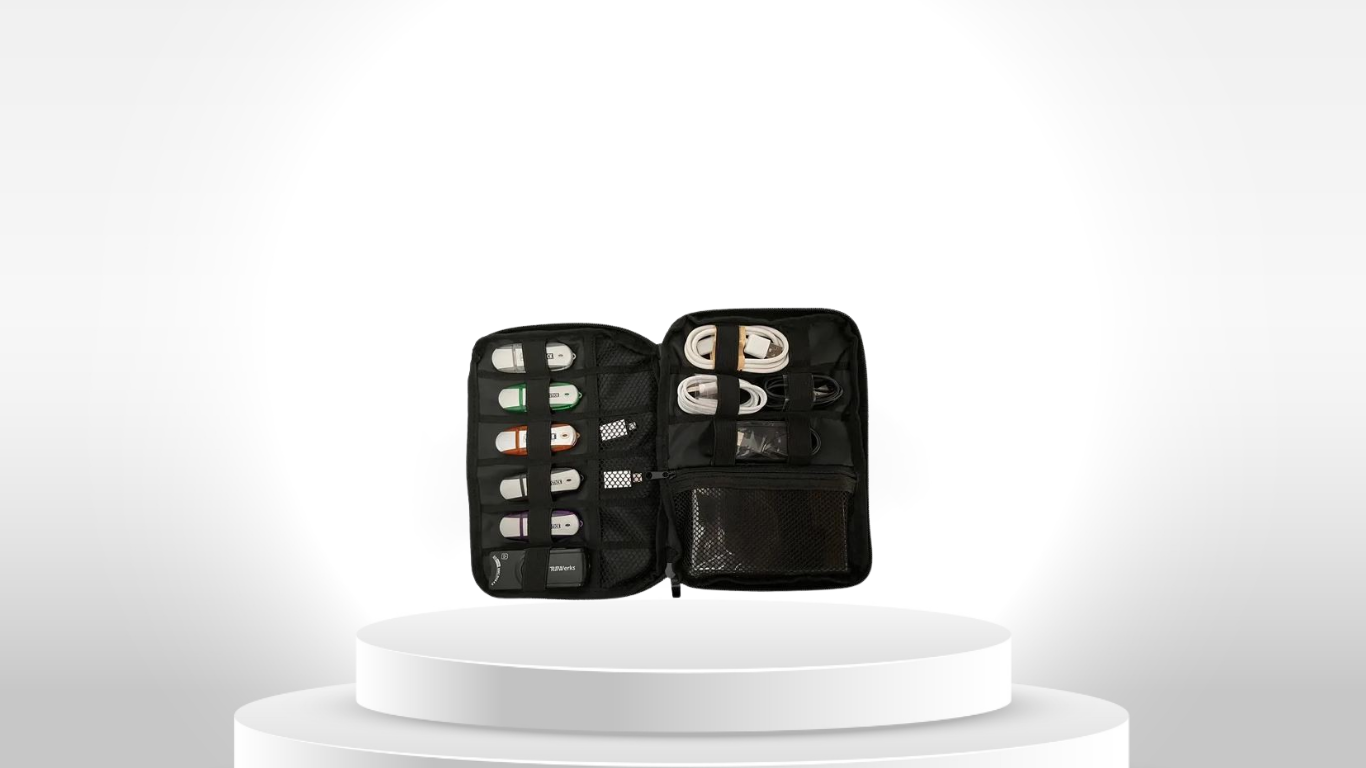
Complete Digital Investigation Kit
Digital Investigation Kit 1TB
Digital Evidence Acquisition
Acquire supported information and digital media from mobile devices, computers, SIM cards and removable storage for subsequent investigation.

Relevant to digital evidence collection, device acquisition and controlled media acquisition workflows.
Digital evidence acquisition
Mobile device acquisition
Digital media acquisition
Evidence copying
Portable acquisition
Offline acquisition workflows
EX-1 Investigation Suite
Complete Digital Investigation Kit
Cellphone Investigation Kit
Photo & Video Investigation Kit
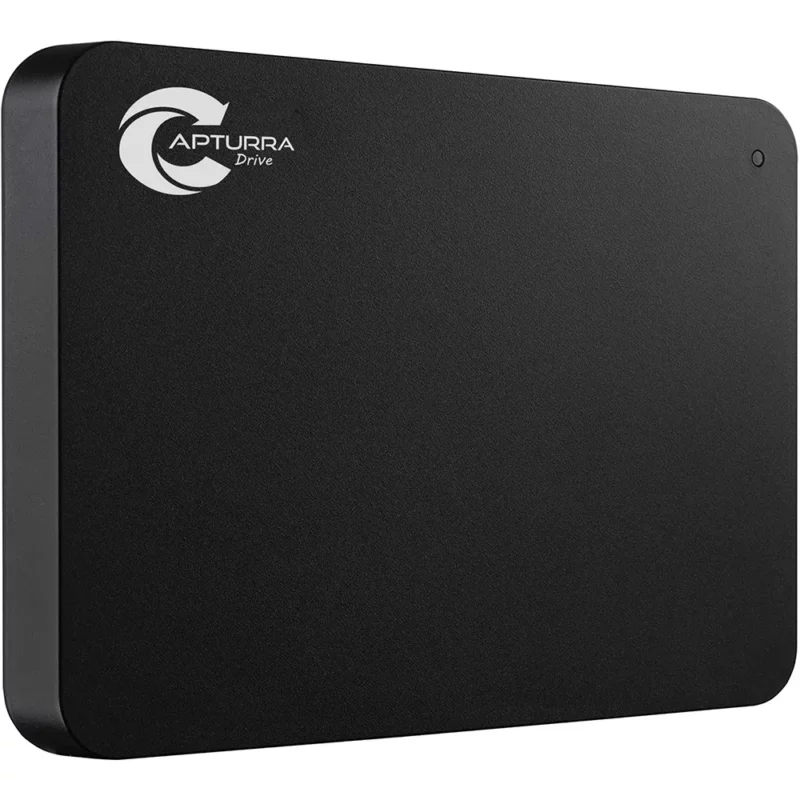
Capturra Action Drive Kit 1TB
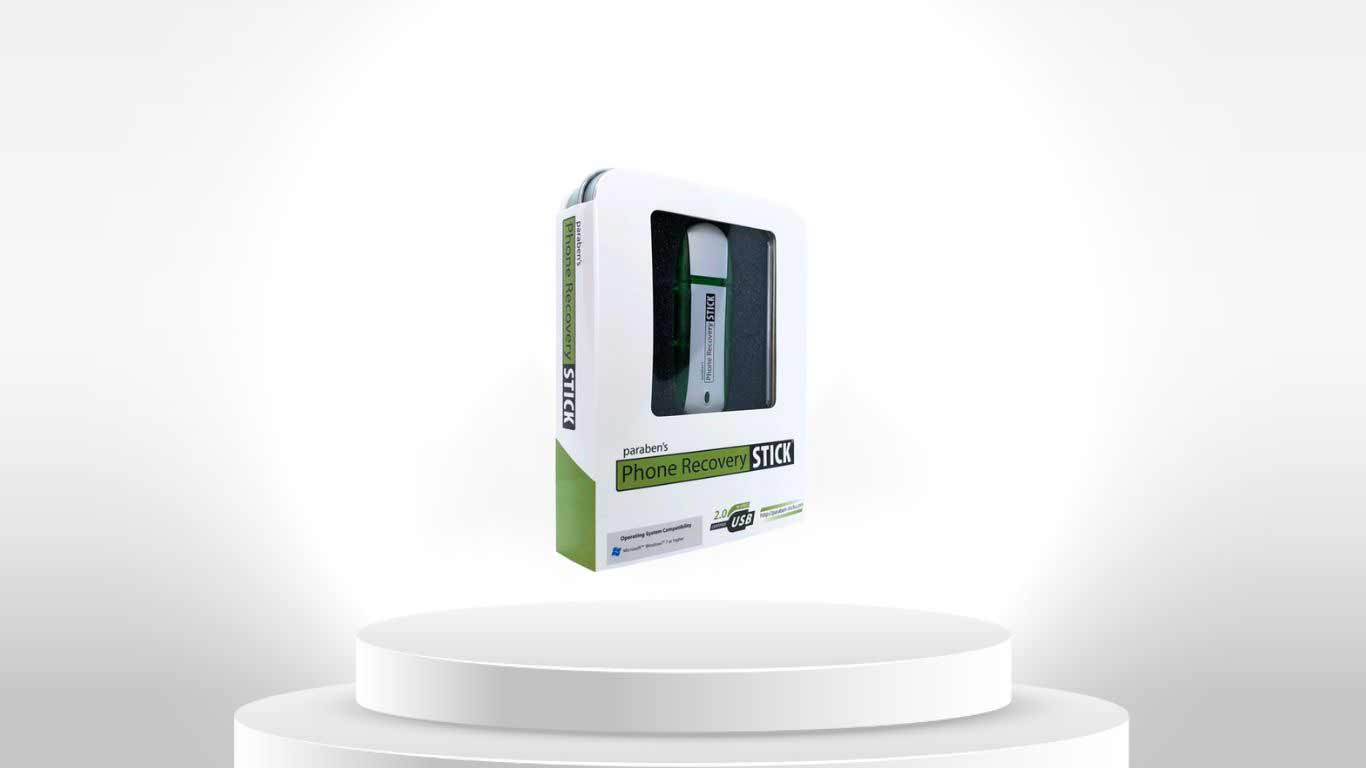
iRecovery Stick for iPhone
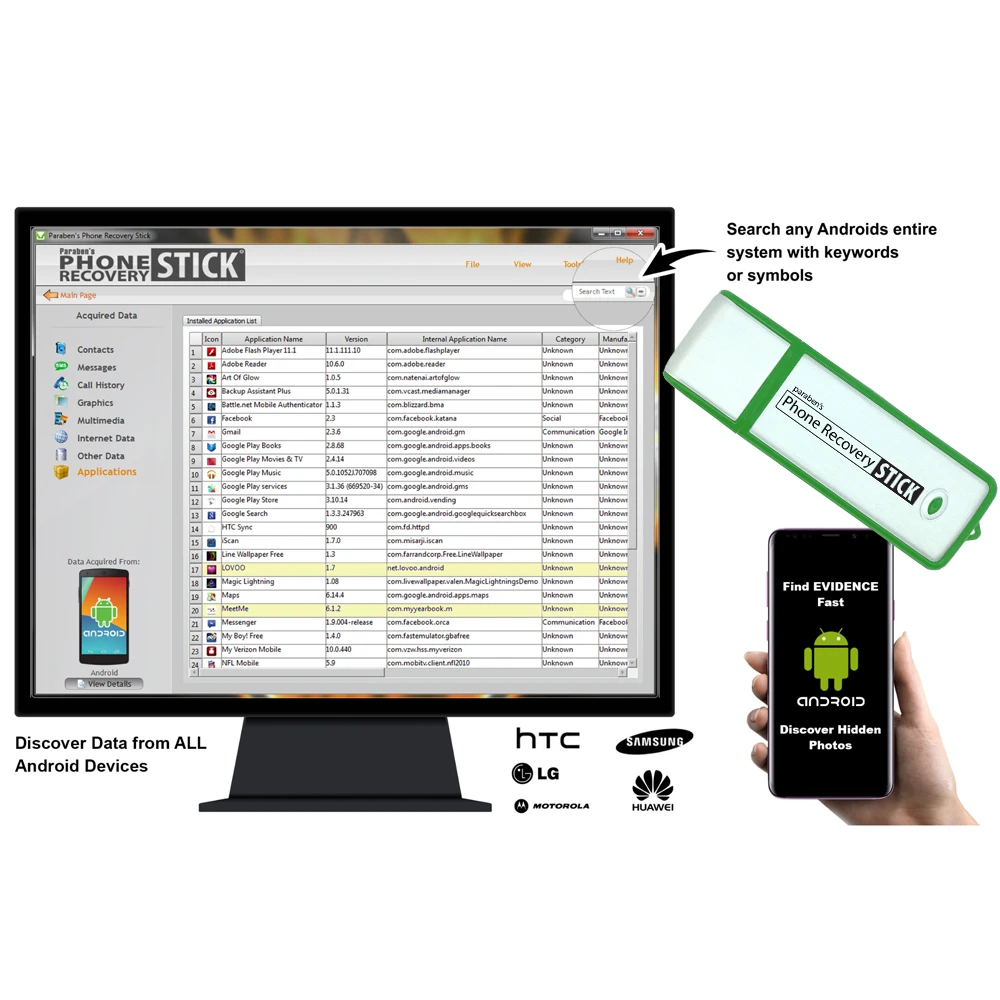
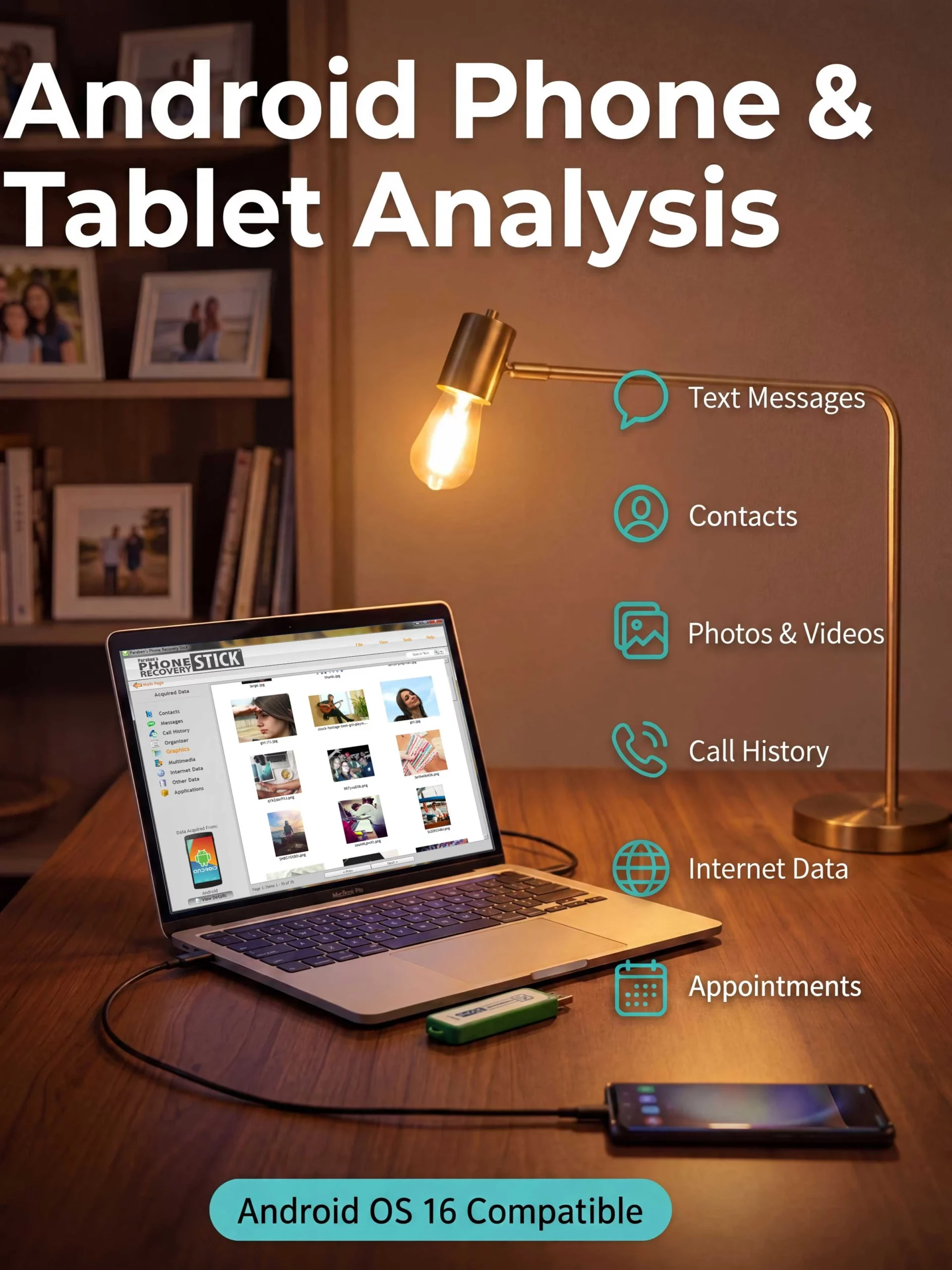
Phone Recovery Stick for Android
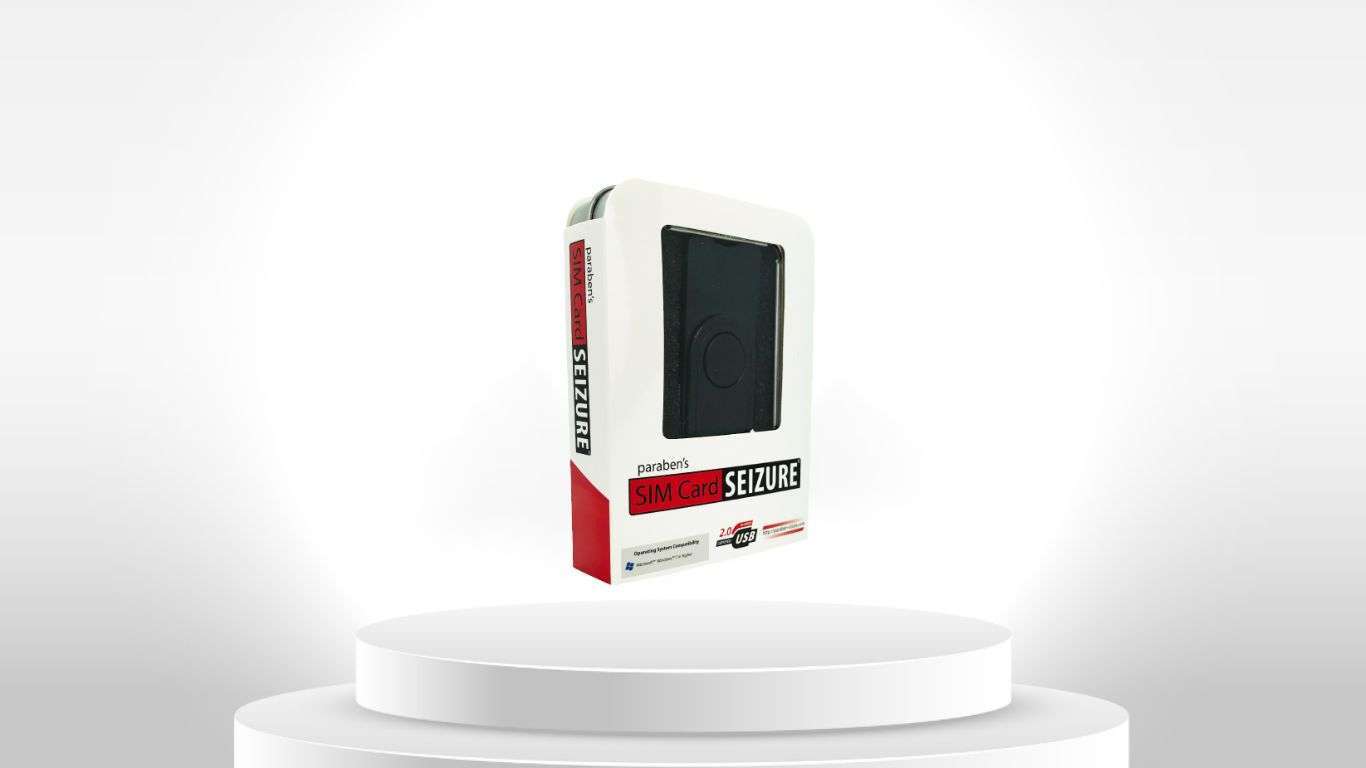
SIM Card Seizure
Data Extraction
Extract available information from supported smartphones, tablets, computers, SIM cards and other digital sources.

Used where investigators need structured access to available digital information for subsequent examination and analysis.
Mobile data extraction
iPhone & iPad investigation
Android data extraction
Computer data extraction
Contact extraction
Communication data
Media extraction
Supported application data
EX-1 Investigation Suite
Complete Digital Investigation Kit
Cellphone Investigation Kit
iRecovery Stick for iPhone
Phone Recovery Stick for Android
SIM Card Seizure
Data Recovery
Recover supported deleted, inaccessible or otherwise difficult-to-access information where the specific technology and source environment permit it.

Recovery capability depends on the device, operating system, storage format, security configuration and individual product.
Deleted file recovery
Windows data recovery
Removable-media recovery
Supported mobile recovery
Inaccessible-data recovery
File-system recovery
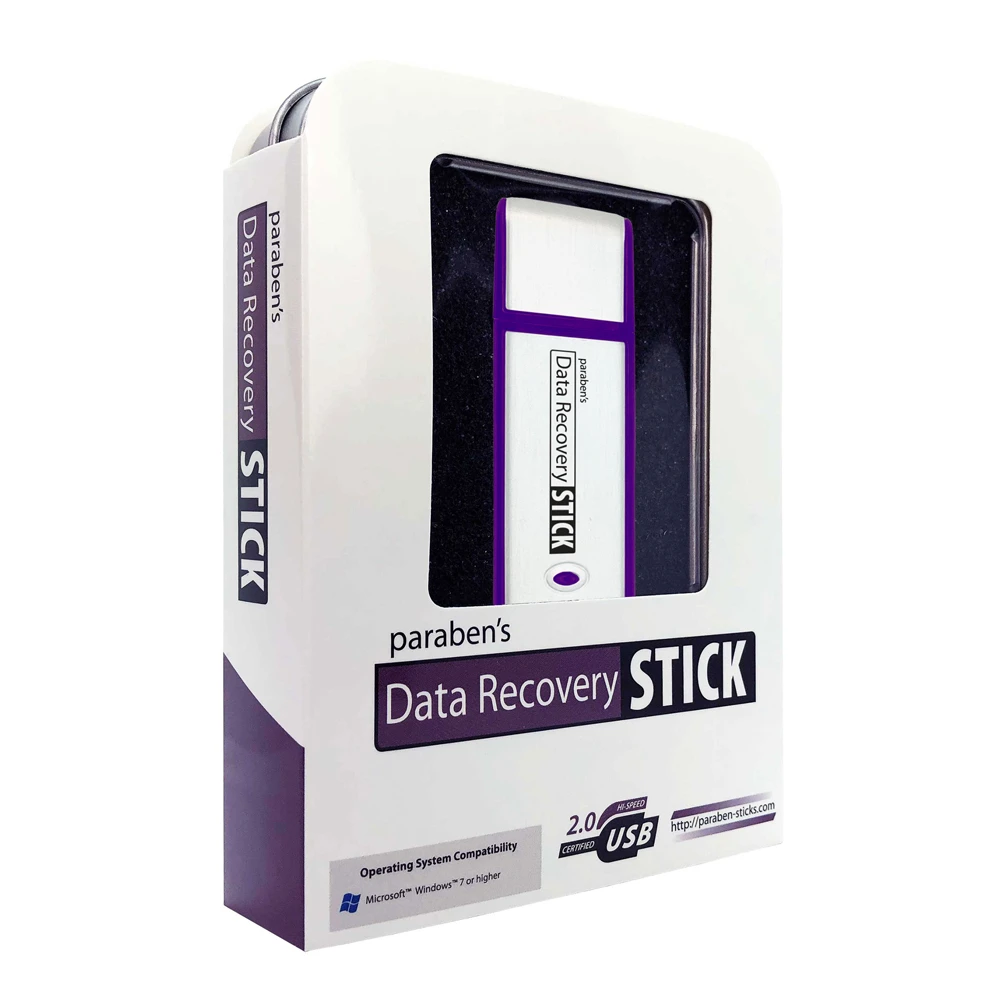
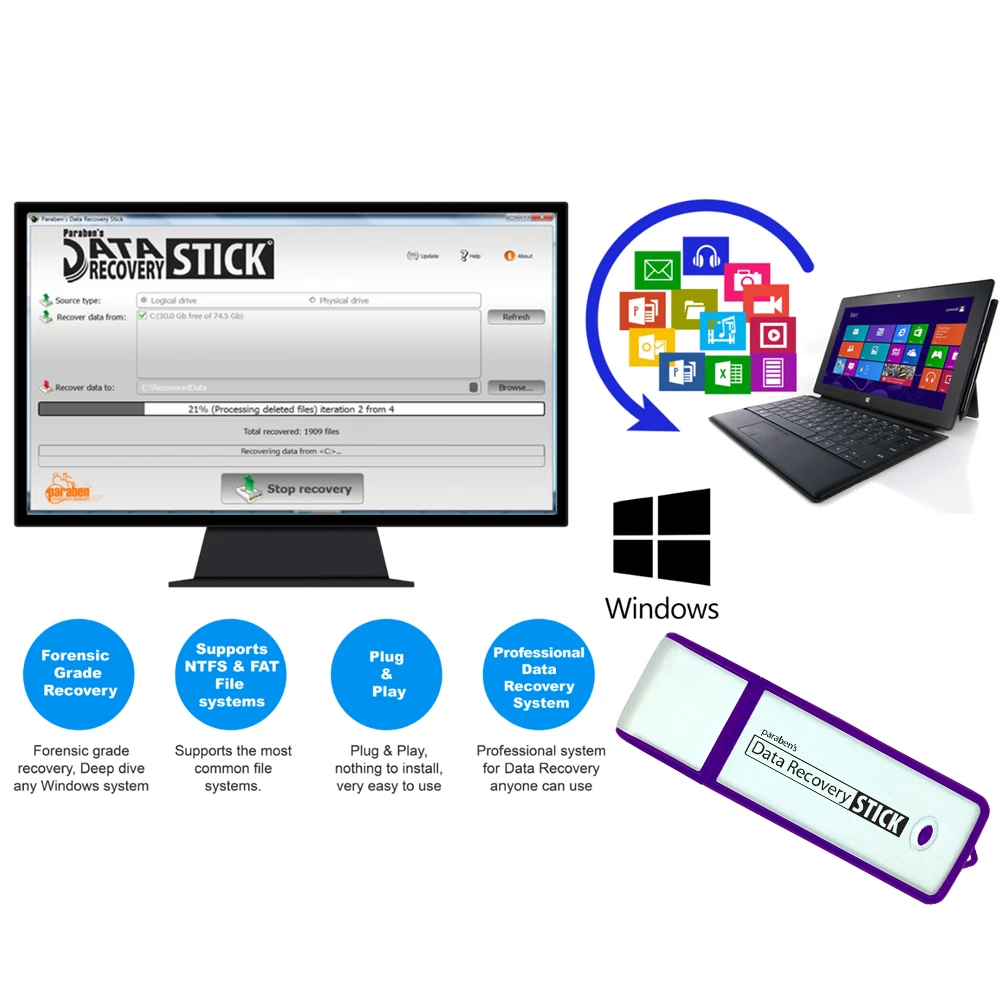
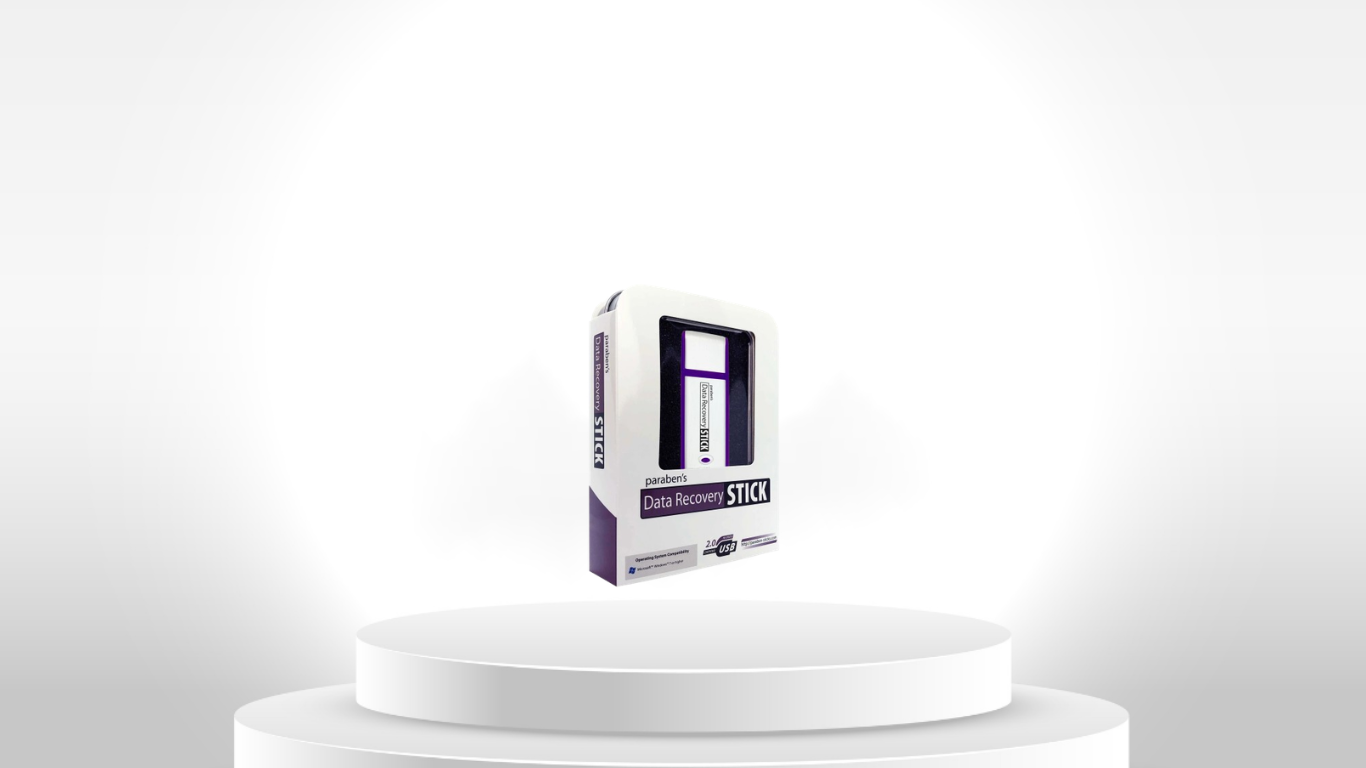
Data Recovery Stick for Windows OS
iRecovery Stick for iPhone
Phone Recovery Stick for Android
SIM Card Seizure
EX-1 Investigation Suite
Complete Digital Investigation Kit
Evidence Duplication & Processing
Create working copies and organized datasets for investigation, examination, review and analysis.

Particularly relevant to high-volume digital media acquisition and portable evidence-processing workflows.
Digital evidence duplication
Media duplication
Working-copy creation
Evidence organization
Portable storage
Offline processing
Structured datasets
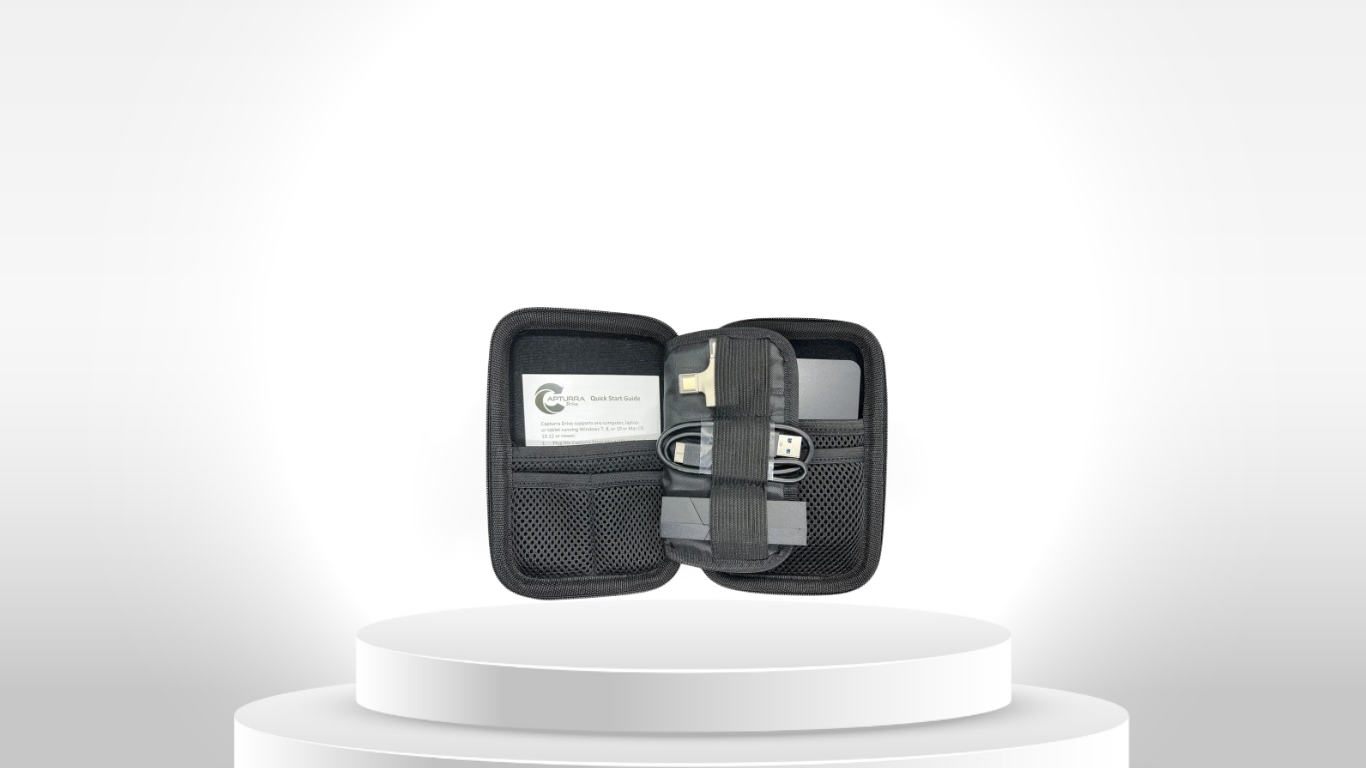
Capturra Action Drive Kit 1TB
Photo & Video Investigation Kit
EX-1 Investigation Suite
Complete Digital Investigation Kit
Digital Investigation Kit 1TB
Digital Evidence Examination
Examine acquired information to identify relevant files, records, photographs, videos, metadata, communications and other supported digital artifacts.

Examination may combine automated processing with investigator-led review.
Digital evidence examination
Digital artifact review
File examination
Metadata inspection
Keyword search
Content identification
Image and video review
Evidence filtering
EX-1 Investigation Suite
Complete Digital Investigation Kit
Photo & Video Investigation Kit
Capturra Action Drive Kit 1TB
iRecovery Stick for iPhone
Phone Recovery Stick for Android
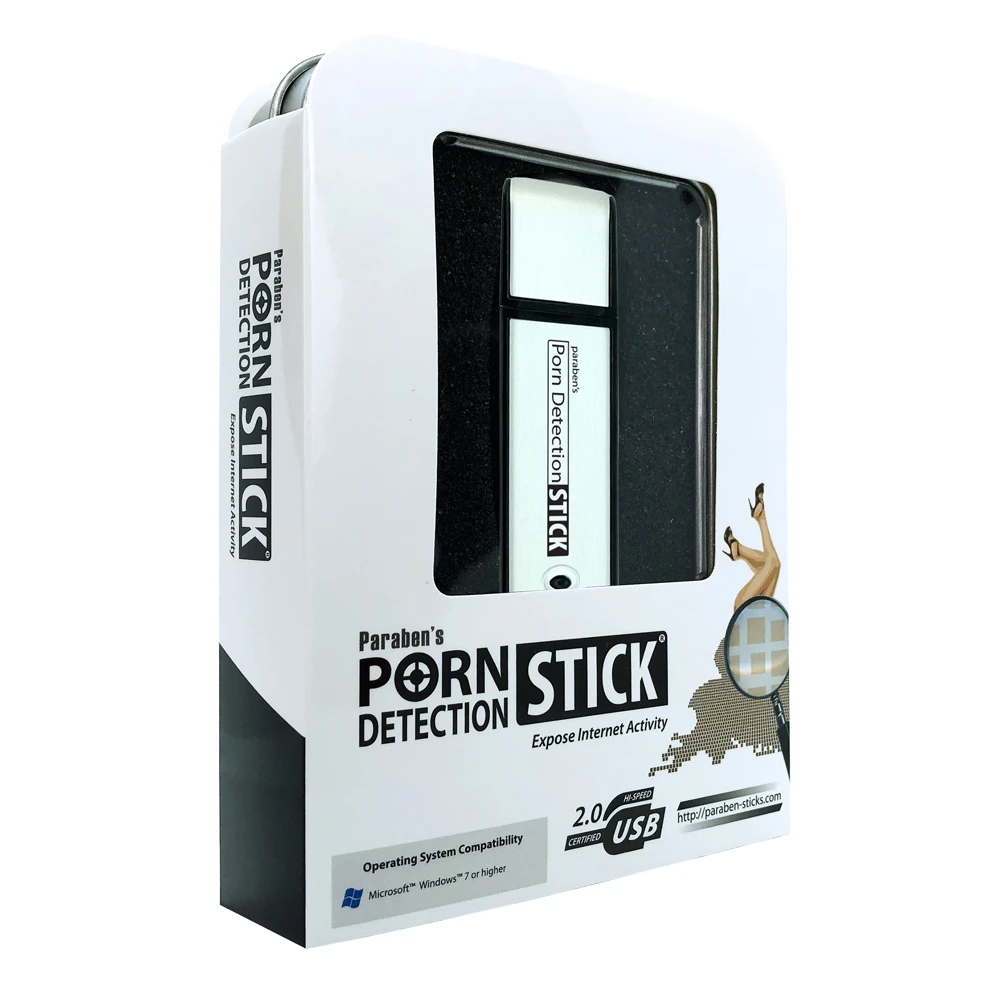
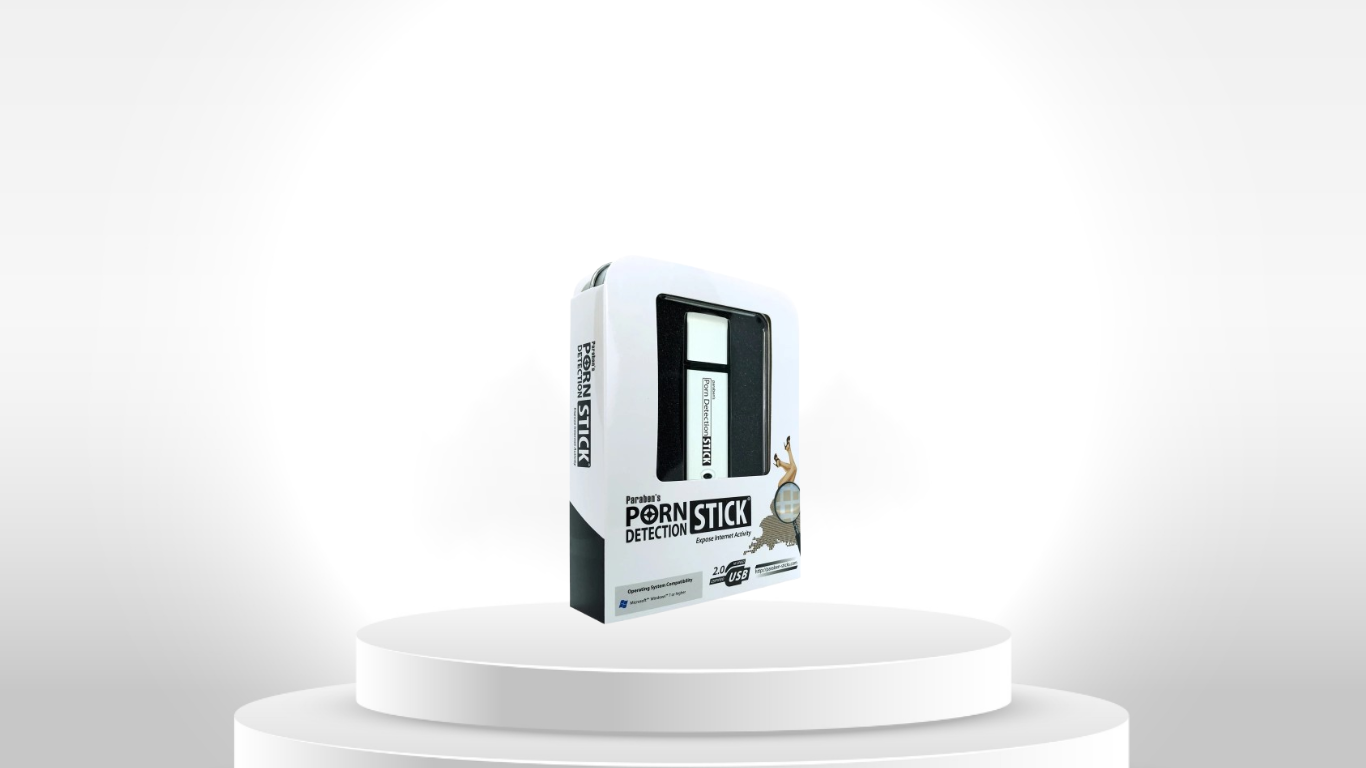
USB Porn Detection Scanner for Windows OS
Digital Evidence Analysis
Analyze examined information to identify relationships, patterns, timelines, activity and findings relevant to the investigation.

Analysis capabilities vary by product and should be evaluated against the specific investigative requirement.
Digital evidence analysis
Digital artifact analysis
Timeline-oriented review
Media analysis
Pattern identification
Structured data analysis
AI-compatible data preparation
EX-1 Investigation Suite
Photo & Video Investigation Kit
Complete Digital Investigation Kit
Capturra Action Drive Kit 1TB
SIM Card Seizure
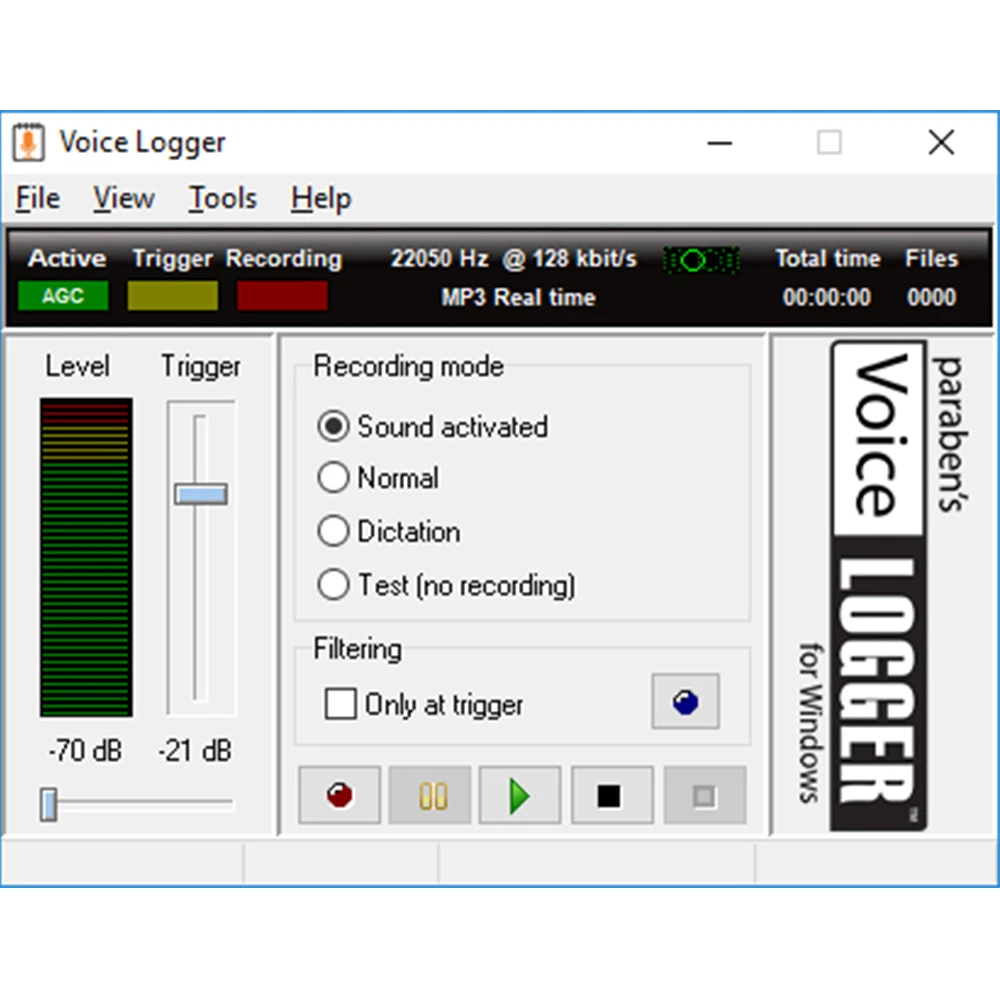
Voicelogger Remote Audio Monitoring Software
Reporting & Evidence Export
Organize findings and export supported information for documentation, investigation records, internal review or downstream analysis.

Reporting and export capabilities depend on the specific product and workflow.
Evidence export
Structured data export
Investigation documentation
Evidence review outputs
Report preparation
Downstream analysis
EX-1 Investigation Suite
Complete Digital Investigation Kit
Cellphone Investigation Kit
Photo & Video Investigation Kit
SIM Card Seizure
iRecovery Stick for iPhone
Phone Recovery Stick for Android
Technology Selection Note: Digital investigation technologies perform different functions. Acquisition, extraction, recovery, duplication, examination, analysis and reporting are distinct investigative activities. Product compatibility and available capabilities depend on the specific device, operating system, storage format, security configuration, access conditions and product. Use this workflow as a technology-selection framework and verify the applicable product specifications before purchase.
◆
Transparent Pricing & Secure Payment via Stripe
✓
FINAL PRICE: The price displayed is the final amount payable to Archthetic.
✓
WORLDWIDE SHIPPING INCLUDED — including remote-area delivery charges.
✓
NO SURPRISE CHARGES — no additional shipping or handling fees are added at checkout.
⚠
IMPORT TAXES: Import duties, customs fees, VAT, and other destination-country taxes are not included and may apply under local regulations.
✓
SECURE PAYMENT VIA STRIPE — pay securely by Credit Card, Bank Transfer, or International Invoice.

Digital Investigation & Evidence Collection Technology Categories

Mobile Device Investigation & Data Extraction

SIM / UICC Evidence Investigation

Digital Investigation & Evidence Processing Workstations

Computer Data Recovery

Digital Media Evidence Collection & Duplication

Photo & Video Investigation

Digital Media Review & Explicit Content Detection

Digital Audio Investigation & Recording

Digital Evidence Processing & Case Data Management

Privacy Protection & Confidential Digital Research

Digital Evidence Destruction & Data Sanitization

Who Uses Digital Investigation & Evidence Collection Technology ?

Who Uses It
Typical Investigation Requirement
Digital Investigation Workflow
Relevant Technology
Law Enforcement & Government Investigators
Investigate mobile devices, computers, SIM cards, digital media and other sources of information during authorized investigations.

Common requirements include evidence collection, device investigation, data extraction, recovery, examination and documentation.
  1. Identify relevant devices and digital sources.
  2. Preserve and control the original source where appropriate.
  3. Acquire or extract supported information.
  4. Recover relevant data where the technology permits.
  5. Examine files, communications, media and digital artifacts.
  6. Analyze findings and organize relevant evidence.
  7. Export or document investigation results.
Mobile Device Investigation
Computer Investigation
SIM Card Investigation
Digital Evidence Acquisition
Photo & Video Investigation
Integrated Investigation Kits
Corporate Security & Internal Investigation Teams
Investigate internal incidents, information-security events, policy violations, employee-related incidents and other authorized corporate investigations.

The focus is often on establishing what happened, identifying relevant digital information and creating a controlled investigation record.
  1. Define the incident and investigation scope.
  2. Identify relevant company-owned devices and data sources.
  3. Secure and preserve relevant information.
  4. Acquire supported data for controlled review.
  5. Examine files, communications, media and activity.
  6. Identify relevant findings and timelines.
  7. Prepare internal investigation documentation.
Computer & Windows Investigation
Mobile Device Investigation
Digital Evidence Acquisition
Data Recovery
Photo & Video Investigation
Digital Activity & Content Analysis
Private Investigators & Investigation Firms
Support authorized investigations involving mobile devices, computers, digital media, removable storage and recoverable information.

Portable tools are particularly useful when investigation work must be performed outside a dedicated laboratory environment.
  1. Define the investigative objective and authorized scope.
  2. Identify relevant devices or digital sources.
  3. Acquire supported information using the appropriate tool.
  4. Recover relevant data where supported.
  5. Review digital files, media and records.
  6. Organize findings for the investigation.
  7. Export or document relevant results.
Mobile Investigation Tools
Computer Investigation Tools
Data Recovery Tools
Photo & Video Investigation
SIM Card Investigation
Portable Investigation Kits
Legal, Compliance & eDiscovery Professionals
Collect, organize and review digital information relevant to disputes, internal investigations, regulatory matters, compliance reviews and electronic discovery workflows.

The priority is often controlled collection, structured review and clear documentation of the information examined.
  1. Define the matter, scope and relevant information.
  2. Identify potentially relevant devices and data sources.
  3. Acquire or duplicate supported information.
  4. Organize the working dataset.
  5. Search and review relevant files, records and media.
  6. Identify information relevant to the matter.
  7. Export and document applicable findings.
Digital Evidence Acquisition
Evidence Duplication & Processing
Computer Investigation
Photo & Video Evidence Review
Content Identification
Evidence Export & Documentation
Cybersecurity & Incident Response Teams
Investigate suspected security incidents, compromised systems, unauthorized activity and relevant digital artifacts.

Investigation workflows can help teams move from an incident source to structured digital information for examination and analysis.
  1. Define the suspected incident and affected environment.
  2. Identify relevant computers, storage and digital sources.
  3. Acquire available information for controlled examination.
  4. Recover supported files or information where appropriate.
  5. Examine relevant activity, files and digital artifacts.
  6. Analyze patterns, timelines and relationships.
  7. Document findings for incident response or internal review.
Computer Investigation
Data Recovery
Digital Evidence Acquisition
Digital Activity Analysis
Content Analysis
Offline Investigation Workstations
Forensic Consultants & Digital Evidence Specialists
Conduct specialized digital evidence workflows across mobile devices, computers, SIM cards, storage media and digital content.

Professional users may require different tools for acquisition, extraction, recovery, examination, analysis and reporting rather than a single universal platform.
  1. Determine the evidence source and investigative objective.
  2. Select the appropriate acquisition method.
  3. Acquire or extract supported information.
  4. Apply product-specific recovery capabilities where appropriate.
  5. Examine and organize acquired digital artifacts.
  6. Analyze information according to the investigation.
  7. Document methods, findings and applicable outputs.
Mobile Device Investigation
Computer Investigation
SIM Card Investigation
Digital Evidence Acquisition
Data Recovery
Photo & Video Investigation
Integrated Investigation Kits
Insurance, Healthcare & Regulated Organizations
Support authorized investigations involving claims, internal incidents, compliance matters, disputes and controlled digital information.

These environments may require careful handling of sensitive information and a clearly defined investigation scope.
  1. Define the claim, incident or compliance question.
  2. Identify relevant digital sources.
  3. Acquire supported information within the authorized scope.
  4. Create an organized working dataset.
  5. Review relevant files, photographs, videos and records.
  6. Identify findings relevant to the investigation.
  7. Document and export applicable investigation results.
Digital Evidence Acquisition
Photo & Video Investigation
Computer Investigation
Data Recovery
Evidence Duplication
Content Analysis
Educational & Institutional Investigators
Support authorized investigations, institutional incidents, device reviews, digital content analysis and controlled information-handling workflows.

Appropriate use depends on institutional policy, applicable law, authorization and the type of information being examined.
  1. Define the incident and institutional scope.
  2. Identify relevant devices and digital information.
  3. Acquire supported data under appropriate authorization.
  4. Organize the information for review.
  5. Examine relevant files, media and digital artifacts.
  6. Identify findings relevant to the investigation.
  7. Document the investigation and applicable results.
Computer Investigation
Mobile Device Investigation
Photo & Video Investigation
Content Identification
Data Recovery
Digital Evidence Acquisition
Important: Digital investigation technology should be used only with appropriate legal authority, ownership, consent or other lawful basis to access and process the relevant information. Product capabilities vary by device, operating system, storage environment, security configuration, access conditions and specific product. This table is a practical technology-selection framework and does not by itself establish forensic validity, chain of custody or legal admissibility.

Digital Evidence Technology : Technology Selection & Operational Limitations

Digital Investigation Function What It Means Technology Capabilities & Limitations
Digital Evidence Acquisition
Obtaining relevant information from a supported device or storage source for subsequent examination and analysis. EX-1 Investigation Suite Cell Phone Investigation Kit Capturra Action Drive Kit 1TB Photo & Video Investigation Kit Supports targeted acquisition or duplication of accessible data. Limitation: Capability depends on the device, operating system, connection method and accessible data. Acquisition should not automatically be interpreted as complete forensic imaging.
Data Extraction
Retrieving available information from a supported device, system or data source. iRecovery Stick for iPhone Phone Recovery Stick for Android OS SIM Card Seizure Cell Phone Investigation Kit Provides targeted extraction and examination capabilities for supported mobile devices and SIM cards. Limitation: Compatibility is product-specific. iRecovery Stick is specified for iOS 16.x and below, while mobile extraction requires compatible connectivity and appropriate access conditions.
Data Recovery
Recovering supported deleted, inaccessible or otherwise difficult-to-access information where the technology permits it. Data Recovery Stick for Windows OS iRecovery Stick for iPhone Phone Recovery Stick for Android OS SIM Card Seizure Supports specific recovery scenarios across supported storage and devices. Limitation: Recovery is not universal. SIM recovery depends on data being stored on the SIM, while specific Android recovery functions may require additional device access conditions. Windows recovery is dependent on supported filesystem and storage conditions.
Evidence Duplication
Creating a working copy or duplicate of supported digital content for investigation and review. Capturra Action Drive Kit 1TB Photo & Video Investigation Kit Supports duplication and organization of supported photo, video and digital content. Limitation: File duplication is not automatically equivalent to forensic imaging, validated forensic acquisition or formal evidence preservation. Target devices or storage must also be accessible through a compatible workflow.
Digital Evidence Examination
Processing and reviewing acquired information to identify relevant files, records, media and digital artifacts. EX-1 Investigation Suite Complete Digital Investigation Kit Photo & Video Investigation Kit iRecovery Stick for iPhone Phone Recovery Stick for Android OS Supports targeted examination, search, review and artifact inspection. Limitation: Scope varies by product and evidence type. A specialized extraction or media-review utility should not automatically be interpreted as a comprehensive forensic examination platform.
Digital Evidence Analysis
Interpreting examined information to identify patterns, relationships, timelines and findings relevant to an investigation. EX-1 Investigation Suite Photo & Video Investigation Kit Complete Digital Investigation Kit Supports structured processing, searchable datasets, metadata review and downstream analysis. Limitation: These capabilities do not automatically provide comprehensive cross-device correlation, advanced forensic interpretation or investigator-level conclusions. Analysis remains dependent on the available data and investigative methodology.
Reporting & Evidence Export
Organizing findings and exporting supported information for documentation, investigation records or downstream analysis. iRecovery Stick for iPhone Phone Recovery Stick for Android OS Cell Phone Investigation Kit SIM Card Seizure Provides reporting, bookmarking or export functions depending on the product. Limitation: An exported dataset or generated report does not automatically establish legal admissibility, forensic validation, chain of custody or evidentiary integrity.
Forensic Imaging & Evidence Preservation
Creating and maintaining evidence using methods appropriate for formal forensic examination and preservation. Photo & Video Investigation Kit Capturra Action Drive Kit 1TB These technologies can support file-level acquisition, duplication and working-data preparation. Limitation: File-level extraction, media duplication and targeted recovery are not automatically equivalent to forensic imaging. Formal evidence preservation also depends on acquisition methodology, validation, documentation and handling procedures.
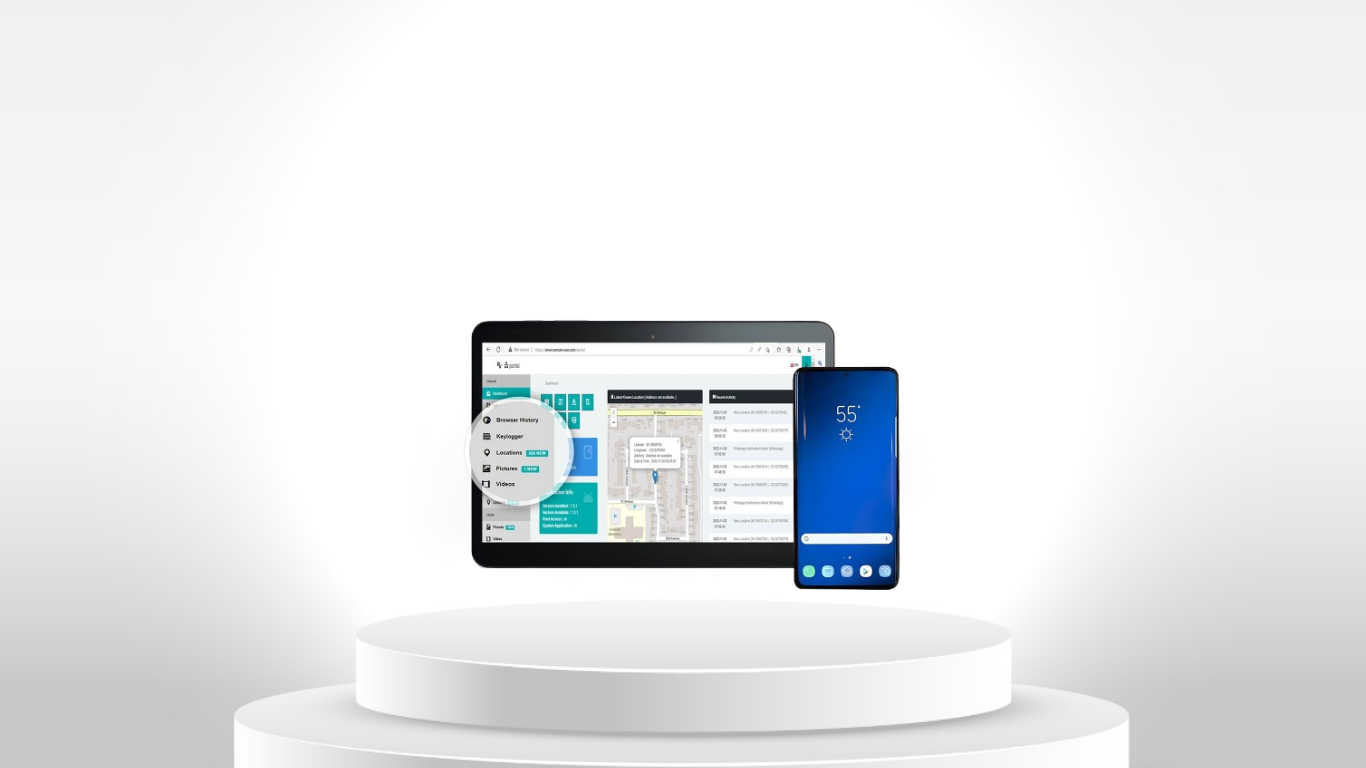
Offline / Controlled Investigation Processing
Processing investigative data in a controlled environment with reduced exposure to unrelated systems or external services. EX-1 Investigation Suite Designed as a controlled, offline-by-default processing environment using USB-based tools and external evidence storage. Limitation: EX-1 is principally focused on mobile data extraction and processing rather than serving as a universal forensic platform or general-purpose computing environment.
Content-Specific Investigation
Identifying and reviewing particular categories of digital material such as images, video or explicit content. Photo & Video Investigation Kit USB Porn Detection Scanner for Windows OS Provides specialized content identification, organization and review functions. Limitation: These are focused investigative utilities rather than complete digital-forensics platforms. Effectiveness depends on accessible files, supported storage formats and the specific review objective.
Mobile Device Investigation
Examining supported smartphones, tablets, SIM cards and associated digital artifacts. Cell Phone Investigation Kit iRecovery Stick for iPhone Phone Recovery Stick for Android OS SIM Card Seizure Provides structured mobile-data access and artifact discovery where permitted access is available. Limitation: Device model, OS version, security configuration, credentials, connectivity and data location can materially affect what information can be obtained.
Technology Selection & Operational Limitations Digital investigation technologies are not interchangeable. Acquisition, extraction, recovery, duplication, examination, analysis and reporting represent different technical activities, and actual capability depends on the evidence source, device model, operating system, software version, security configuration, access conditions, storage format and the specific technology being used.

Some technologies are designed for targeted extraction, recovery, media duplication, triage or evidence review, rather than complete forensic imaging or end-to-end forensic investigation. Product-specific limitations therefore matter when selecting technology for an operational requirement.

Archthetic presents each technology according to its actual operational capability and limitation, helping investigators select the appropriate solution according to the evidence source, investigation stage and operational requirement.

Digital Investigation & Evidence Technology - FAQ

Digital Investigation & Evidence Technology — Frequently Asked Questions

1. Digital Investigation Fundamentals

What is digital investigation technology?

Digital investigation technology helps investigators collect, recover, examine, analyze, preserve, and report digital evidence from devices and storage media. It can support investigations involving smartphones, SIM cards, computers, removable storage, photographs, video, audio, and other digital sources.

What is digital evidence?

Digital evidence is information stored or transmitted in digital form that may be relevant to an investigation. Examples include messages, call records, photographs, videos, documents, browser data, application data, device records, and SIM-resident information.

What is the difference between acquisition, extraction, recovery, examination, analysis, and reporting?

These are different investigation activities:

  • Acquisition — obtaining evidence from a device or storage source.
  • Extraction — retrieving specific data or artifacts.
  • Recovery — attempting to retrieve deleted, damaged, or inaccessible data.
  • Examination — reviewing and organizing extracted evidence.
  • Analysis — interpreting evidence and identifying relationships or findings.
  • Reporting — documenting and presenting investigation results.

A product may support one or several of these stages without being a complete forensic platform.

What is mobile device forensics?

Mobile device forensics is the controlled process of identifying, preserving, acquiring, examining, and analyzing evidence from mobile devices such as smartphones and tablets.

Is digital investigation the same as forensic imaging?

No. Forensic imaging generally involves creating a forensic copy of a storage source while preserving relevant evidence structure and integrity. A tool that copies photographs, videos, files, or selected application data is not automatically a forensic imaging solution.

2. Product Technical Uses & Step-by-Step Workflows

EX-1 Investigation Suite

The EX-1 is a controlled mobile-data investigation workstation designed for mobile data extraction and related investigation tasks.

Typical workflow:

  1. Prepare the controlled EX-1 investigation environment.
  2. Identify the device or digital evidence source.
  3. Select the appropriate investigation tool.
  4. Connect the authorized evidence source.
  5. Perform the supported extraction or collection operation.
  6. Store resulting case data on the external 1TB drive.
  7. Process or review the dataset using the included tools.
  8. Use Python or CSV processing where appropriate.
  9. Record tools, versions, procedures, and relevant case information.

Technical boundary: The EX-1 is a controlled mobile investigation workstation, not a universal forensic imaging and analysis platform.

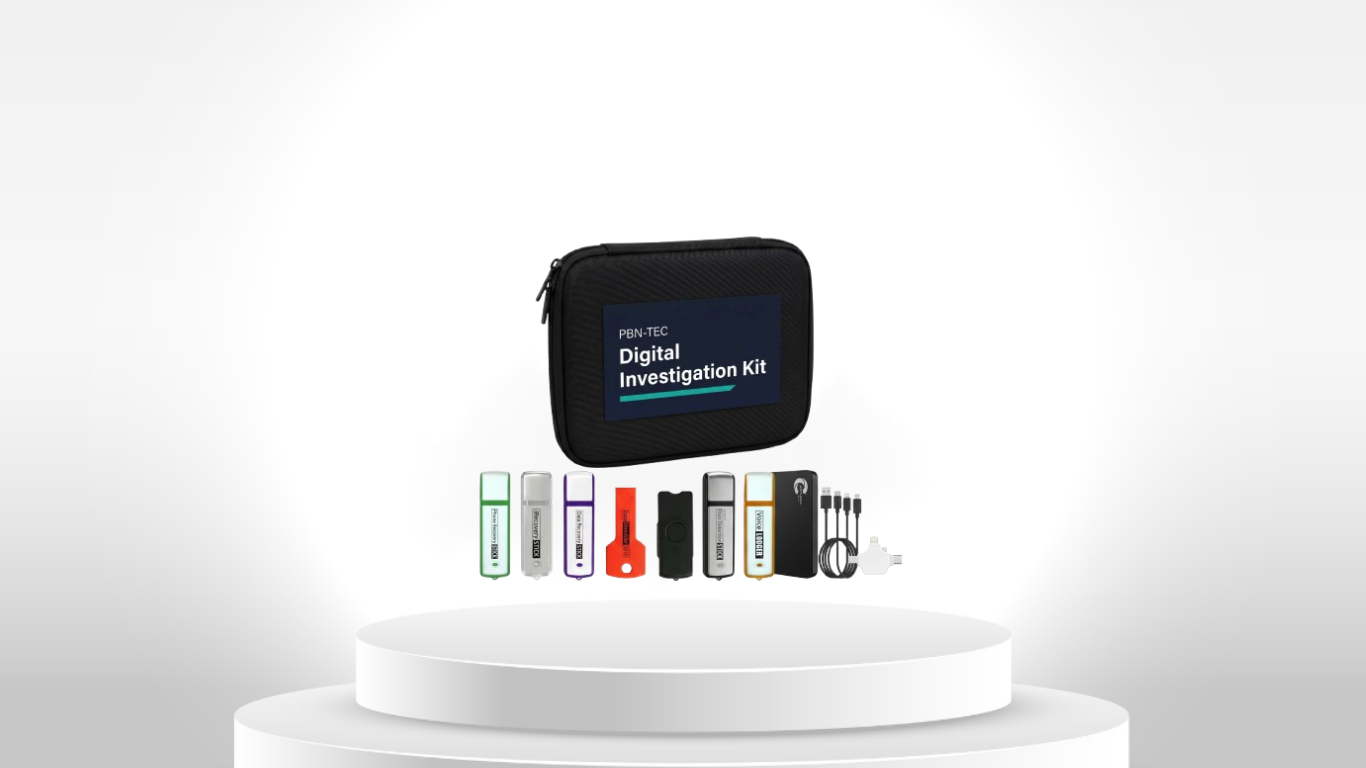
Complete Digital Investigation Kit

A multi-tool investigation kit covering supported mobile devices, SIM cards, Windows storage, media acquisition, recovery, and related tasks.

Typical workflow:

  1. Identify the evidence source.
  2. Select the tool designed for the source or task.
  3. Prepare the required cable, adapter, reader, or storage.
  4. Perform the supported acquisition, extraction, recovery, or duplication operation.
  5. Consolidate the resulting data.
  6. Preserve the collected material appropriately.
  7. Examine and report the relevant findings.

Technical boundary: This is a collection of specialized investigation tools, not one universal forensic extraction engine.

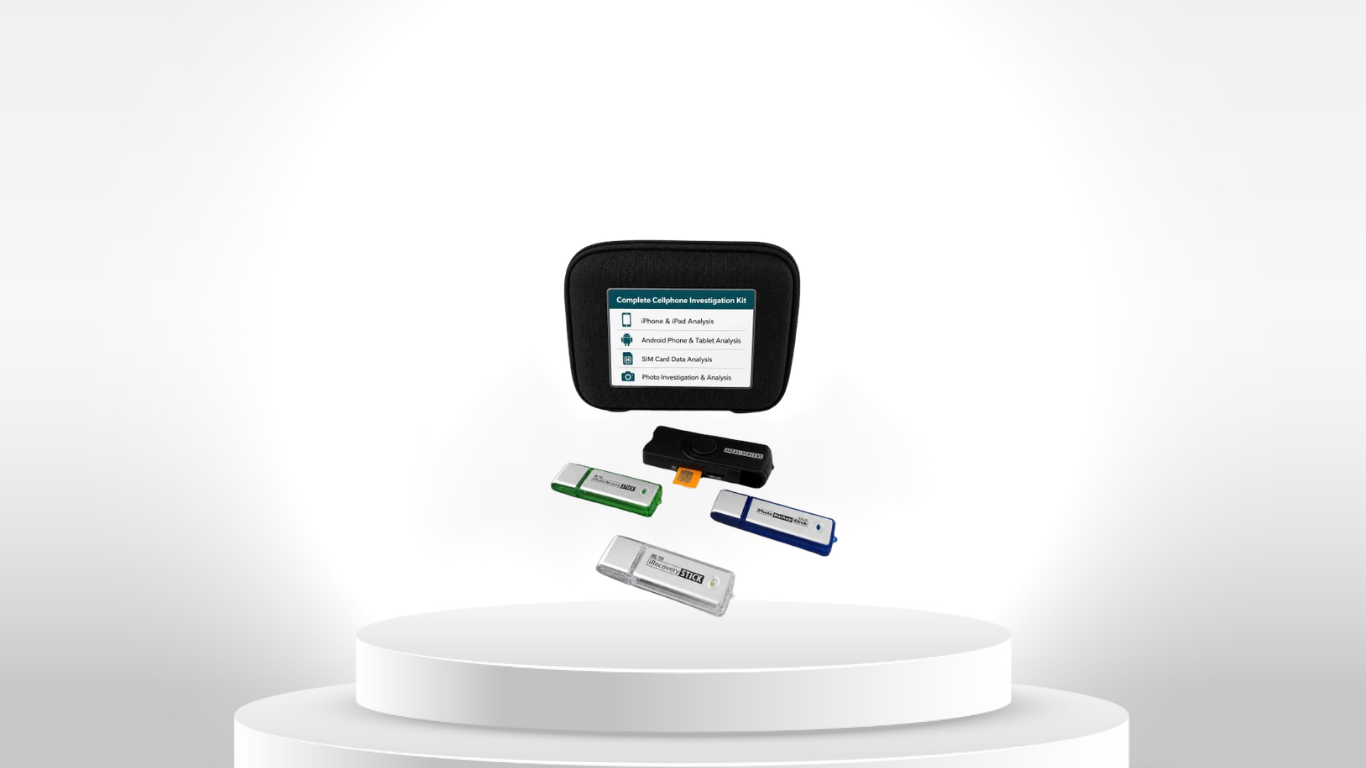
Cell Phone Investigation Kit

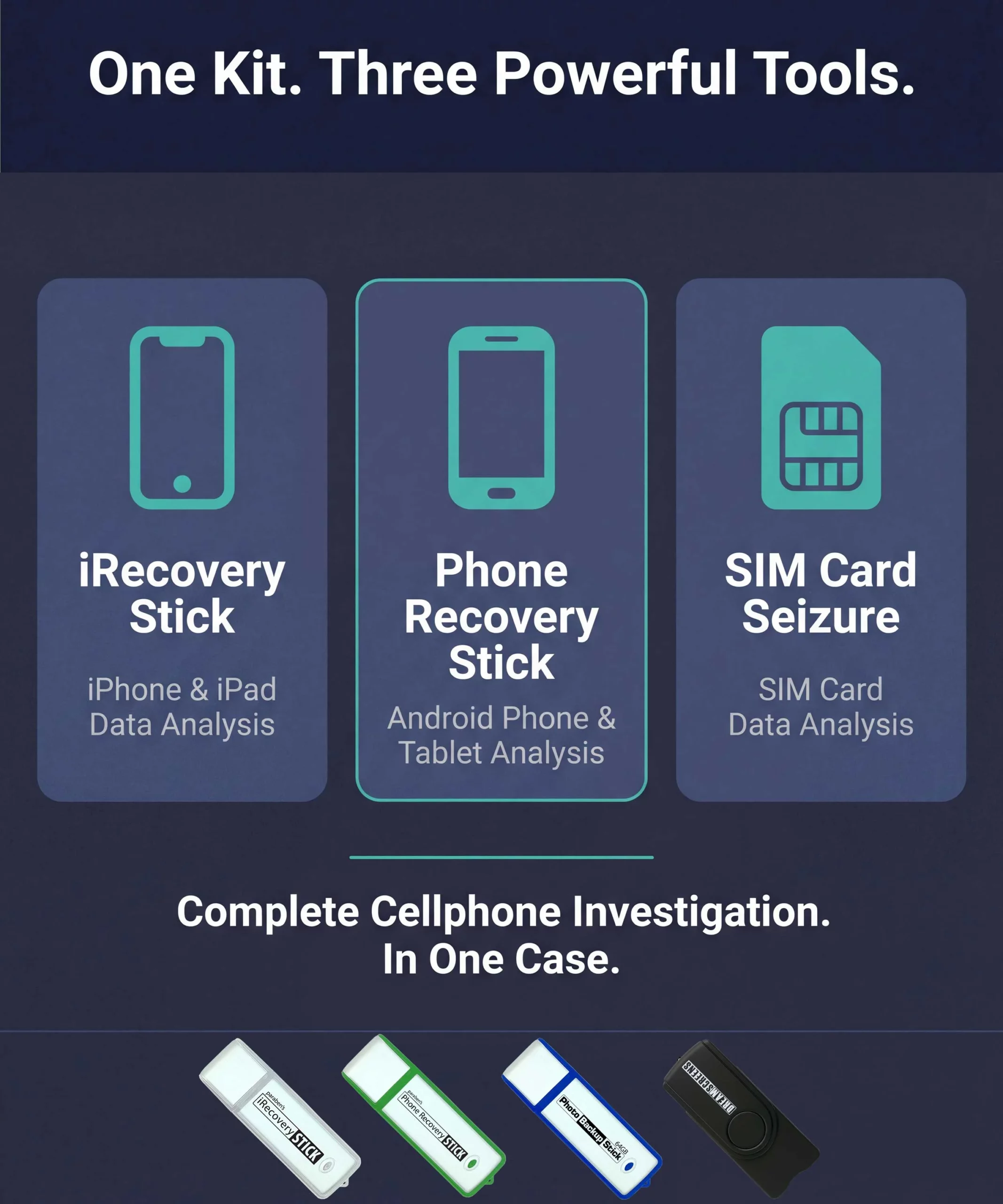
A dedicated toolkit for supported mobile phones and SIM cards, including iRecovery, Phone Recovery, and SIM Card Seizure.

Typical workflow:

  1. Identify the phone and operating system.
  2. Determine which tool supports the device and evidence required.
  3. Confirm authorized access.
  4. Prepare the appropriate cable or adapter.
  5. Connect the source to the investigation computer.
  6. Perform the supported extraction or recovery operation.
  7. Save, review, and correlate the resulting data.

Technical boundary: Results depend on device model, operating-system version, security configuration, credentials, and tool support.

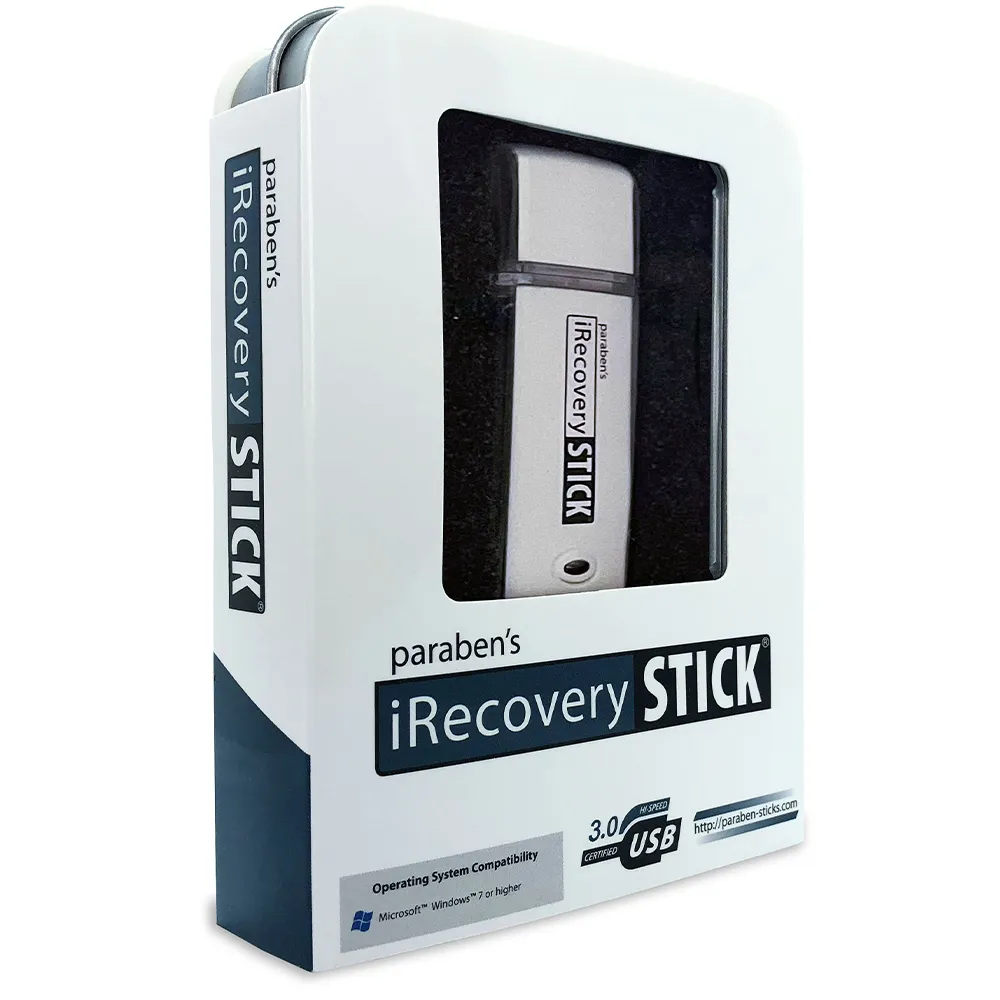
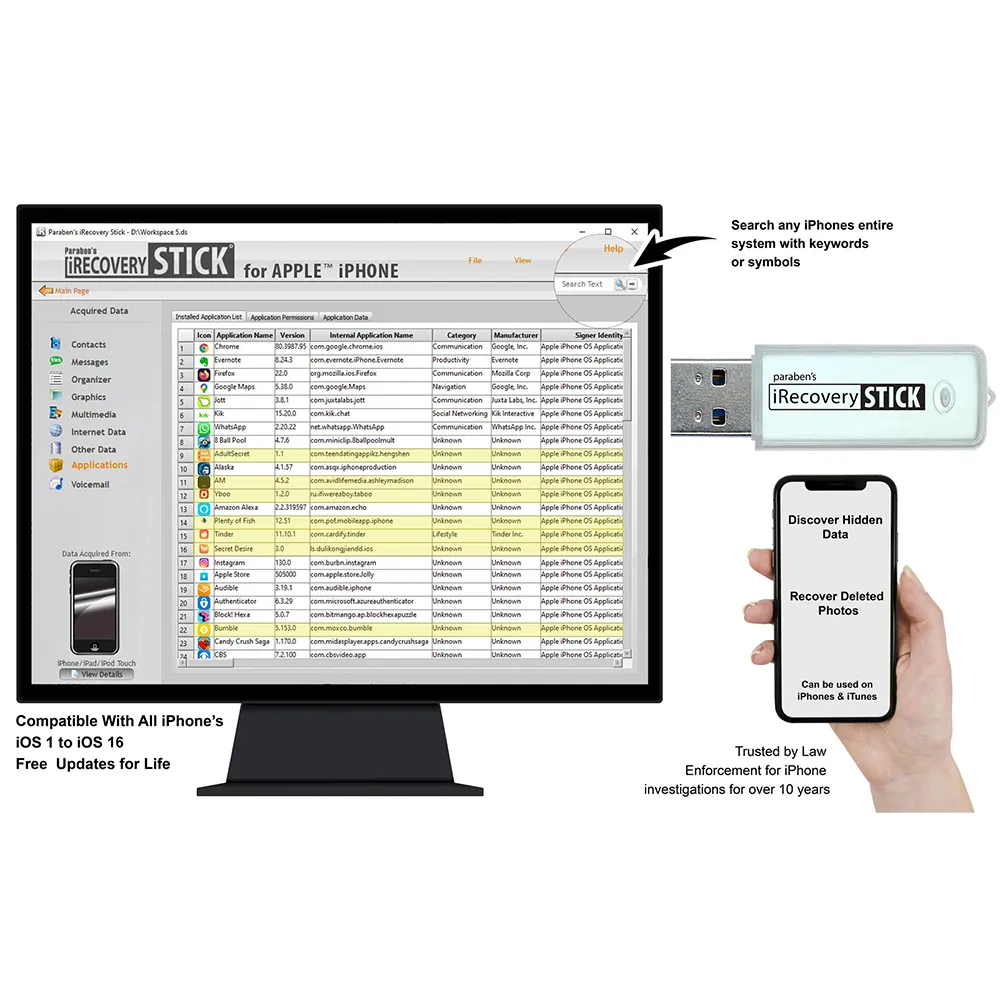
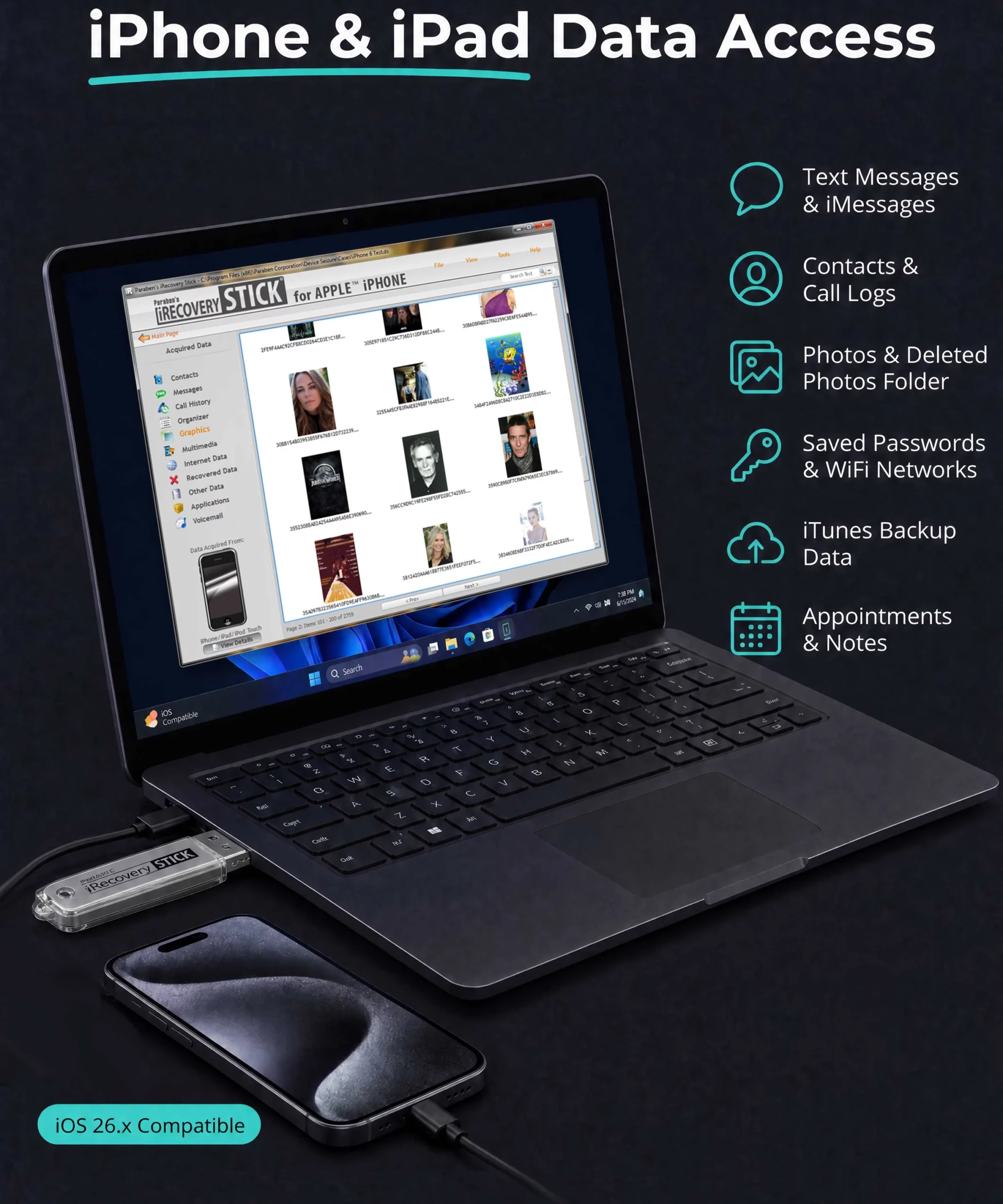
iRecovery Stick for iPhone

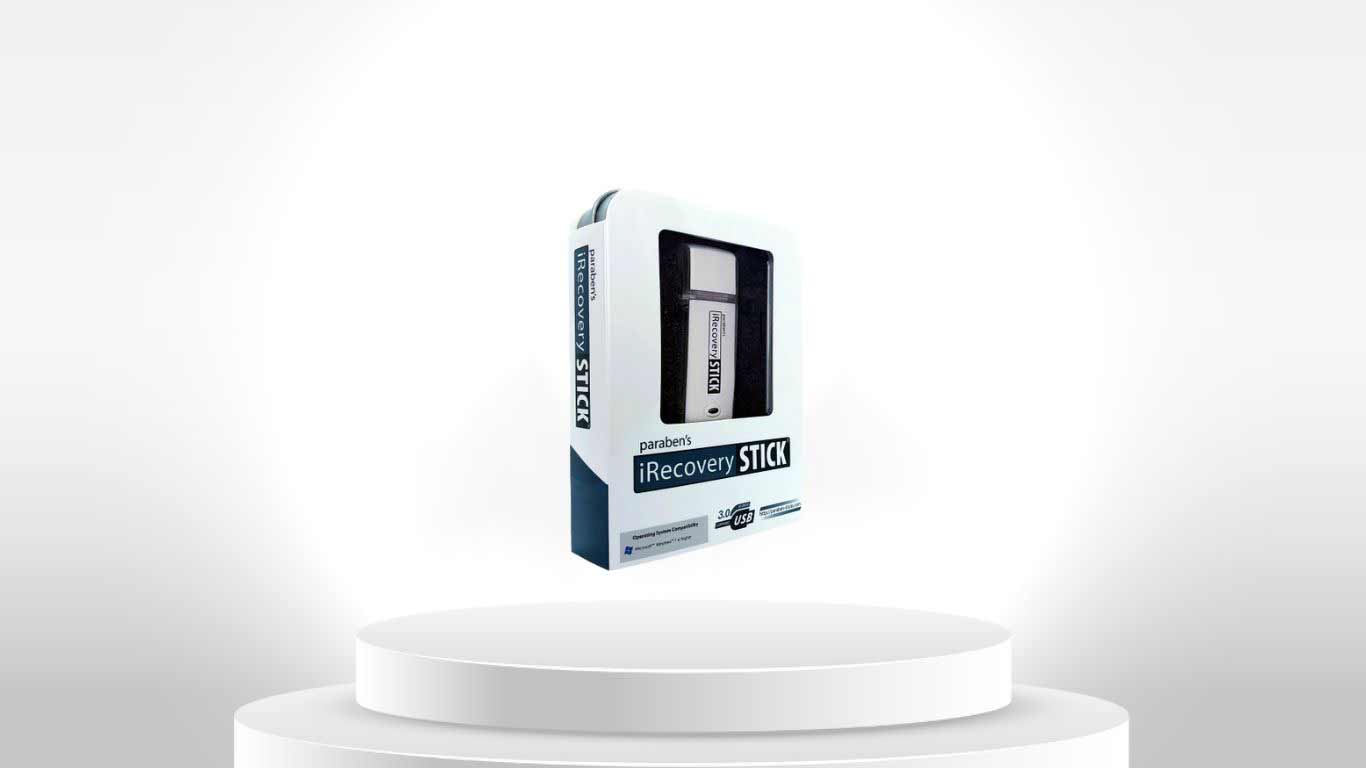
Designed for supported iPhone, iPad, and iPod touch devices, with current manufacturer documentation specifying iOS 16.x and below.

Typical workflow:

  1. Identify the Apple device and iOS version.
  2. Confirm authorized access to the device or available backup.
  3. Prepare a compatible Windows environment and cable.
  4. Connect the device when required.
  5. Perform the supported data extraction.
  6. Search the resulting dataset.
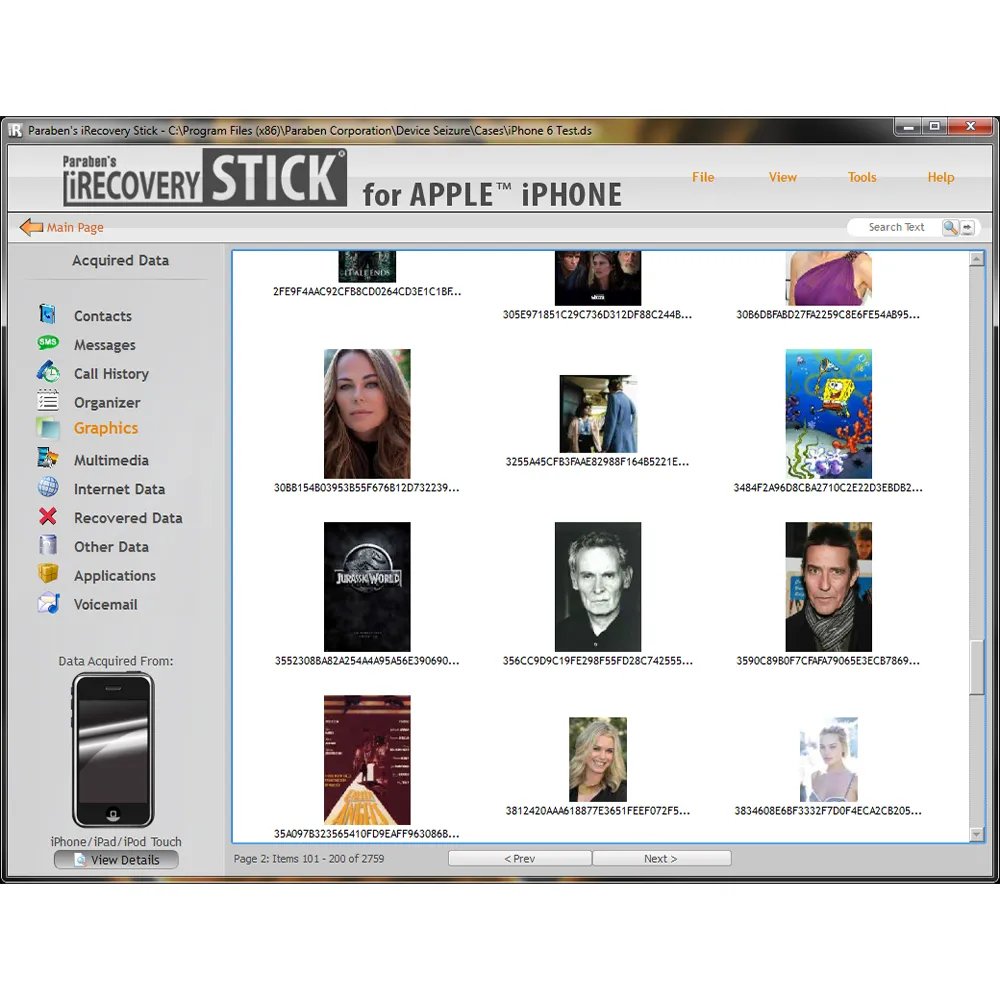
  7. Review available photographs, deleted content, bookmarks, and supported artifacts.
  8. Bookmark relevant findings.
  9. Export required evidence or reports.

Technical boundary: Current documentation specifies support through iOS 16.x and below; it should not be treated as a universal extractor for all current iOS versions.

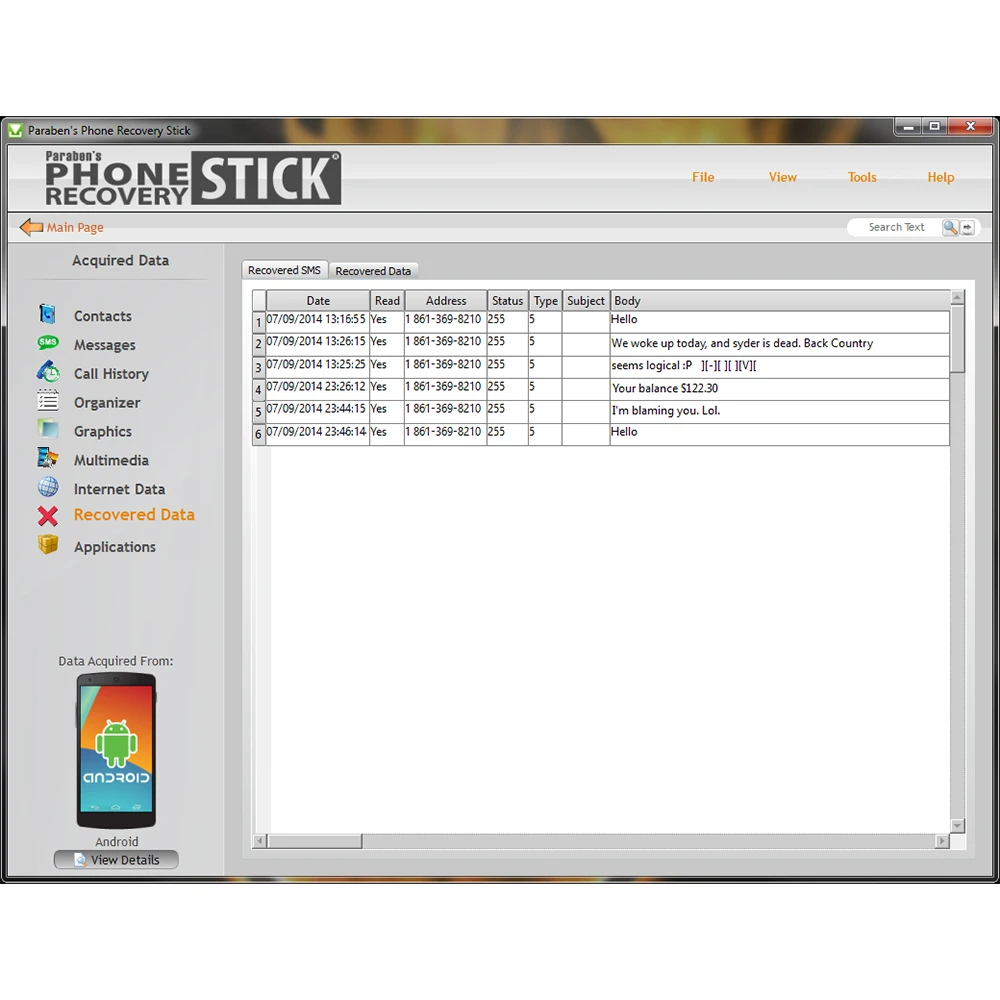
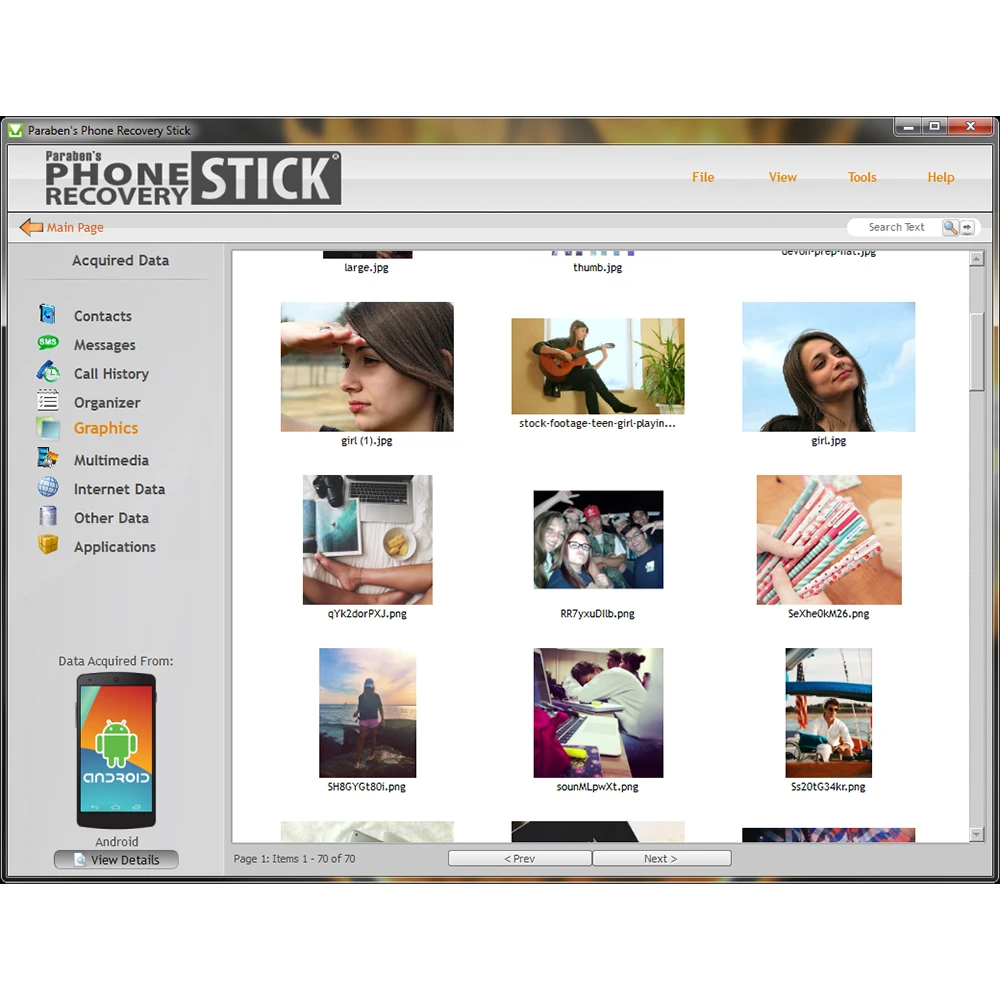
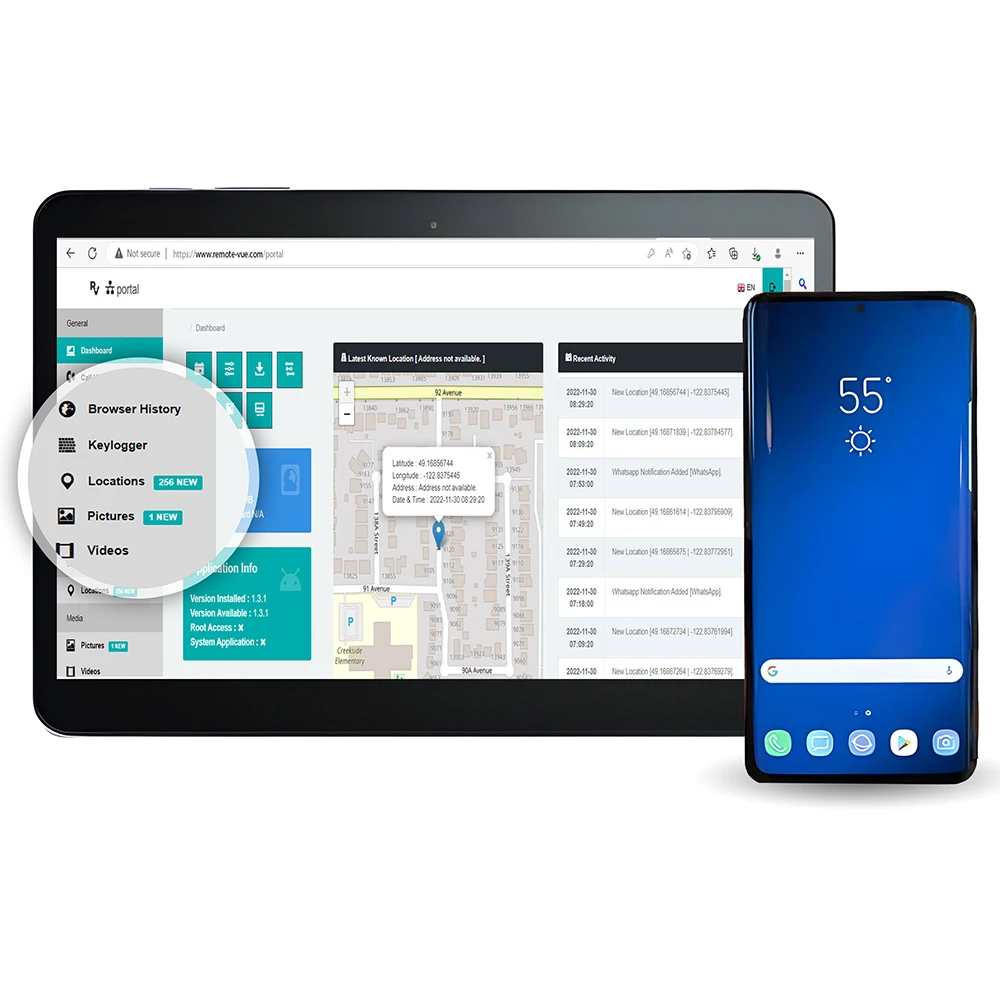
Phone Recovery Stick for Android

Designed to retrieve supported Android data where lawful access and compatible device conditions are available.

Typical workflow:

  1. Identify the Android device and operating-system version.
  2. Confirm authorized access.
  3. Prepare the supported Windows environment and cable.
  4. Configure the device according to the supported procedure.
  5. Connect the device.
  6. Retrieve supported user data.
  7. Filter and review the results.
  8. Export relevant findings.
  9. Document the extraction conditions.

Technical boundary: Deleted-data recovery is not guaranteed and depends on device, operating system, security controls, storage condition, and tool support.

SIM Card Seizure

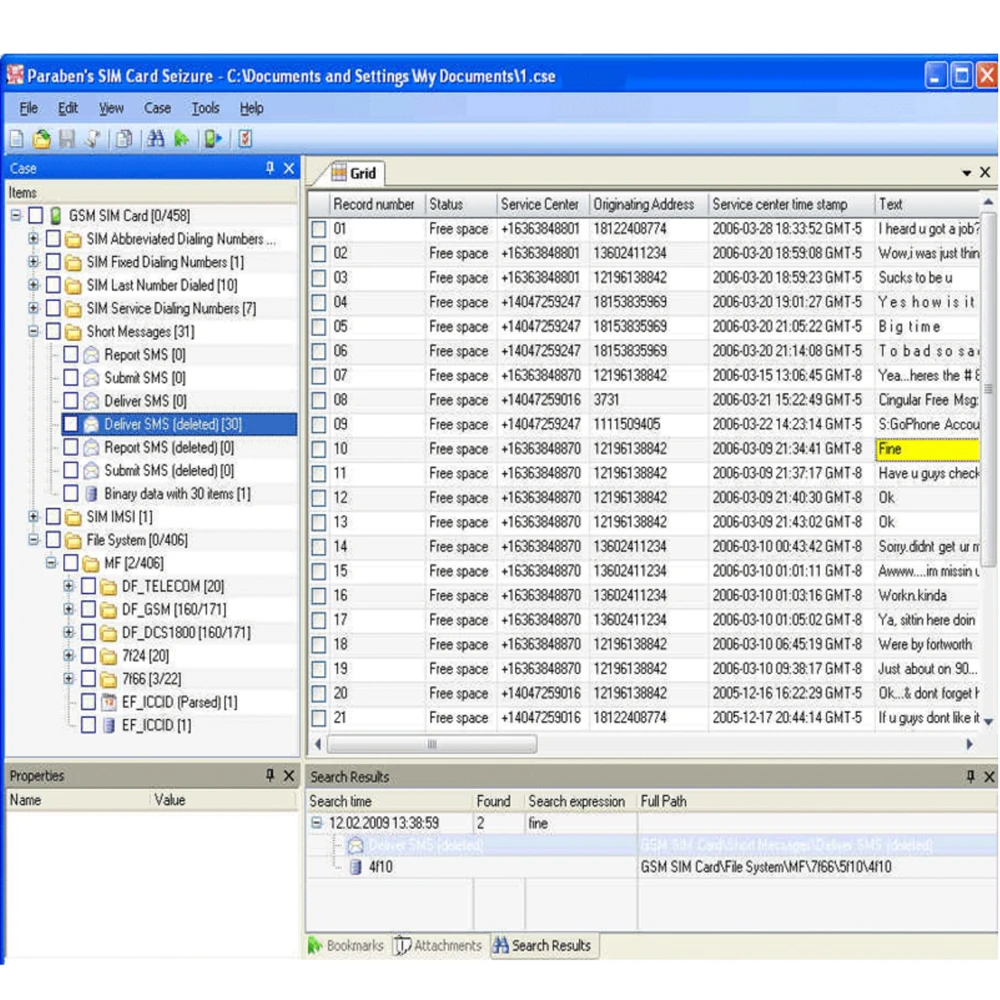
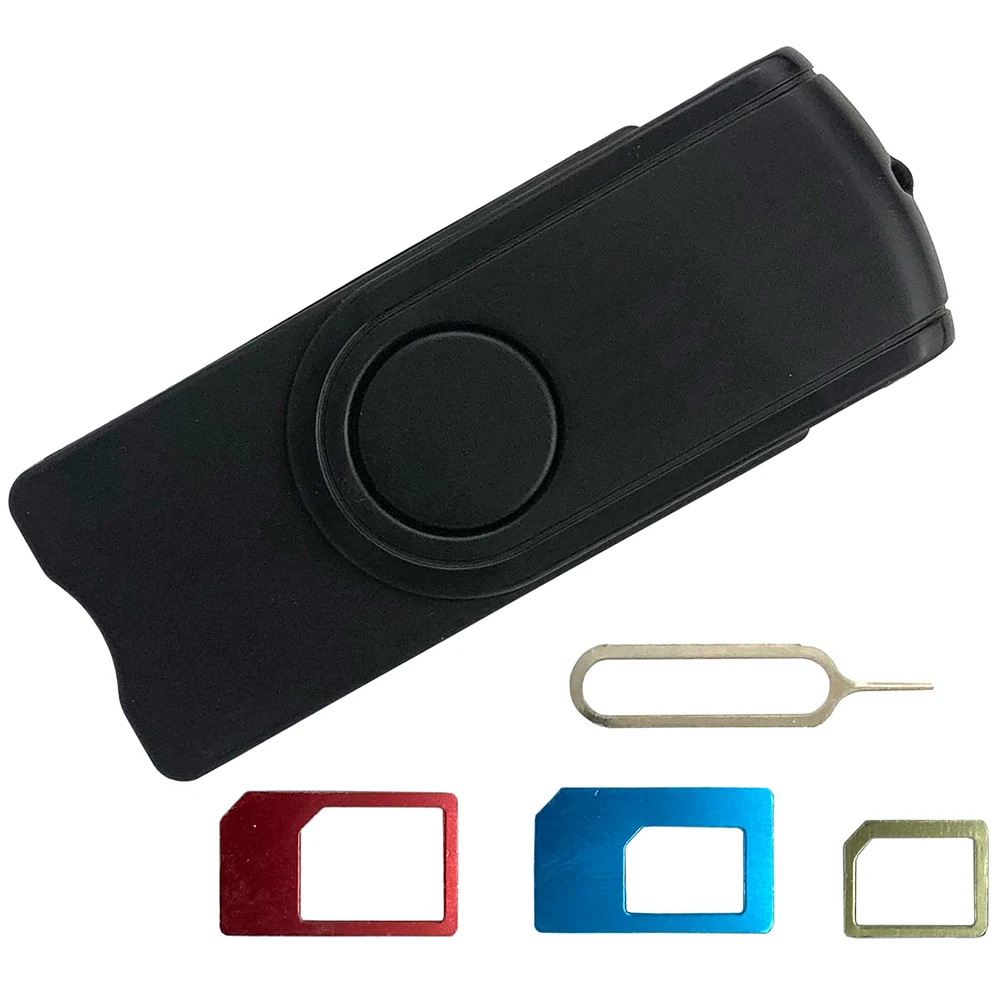
Designed to extract and examine information stored on a SIM card, including supported contacts, SMS messages, and last-dialed numbers.

Typical workflow:

  1. Identify and document the SIM card.
  2. Select the correct SIM adapter.
  3. Insert the SIM into the reader.
  4. Connect the reader to the investigation computer.
  5. Read supported SIM-resident data.
  6. Examine available records.
  7. Attempt recovery of supported deleted records.
  8. Generate or export the report.

Technical boundary: SIM investigation only addresses information stored on the SIM. It is not equivalent to examining the handset's internal storage.

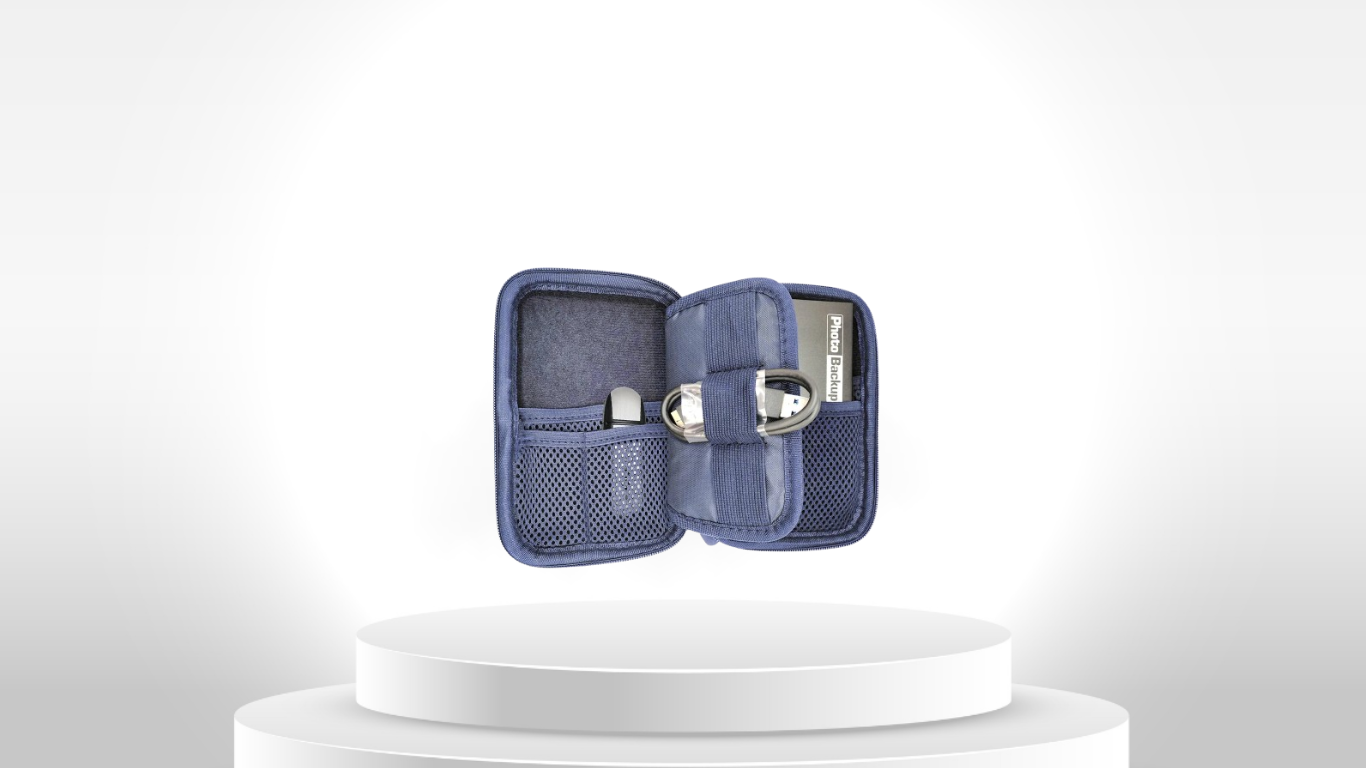
Photo & Video Investigation Kit

Designed for rapid acquisition, duplication, organization, and examination of image and video content from supported sources.

Typical workflow:

  1. Identify the source containing the media.
  2. Connect the source to the investigation computer.
  3. Make the source data accessible.
  4. Locate supported photographs and videos.
  5. Duplicate the relevant media.
  6. Detect and manage duplicate content.
  7. Consolidate the collected media.
  8. Review media and available metadata.

Technical boundary: Media duplication and acquisition are not automatically equivalent to complete forensic imaging.
Capturra Action Drive Kit

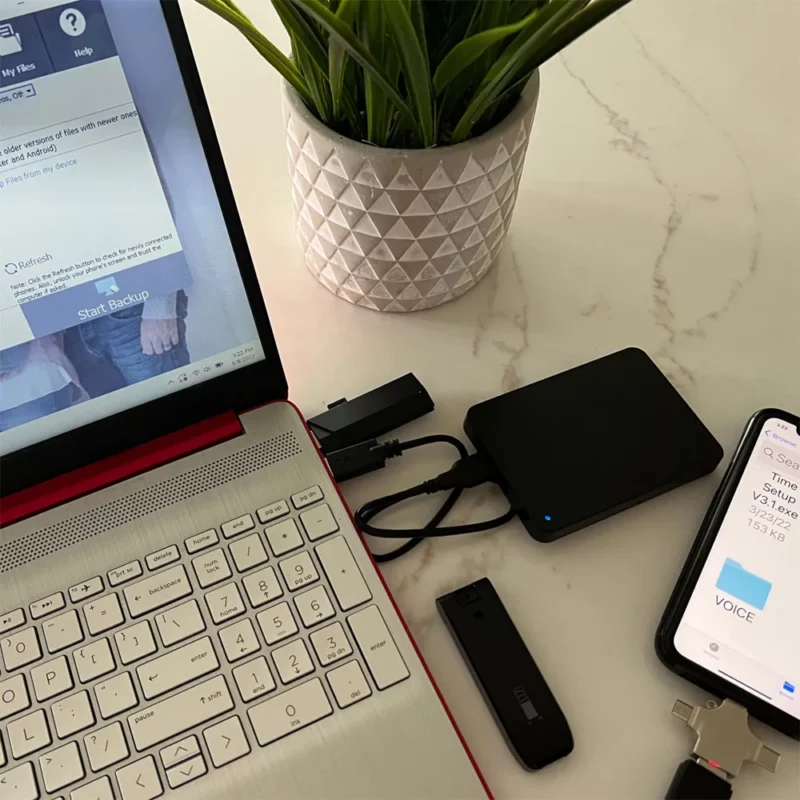
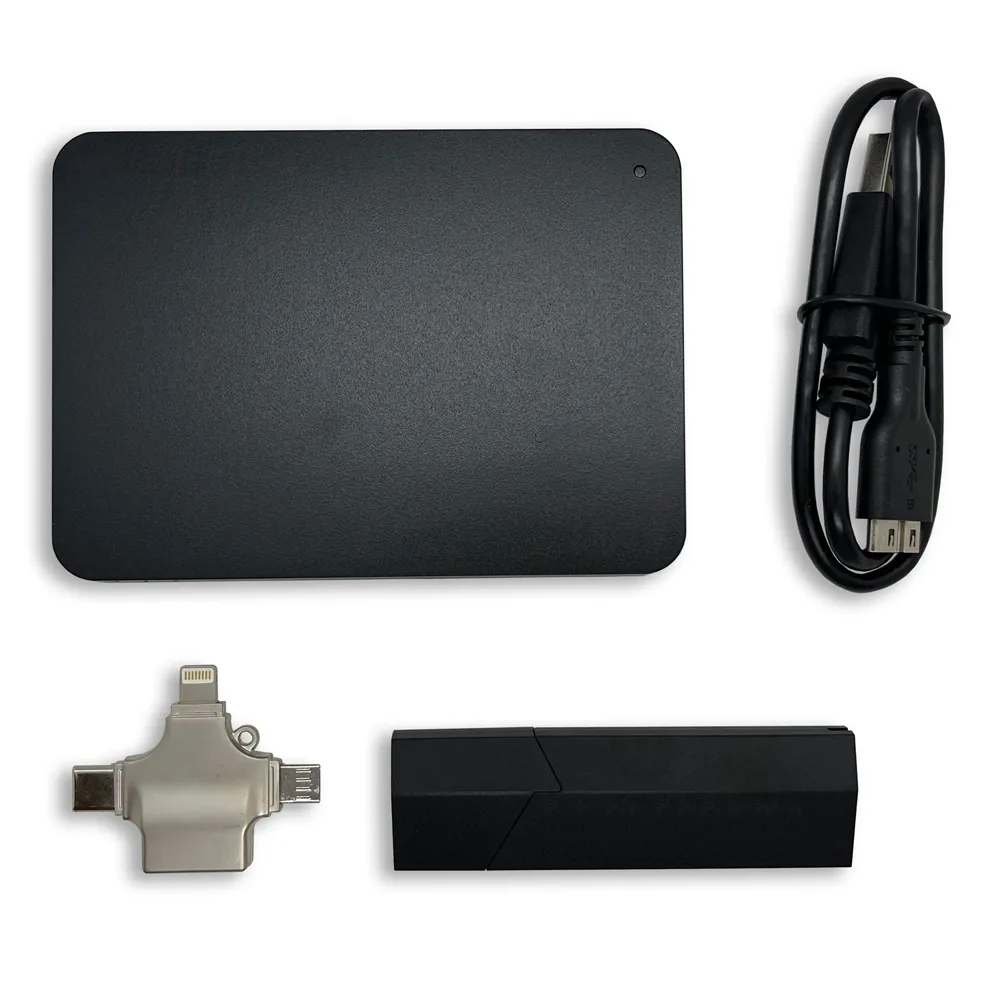
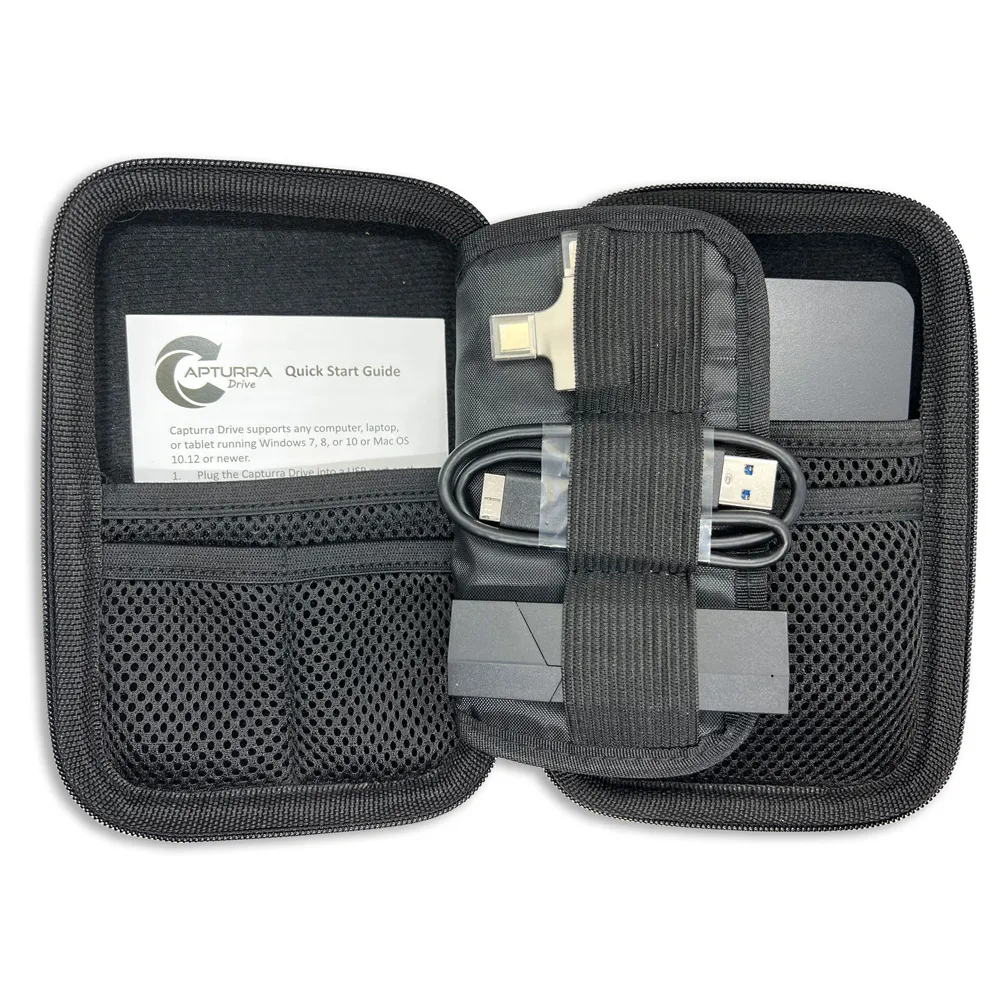
A 1TB portable storage and duplication system designed to collect and consolidate image and video content.
Typical workflow:

  1. Connect Capturra to the investigation computer.
  2. Connect the supported source device or storage.
  3. Make the source data accessible.
  4. Select the source folder in the software.
  5. Start the duplication process.
  6. Store collected content on the Capturra drive.
  7. Disconnect and preserve the collected dataset.

Technical boundary: Capturra is a content duplication and collection system, not automatically a complete forensic imaging solution.

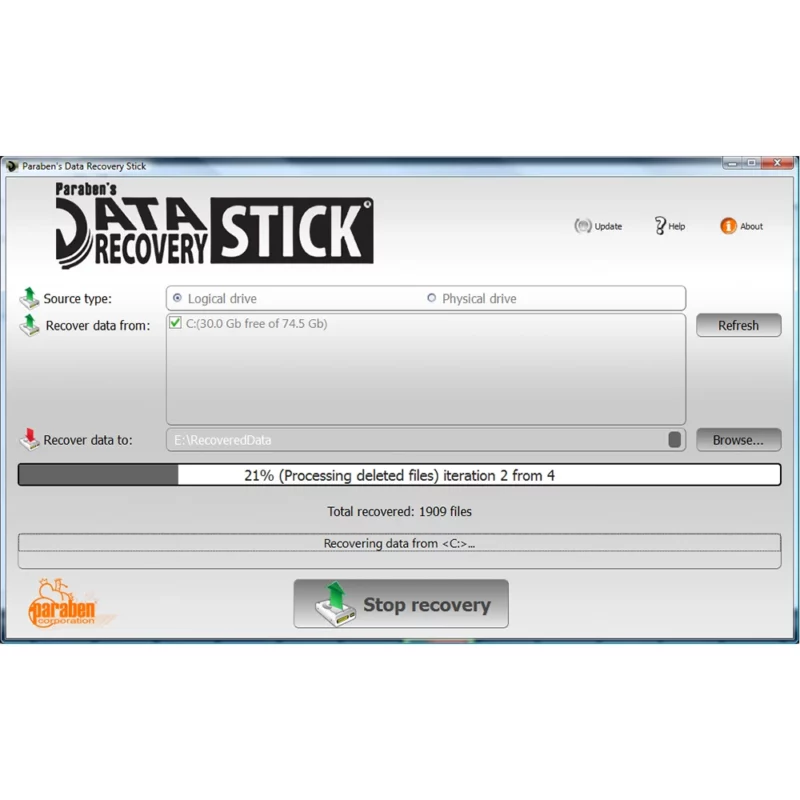
Data Recovery Stick

Designed to recover deleted or inaccessible files from supported Windows storage media and filesystems.

Typical workflow:

  1. Identify the target storage device.
  2. Confirm filesystem support.
  3. Connect the recovery tool.
  4. Scan the target storage.
  5. Identify potentially recoverable files.
  6. Review the recovery results.
  7. Save recovered files to a separate destination.
  8. Document the recovery process.

Technical boundary: Recovery depends on overwriting, corruption, fragmentation, storage condition, and supported filesystem structures.

Data Shredder Stick

Designed to permanently destroy data from supported storage devices when destruction is authorized.

Typical workflow:

  1. Confirm that the data is authorized for destruction.
  2. Identify the correct storage device.
  3. Connect the device.
  4. Start the required destruction operation.
  5. Confirm the target.
  6. Execute the selected data-erasure process.
  7. Document the destruction.

Technical boundary: Do not use data-destruction tools on evidence that must be preserved.

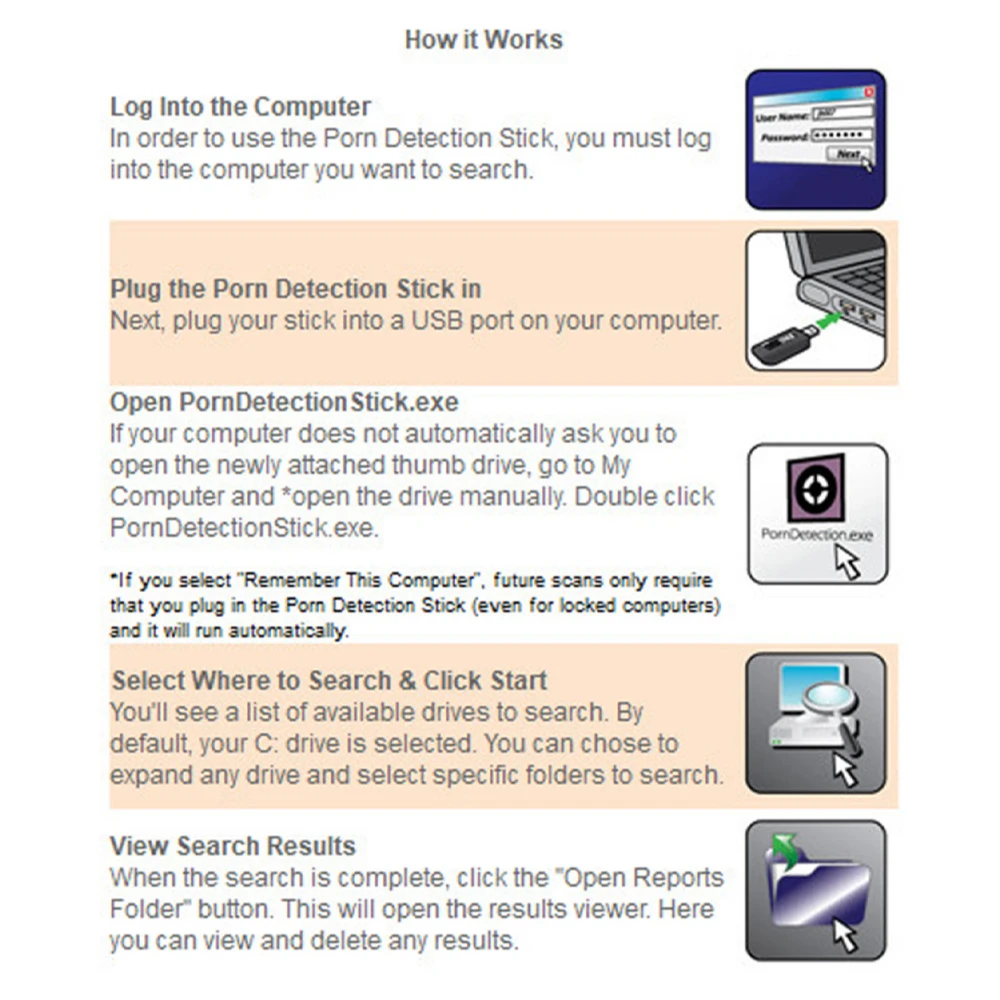
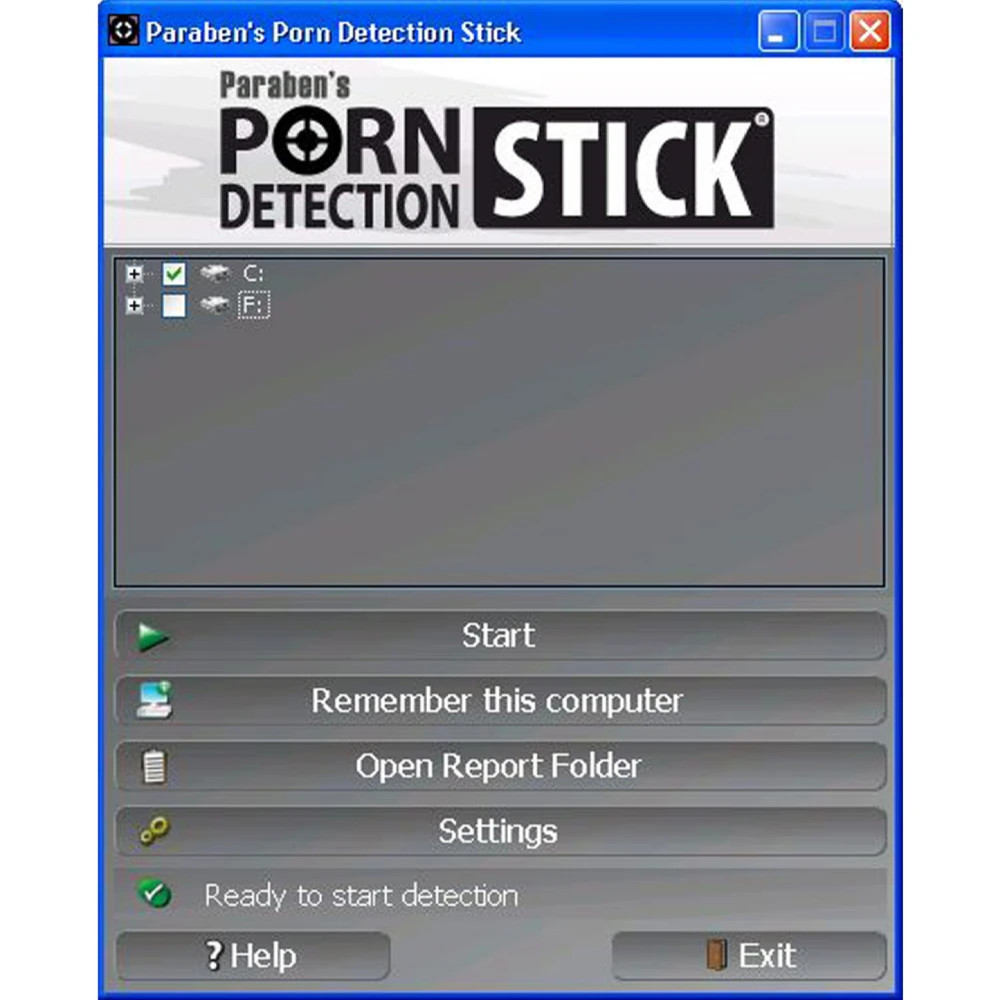
USB Porn Detection Scanner

A Windows-based content-scanning tool designed to identify potentially explicit image and video content on supported local or removable storage.

Typical workflow:

  1. Connect the supported storage source.
  2. Start the scanning software.
  3. Scan the selected storage.
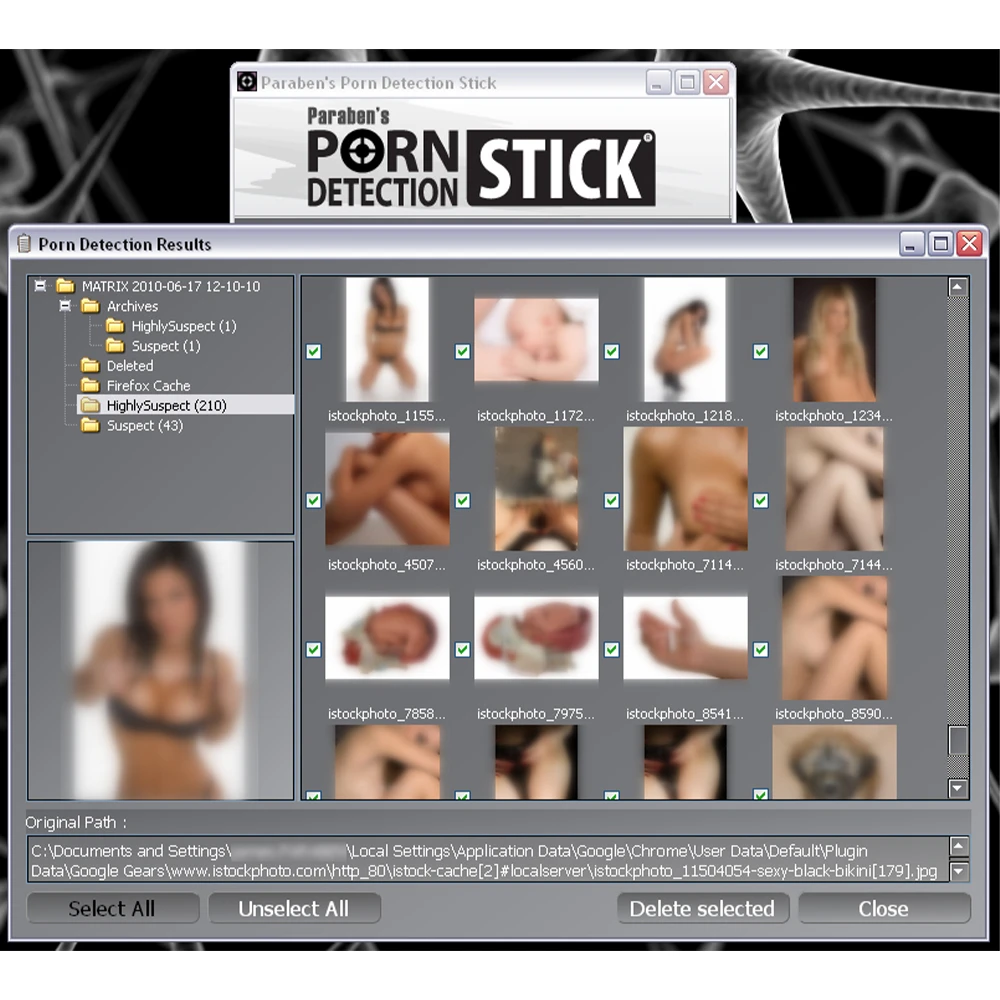
  4. Identify content flagged by the scanner.
  5. Manually review relevant results.
  6. Record or export findings.

Technical boundary: Automated detection is a screening function and does not by itself establish that content is illegal or prove an investigative conclusion.

Voicelogger Remote Audio Monitoring Software

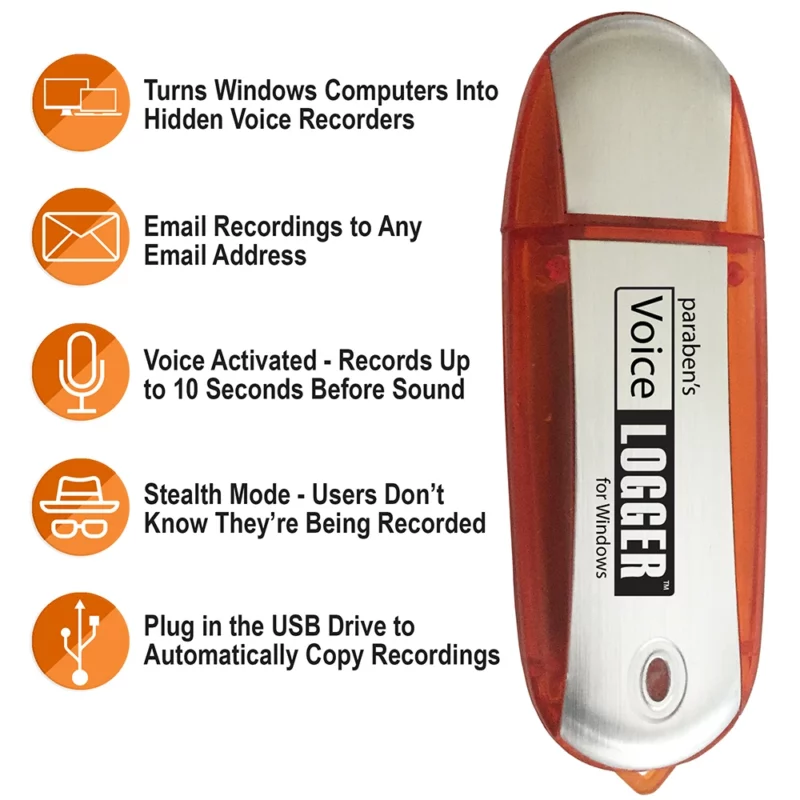
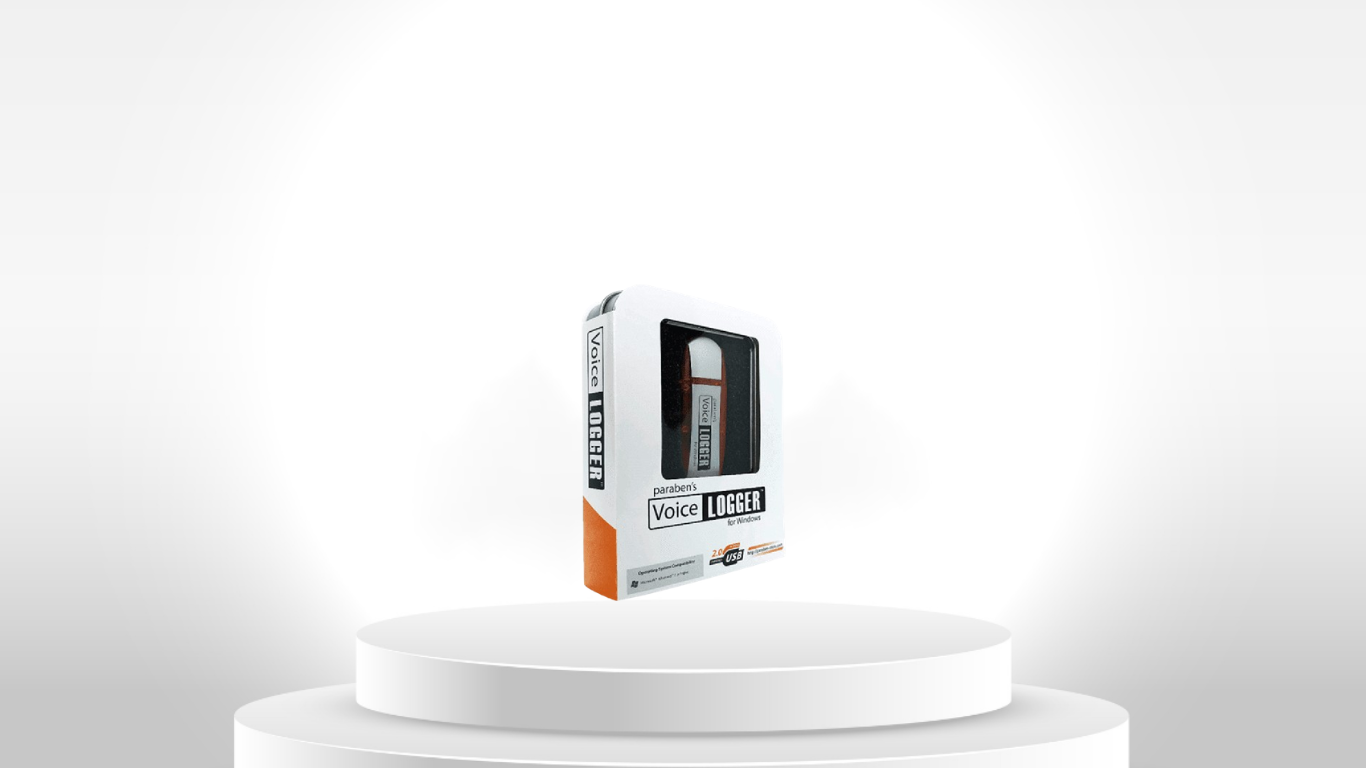
Windows software designed to capture audio from supported computer environments, including supported VoIP or surrounding audio sources.

Typical authorized workflow:

  1. Confirm that monitoring is lawful and authorized.
  2. Prepare the supported Windows environment.
  3. Configure the recording settings.
  4. Capture the authorized audio.
  5. Use VOX recording where appropriate.
  6. Retrieve recordings through a supported method.
  7. Review or transcribe the audio.
  8. Document the recording conditions.

Technical boundary: Voicelogger is an audio monitoring and recording tool, not a replacement for a broader forensic acquisition workflow.

Cloakey Portable Privacy USB

Provides a portable browsing environment intended to reduce local browsing artifacts on a Windows host, with password-management and optional encryption features depending on edition.

Typical workflow:

  1. Connect the USB device to a supported Windows computer.
  2. Launch the portable environment.
  3. Select the required privacy configuration.
  4. Conduct authorized browsing within the portable environment.
  5. Use password-management functions where required.
  6. Apply optional encryption where supported.

Technical boundary: Local artifact reduction is not the same as complete network anonymity.

3. Digital Evidence Acquisition & Extraction

What is digital evidence acquisition?

Acquisition is the controlled process of obtaining digital evidence from a device or storage source.

What is data extraction?

Extraction retrieves specific information or artifacts from a digital source.

Is extraction the same as acquisition?

Not always. Acquisition concerns obtaining evidence from the source, while extraction focuses on retrieving particular data or artifacts.

What affects mobile data extraction?

  • Device model
  • Operating-system version
  • Security configuration
  • Encryption
  • Credentials and authorized access
  • Device condition
  • Available interfaces
  • Tool capabilities and software version

Why can two tools produce different results from the same phone?

Different tools support different devices, operating systems, extraction methods, and artifacts. Tool capability and test conditions must therefore be considered when comparing results.

4. Mobile Device Investigation

What types of evidence can come from a smartphone?

Depending on the device and extraction method, evidence may include contacts, messages, photographs, videos, call information, application data, browser information, location-related artifacts, and other device records.

Does a locked smartphone always prevent investigation?

Not necessarily, but access limitations can significantly affect what can be obtained. The available method depends on device architecture, operating system, security controls, encryption, credentials, and supported technology.

Why does the operating-system version matter?

Operating-system updates can change security controls, storage structures, application behavior, permissions, and available extraction methods.

Can mobile forensic tools access every application?

No. Application data varies by operating system, application version, encryption, permissions, storage method, and tool support.

What is logical extraction?

Logical extraction retrieves data through supported operating-system or application interfaces rather than creating a complete physical copy of the underlying storage.

What is physical extraction?

Physical extraction attempts to obtain a lower-level representation of device storage. Availability depends heavily on device architecture, security controls, encryption, and the capabilities of the investigation technology.

5. SIM / UICC Investigation

What is SIM or UICC evidence?

SIM/UICC evidence is information stored within the subscriber identity module, such as supported contacts and messages.

Is SIM evidence the same as smartphone evidence?

No. A SIM card and the phone's internal storage are separate evidence sources and may contain different information.

Why might an SMS message not be found on a SIM?

Modern smartphones often store messages internally rather than on the SIM.

Can deleted SIM records be recovered?

Some deleted records may remain recoverable if they have not been overwritten and the investigation tool supports the relevant recovery method.

6. Deleted Data & Recovery

What is digital data recovery?

Data recovery is the attempt to retrieve deleted, damaged, inaccessible, or otherwise unavailable information.

Is deleted data actually gone?

Not always. Some underlying information may remain available until it is overwritten or otherwise destroyed.

Why can deleted data become unrecoverable?

Overwriting, encryption, storage management, corruption, physical damage, and changes to the storage system can prevent recovery.

Is data recovery guaranteed?

No. Recovery depends on the condition of the source and the capabilities of the recovery technology.

Is data recovery the same as forensic acquisition?

No. Recovery focuses on retrieving unavailable or deleted information, while acquisition focuses on obtaining evidence from the source in a controlled manner.

7. Photo, Video & Media Investigation

What is media investigation?

Media investigation focuses on photographs, video, and related information such as filenames, timestamps, metadata, duplicates, and file properties.

Why is metadata important?

Metadata can provide additional information about a digital file, including timestamps, device information, file properties, or location-related information when available.

Why detect duplicate photographs or videos?

Duplicate detection helps reduce repetitive review and organize large collections of media.

Can media acquisition prove that a photograph is authentic?

No. Acquisition does not by itself prove authenticity. Authenticity requires appropriate examination, provenance, integrity controls, and investigative context.

8. Computer & Windows Investigation

What types of Windows evidence can be investigated?

Depending on the tool and investigation objective, evidence can include files, deleted files, photographs, videos, documents, removable-storage content, and other supported artifacts.

What is file-system recovery?

File-system recovery attempts to reconstruct or retrieve files from supported storage structures.

Why do filesystem types matter?

Recovery tools depend on how information is organized on storage media. Different filesystems can require different recovery methods.

Can removable storage be investigated?

Yes. USB drives, SD cards, and other supported removable media can be examined using appropriate acquisition, recovery, or content-analysis tools.

Should investigators work directly on original evidence?

Where forensic procedures require preservation of the original, investigators generally work from an appropriate copy or controlled acquisition rather than altering the original evidence.

9. Controlled Investigation Environment

Why use a dedicated investigation workstation?

A controlled workstation can reduce unnecessary software activity and help separate investigation work from normal personal computing.

What is an offline investigation environment?

It is an environment designed to operate without unnecessary internet-connected services, helping reduce unintended cloud synchronization, background services, and other network activity.

Does offline operation automatically make evidence forensic-grade?

No. An offline environment improves operational control, but forensic reliability also depends on procedures, documentation, tool behavior, validation, evidence handling, and integrity controls.

10. Evidence Preservation, Integrity & Validation

What is evidence preservation?

Evidence preservation means protecting digital evidence from unnecessary alteration, loss, contamination, or destruction throughout an investigation.

What is evidence integrity?

Integrity concerns whether evidence remains accurate and unchanged from the point at which it was collected or preserved.

What is hashing?

A cryptographic hash produces a value representing digital data. Investigators can use hashes to help verify whether a file or dataset has changed.

What is chain of custody?

Chain of custody is the documented history of how evidence was collected, handled, transferred, stored, and accessed.

Why document the tool and software version?

Different versions can have different capabilities, behavior, supported devices, and processing results.

Does using a commercial investigation tool automatically make evidence admissible in court?

No. Legal admissibility depends on jurisdiction, evidence handling, procedures, documentation, validation, and other legal requirements.

What is forensic tool validation?

Tool validation is the process of testing whether a tool performs as expected for a particular function and under defined conditions.

11. Digital Evidence Examination & Analysis

What is digital evidence examination?

Examination is the structured review and processing of acquired evidence to identify relevant information and artifacts.

What is digital evidence analysis?

Analysis goes beyond finding data. It involves interpreting evidence, identifying relationships, reconstructing events, and developing investigative findings.

What is timeline analysis?

Timeline analysis organizes relevant events according to time and can help investigators compare activities across devices, files, applications, communications, and other evidence sources.

What is artifact analysis?

Artifact analysis examines digital traces produced by devices, applications, operating systems, or user activity.

Can software replace investigator judgment?

No. Automated tools can accelerate collection, filtering, classification, and analysis, but investigative conclusions require human review and context.

12. AI-Ready Digital Evidence

How can AI support digital investigations?

AI can assist with classification, searching, transcription, summarization, pattern detection, and large-scale evidence review.

Should AI-generated findings be treated as final evidence?

No. AI output should be treated as an analytical aid and verified against the underlying evidence by a qualified investigator.

13. Choosing Digital Investigation Technology

Which technology is best for mobile device investigation?

There is no single best tool for every device. Selection should consider device type, operating system, required artifacts, access conditions, investigation stage, reporting requirements, and validation needs.

Which tool is best for deleted-file recovery?

A dedicated recovery tool is appropriate when an investigation specifically concerns deleted or inaccessible files, provided the target filesystem and storage condition are supported.

Which tool is best for photographs and video?

A dedicated media acquisition and examination tool is useful when an investigation involves large collections of photographs or video.

Which tool should be used for SIM evidence?

A SIM/UICC investigation tool is appropriate when the evidence of interest is stored on the SIM rather than only within the handset.

When is a controlled investigation workstation useful?

It is useful when investigators need a dedicated environment for repeated mobile-data investigation tasks and controlled case-data processing.

When is a specialized toolkit more useful than one platform?

A toolkit can be useful when an investigation involves several evidence sources, such as smartphones, SIM cards, removable storage, photographs, video, and deleted files.

Should product selection be based only on the number of supported devices?

No. Device count alone does not describe extraction depth, artifact coverage, recovery capability, reporting, validation, or evidence-preservation requirements.

What should investigators check before purchasing a digital investigation tool?

  • Supported device models
  • Operating-system versions
  • Supported evidence types
  • Extraction methods
  • Recovery capability
  • Filesystem support
  • Reporting functions
  • Export formats
  • Tool updates
  • Validation information
  • Documentation
  • Hardware requirements
  • Evidence-preservation workflow
  • Known limitations

14. Professional Boundaries & Technical Limitations

Can one product perform every stage of a digital investigation?

Usually not. Digital investigations often require different technologies for acquisition, extraction, recovery, examination, analysis, preservation, and reporting.

Does data extraction mean that all evidence was collected?

No. Extraction may retrieve only the data supported by the particular tool, device, operating system, access condition, and extraction method.

Does recovery mean that all deleted data can be restored?

No. Recovery depends on storage condition, overwriting, corruption, encryption, and technical support.

Does copying a file preserve all forensic information?

Not necessarily. A normal file copy may preserve the file itself while omitting storage-level information that can be important in forensic examination.

Does a report automatically prove the underlying finding?

No. A report documents processed information. Investigators must still understand the source, extraction method, processing steps, and supporting evidence.

Does a specialized investigation tool replace forensic procedures?

No. Technology supports an investigation; it does not replace proper evidence handling, documentation, validation, preservation, or investigator judgment.

Why should product capabilities always be checked against manufacturer documentation?

Device support, operating-system support, software versions, extraction methods, and technical capabilities can change over time.

Why are product limitations included in a professional technology catalog?

Responsible technology selection requires understanding not only what a product can do, but also what it cannot do. The correct solution depends on the evidence source, investigation objective, technical environment, and required level of evidence handling.